
Vance Video AI
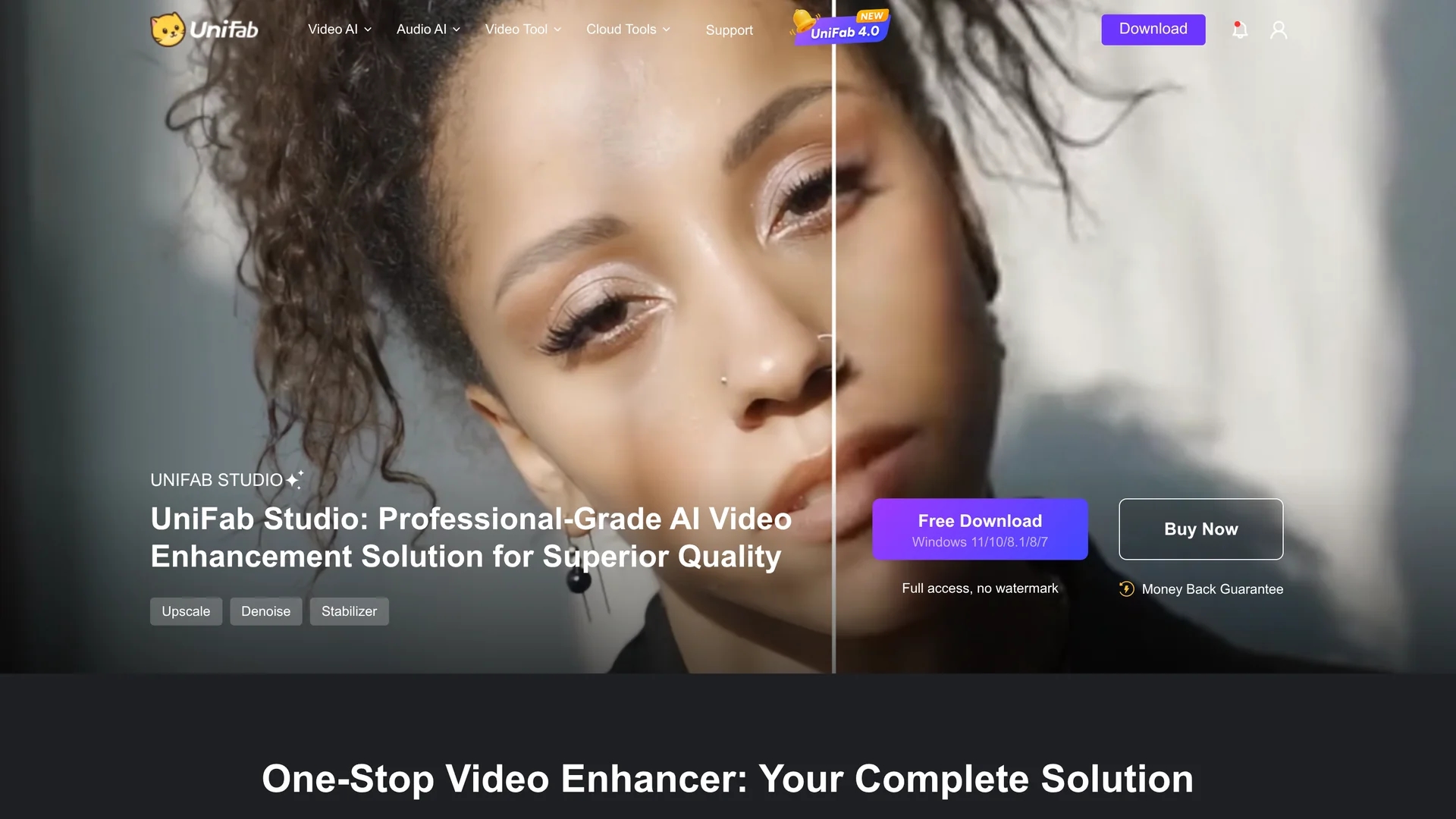
VanceAI Video AI enhances video quality with AI-powered upscaling, denoising, stabilization, and color enhancement, transforming low-resolution footage into stunning 4K or 8K visuals with smooth motion and vivid colors.
Disclaimer: Visionary Hub is not affiliated with, endorsed by, or the operator of this tool. All trademarks, logos, and content are the property of their respective owners. Full disclaimer available here
Key Features
4K/8K Upscaling
Enhances low-res videos to ultra-high-definition with pixel-level optimization.
SDR to HDR Conversion
Converts standard dynamic range videos to HDR and Dolby Vision formats.
Video Denoising
Removes noise and grain for clearer, sharper video playback.
AI Stabilization
Eliminates shaky footage with one-click AI-powered video stabilization.
Get Started
Share & Save
Share on Social Media
Why Choose Vance Video AI
Comprehensive AI:
Combines upscaling, denoising, stabilization, and color enhancement in one tool.High-Resolution Output:
Transforms videos into stunning 4K or 8K with vibrant colors and sharp details.User-Friendly Workflow:
Supports batch processing and easy editing features like cropping and rotation.
Pricing
Vance Video AI provides a free trial with three uses per month. Paid plans include a monthly subscription at $49.99/mo and annual plans at $149.99/yr (1st year) and $199.99/yr (2nd year). Pricing is subject to change; verify on the official pricing page.
About Vance Video AI
VanceAI Video AI enhances video quality with AI-powered upscaling, denoising, stabilization, and color enhancement, transforming low-resolution footage into stunning 4K or 8K visuals with smooth motion and vivid colors.
What Vance Video AI Does
VanceAI Video AI enhances video content by upscaling low-resolution footage to ultra-high-definition 4K or 8K, removing noise and grain, stabilizing shaky videos, and converting SDR to HDR and Dolby Vision formats for richer visuals.
It uses advanced AI models for precise pixel optimization, facial enhancement, motion smoothing, and deinterlacing. The software supports batch processing, color grading, cropping, and rotation to streamline video editing workflows.
This tool is suitable for industries such as filmmaking, marketing, social media content creation, and archival video restoration, enabling users to deliver visually striking and professional-quality videos.
Pros & Cons
Advanced AI Features
Offers multiple AI-powered enhancements in a single platform.
Supports Batch Processing
Enables efficient editing of multiple videos simultaneously.
Windows Focused
Best performance on Windows 10/11 with Nvidia RTX GPUs; limited Mac support.
Pricing
Subscription plans may be costly for casual users.
Frequently Asked Questions
Yes, it offers a free trial with three uses per month before purchasing.
Recommended Windows 10/11 64-bit, 16GB RAM, and Nvidia RTX 30 series GPU.
Yes, it supports batch processing for efficient video enhancement workflows.
AI algorithms enhance colors, contrast, and brightness to convert SDR to HDR/Dolby Vision.
Yes, UniFab.ai provides 24/7 customer support and professional assistance.
Similar Tools You Might Like
Discover more AI-powered tools that complement your workflow


List Your AI Tool & Reach Thousands of Users
Join 500+ AI innovators already thriving on our platform. Get visibility, feedback, and boost your conversions.
Expand Your Audience
Connect with over 50,000 AI enthusiasts actively looking for tools like yours.
Boost Your Authority
Get verified reviews and ratings to build credibility in the AI marketplace.
Drive Conversions
Our premium placements and targeted audience deliver quality leads and sign-ups.