
YouTube Create
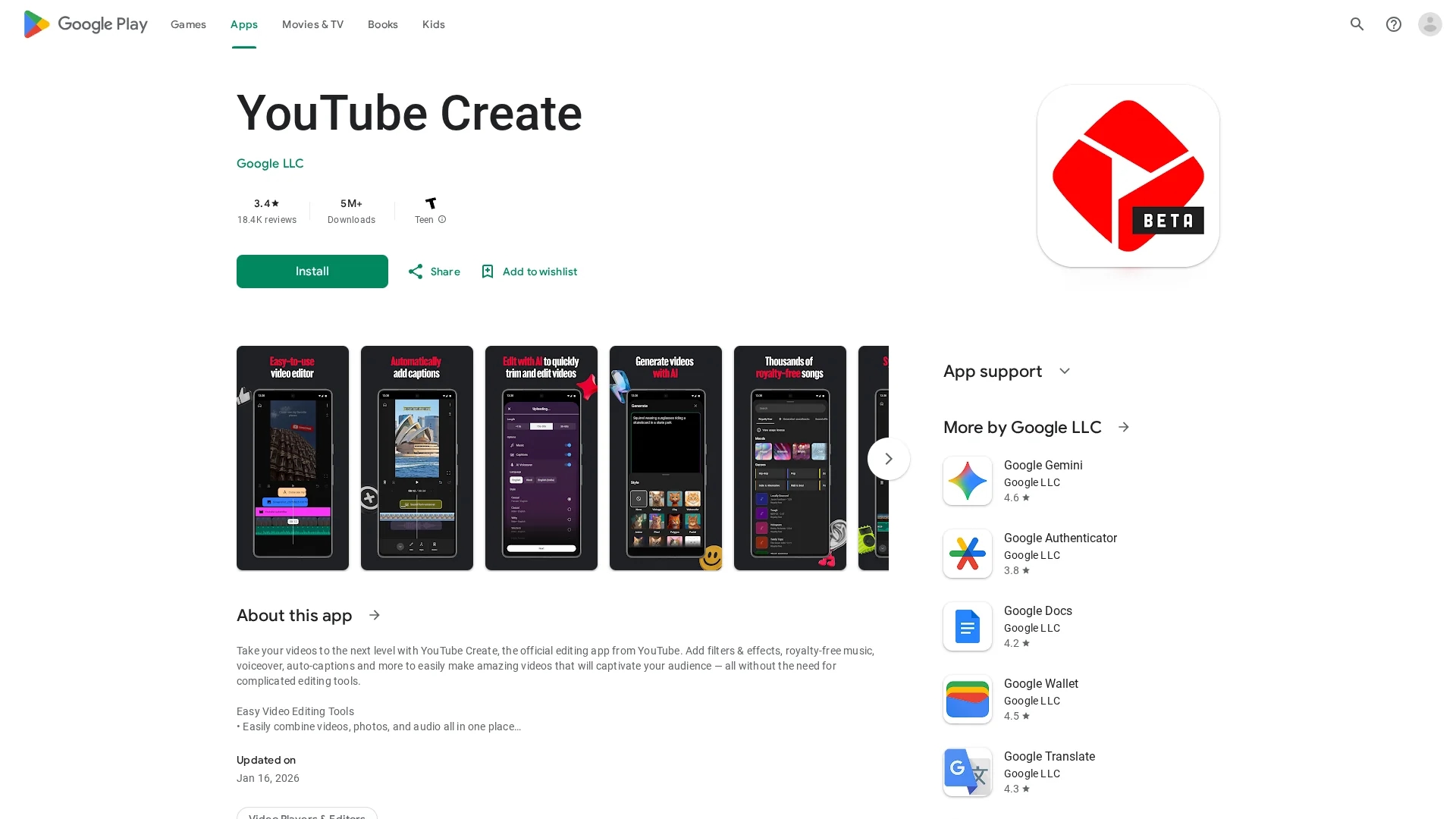
User-friendly video editing app with filters, effects, royalty-free music, voiceover, and auto-captions for creating engaging YouTube videos.
Disclaimer: Visionary Hub is not affiliated with, endorsed by, or the operator of this tool. All trademarks, logos, and content are the property of their respective owners. Full disclaimer available here
Key Features
Auto-Captions
Automatically adds captions to videos in select languages.
Background Removal
Removes video backgrounds using the cut out effect.
Royalty-Free Music
Includes thousands of music tracks and sound effects.
Video Editing Tools
Trim, crop, add transitions, adjust speed, and apply filters.
Get Started
Share & Save
Share on Social Media
Why Choose YouTube Create
User-Friendly:
Simplifies video editing with intuitive tools suitable for beginners.YouTube Integration:
Directly upload videos to YouTube with optimized aspect ratios.Free Access:
Offers comprehensive editing features at no cost.
Pricing
YouTube Create is a free app available on Android devices with no paid plans.
About YouTube Create
User-friendly video editing app with filters, effects, royalty-free music, voiceover, and auto-captions for creating engaging YouTube videos.
What YouTube Create Does
YouTube Create enables users to easily edit videos by combining clips, photos, and audio, trimming and cropping footage, and adding transitions and effects. It benefits creators by streamlining video production for YouTube and social media.
Key features include automatic captioning in select languages, background noise removal, video background cutout, beat-matched music syncing, voiceover recording, and a variety of filters, stickers, and fonts to customize videos.
This app is ideal for YouTubers, content creators, and social media marketers aiming to produce professional-looking videos efficiently on mobile devices.
Pros & Cons
Comprehensive Features
Combines multiple editing tools in one mobile app.
Official YouTube App
Developed by Google LLC ensuring platform compatibility.
Stability Issues
Users report occasional app crashes during longer edits.
Limited Platform
Available only on Android devices with specific requirements.
Frequently Asked Questions
Requires Android 8.0 or later and at least 4GB of RAM.
Yes, auto-captions are available with one tap in select languages.
Yes, the app is completely free with no paid plans.
Yes, videos can be resized and uploaded directly to YouTube.
Yes, it includes an audio clean-up tool to remove background noise.
Similar Tools You Might Like
Discover more AI-powered tools that complement your workflow

List Your AI Tool & Reach Thousands of Users
Join 500+ AI innovators already thriving on our platform. Get visibility, feedback, and boost your conversions.
Expand Your Audience
Connect with over 50,000 AI enthusiasts actively looking for tools like yours.
Boost Your Authority
Get verified reviews and ratings to build credibility in the AI marketplace.
Drive Conversions
Our premium placements and targeted audience deliver quality leads and sign-ups.