AnyEnhancer
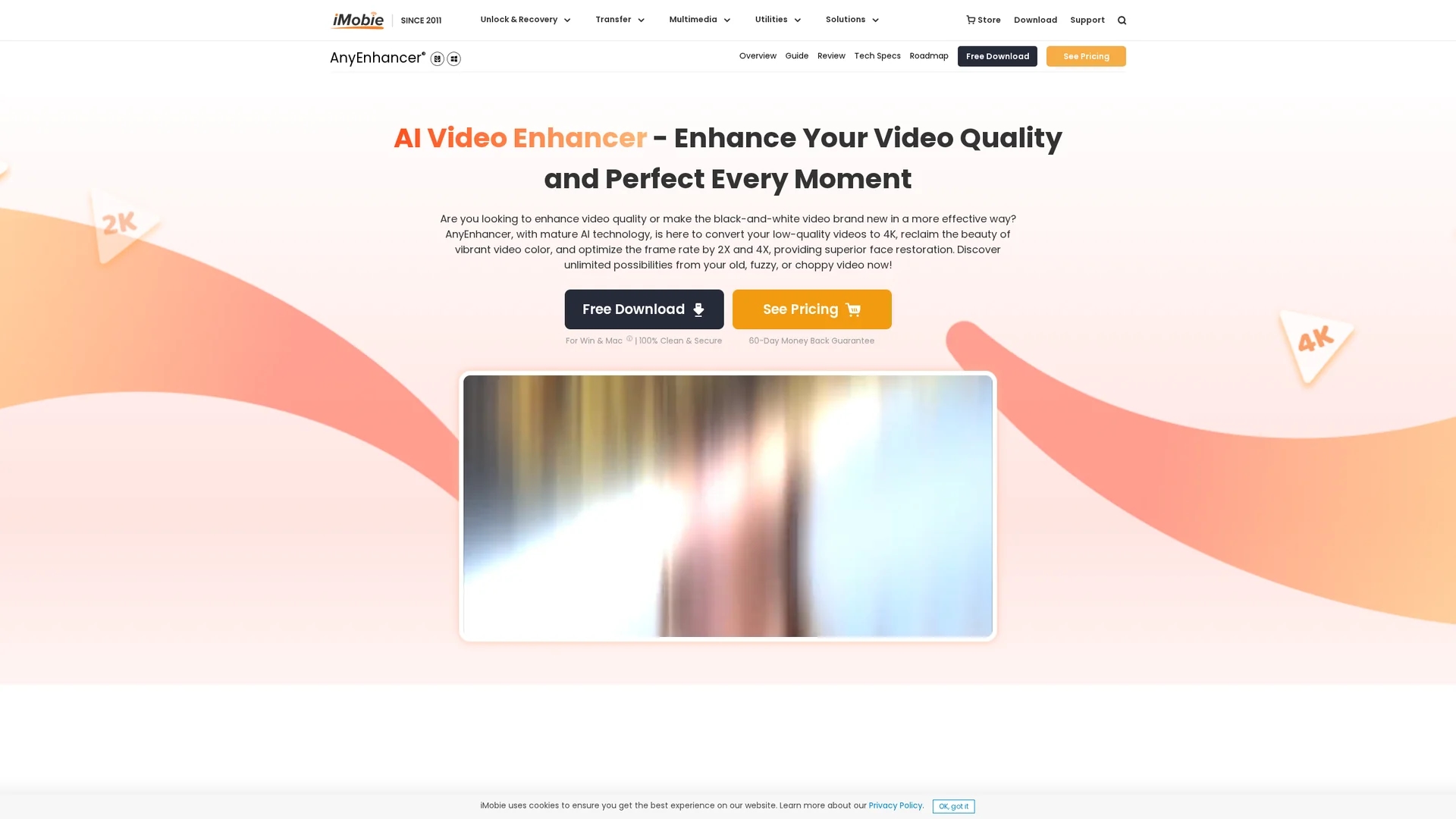
AnyEnhancer is an AI-powered video enhancement tool that upscales videos to 4K, restores faces, optimizes frame rates, and colorizes footage for high-definition results.
Disclaimer: Visionary Hub is not affiliated with, endorsed by, or the operator of this tool. All trademarks, logos, and content are the property of their respective owners. Full disclaimer available here
Key Features
Multiple AI Models
Offers specialized models for different video enhancement scenarios.
Colorization
Converts black-and-white videos to vibrant, lifelike color.
Noise Reduction
Eliminates video noise to improve clarity and visual quality.
Easy Operation
User-friendly interface requires no editing skills for enhancement.
Get Started
Share & Save
Share on Social Media
Why Choose AnyEnhancer
4K Upscaling:
Transforms low-resolution videos into crisp 4K high-definition quality.Face Restoration:
Precisely restores facial details for clearer, more natural visuals.Frame Optimization:
Increases frame rates up to 4X for smooth, cinematic video playback.
Pricing
Pricing details are available on the official pricing page. The tool offers a free trial download with a 60-day money-back guarantee. Subscription plans unlock full export features.
About AnyEnhancer
AnyEnhancer is an AI-powered video enhancement tool that upscales videos to 4K, restores faces, optimizes frame rates, and colorizes footage for high-definition results.
What AnyEnhancer Does
AnyEnhancer enhances video quality by upscaling low-resolution videos to 4K, restoring facial features, optimizing frame rates up to 4X, and colorizing monochrome footage. This improves clarity, detail, and visual appeal.
The tool uses multiple AI models for resolution enhancement, face restoration, color enhancement, denoising, and frame interpolation. It processes videos automatically, allowing users to upload, select enhancement models, and export high-quality results effortlessly.
It is ideal for restoring old family videos, improving commercial content, revitalizing historical footage, and enhancing travel vlogs or anime videos, catering to diverse video enhancement needs.
Pros & Cons
High-Quality Output
Delivers professional-grade 4K video enhancements with rich details.
Versatile Use
Supports various video types including old footage and commercial projects.
Single Video Processing
Enhances one video at a time; no batch processing available.
Subscription Required
Exporting enhanced videos requires a paid subscription plan.
Frequently Asked Questions
Yes, it upscales low-resolution videos to 4K using AI-powered resolution enhancement.
You can try the software for free, but exporting videos requires a subscription.
It supports Windows 10/11 (64-bit) and macOS 11 or later versions.
No, it processes and enhances one video at a time.
No, it improves resolution and clarity without altering the original content.
Similar Tools You Might Like
Discover more AI-powered tools that complement your workflow



List Your AI Tool & Reach Thousands of Users
Join 500+ AI innovators already thriving on our platform. Get visibility, feedback, and boost your conversions.
Expand Your Audience
Connect with over 50,000 AI enthusiasts actively looking for tools like yours.
Boost Your Authority
Get verified reviews and ratings to build credibility in the AI marketplace.
Drive Conversions
Our premium placements and targeted audience deliver quality leads and sign-ups.