
ImgKits
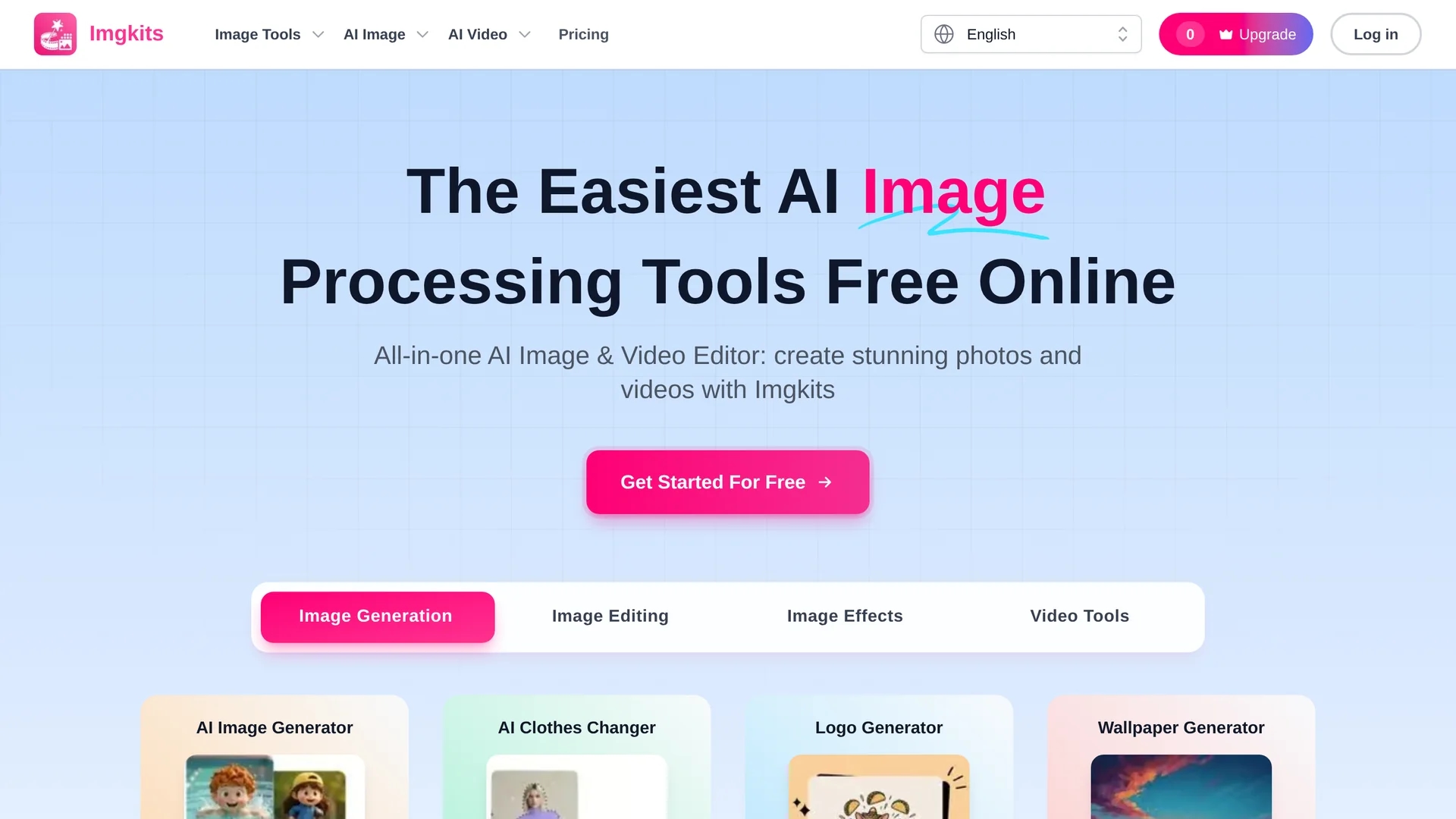
ImgKits is an AI-powered image and video processing platform offering background removal, object replacement, watermark removal, photo restoration, and batch processing for high-quality visuals.
Disclaimer: Visionary Hub is not affiliated with, endorsed by, or the operator of this tool. All trademarks, logos, and content are the property of their respective owners. Full disclaimer available here
Key Features
Background Removal
Automatically detects and removes backgrounds for cleaner images.
Watermark Removal
Erases unwanted watermarks and logos from photos seamlessly.
Photo Restoration
Restores old or blurry photos with colorization and unblurring tools.
Batch Processing
Processes multiple images in bulk to save time on large projects.
Get Started
Share & Save
Share on Social Media
Why Choose ImgKits
AI Precision:
Delivers accurate background and object removal with advanced AI algorithms.Batch Processing:
Enables efficient editing of multiple images simultaneously without quality loss.User-Friendly:
Requires minimal technical skills for professional-quality image and video edits.
Pricing
ImgKits offers a free trial with credits. Paid plans include Pay-as-you-go at $0.50/credit, Pro monthly at $12.00, and Pro yearly at $6.00/month. Credit bundles range from $5.00 to $29.00. Pricing is subject to change; visit the pricing page for details.
About ImgKits
ImgKits is an AI-powered image and video processing platform offering background removal, object replacement, watermark removal, photo restoration, and batch processing for high-quality visuals.
What ImgKits Does
ImgKits offers a suite of AI-driven tools for image and video editing, enabling users to remove backgrounds, erase watermarks, replace objects, and restore photos efficiently. These features help users create cleaner, professional visuals without complex software.
The platform supports batch processing and multiple file formats like JPG, PNG, and WEBP, allowing users to handle large volumes of images simultaneously. AI algorithms ensure high-quality, natural-looking edits, including unblurring and upscaling images while preserving detail.
Typical use cases include enhancing product photos for e-commerce, restoring old family pictures, and preparing marketing visuals. ImgKits serves industries such as retail, content creation, and digital marketing.
Pros & Cons
Versatile Tools
Supports a wide range of editing features including video and image enhancements.
No Expertise Needed
Designed for ease of use by both professionals and casual users.
No Dedicated App
Currently available only as a web platform without desktop or mobile apps.
Pricing Complexity
Multiple pricing plans and credit packages may be confusing for new users.
Frequently Asked Questions
ImgKits supports JPG, JPEG, PNG, and WEBP formats for editing and processing.
Yes, ImgKits offers free trial credits to test AI background changer and other tools.
Yes, ImgKits provides AI-powered watermark and unwanted object removal features.
Yes, it supports batch processing to edit multiple images simultaneously.
Currently, ImgKits is only available as an online web platform without apps.
Similar Tools You Might Like
Discover more AI-powered tools that complement your workflow



List Your AI Tool & Reach Thousands of Users
Join 500+ AI innovators already thriving on our platform. Get visibility, feedback, and boost your conversions.
Expand Your Audience
Connect with over 50,000 AI enthusiasts actively looking for tools like yours.
Boost Your Authority
Get verified reviews and ratings to build credibility in the AI marketplace.
Drive Conversions
Our premium placements and targeted audience deliver quality leads and sign-ups.