
Pixflux.AI
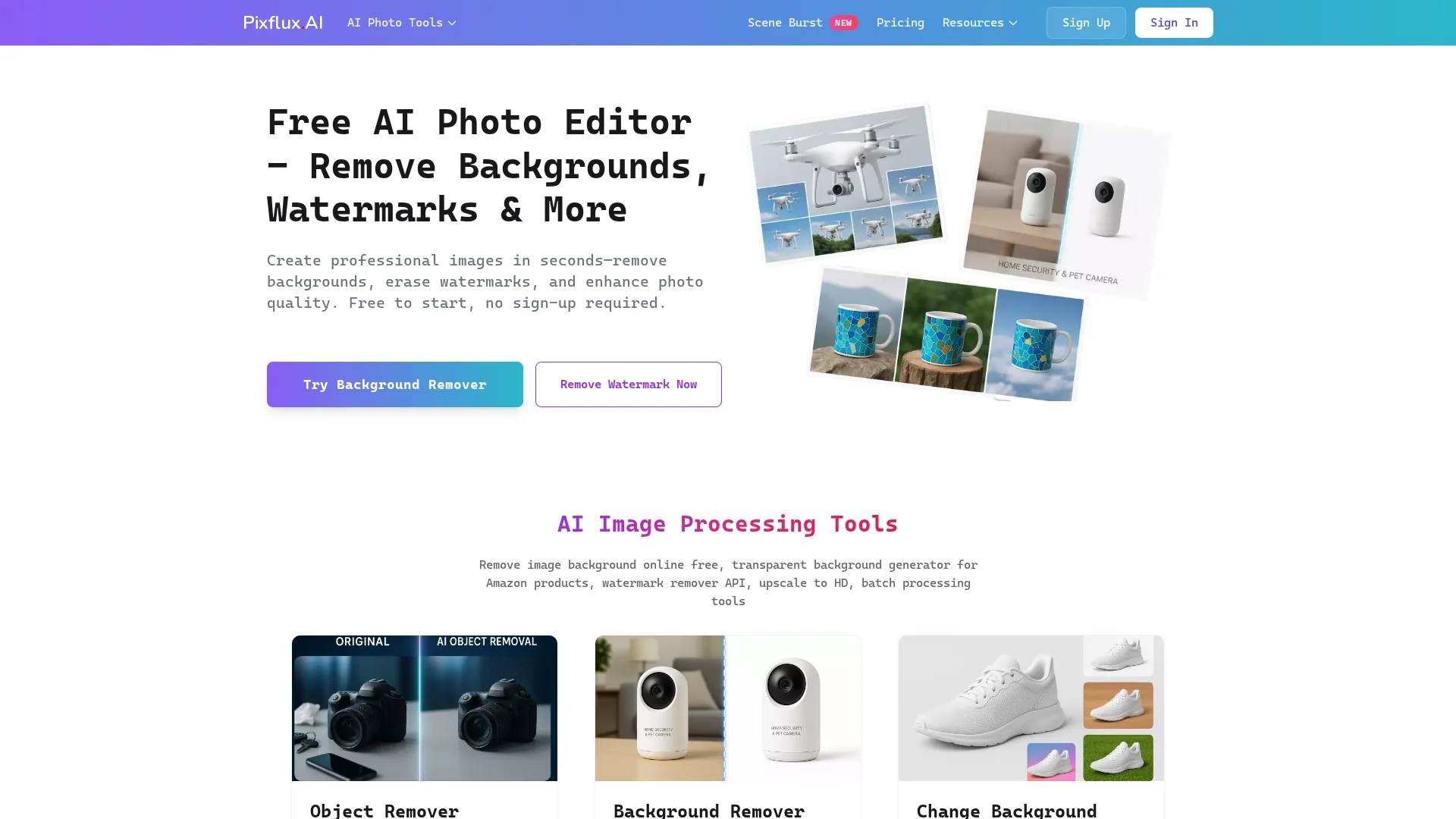
Pixflux.ai is a browser-based AI photo editor offering background removal, watermark erasure, object removal, image enhancement, and batch processing for efficient image editing.
Disclaimer: Visionary Hub is not affiliated with, endorsed by, or the operator of this tool. All trademarks, logos, and content are the property of their respective owners. Full disclaimer available here
Key Features
Background Removal
Automatically removes image backgrounds with clean, natural edges.
Watermark Erasure
Erases watermarks and logos while preserving image quality.
Image Enhancement
Sharpens, denoises, and upscales images for improved clarity.
Batch Processing
Enables efficient editing of multiple images at once.
Get Started
Share & Save
Share on Social Media
Why Choose Pixflux.AI
Browser-Based:
Edit images directly online without installing software.Batch Processing:
Process multiple images simultaneously to save time.AI Precision:
Achieve clean background and watermark removal with natural edges.
Pricing
Pixflux.ai offers free access to its AI photo editing tools with no sign-up required. For detailed pricing on advanced plans, visit the official pricing page at https://pixflux.ai/en/pricing.
About Pixflux.AI
Pixflux.ai is a browser-based AI photo editor offering background removal, watermark erasure, object removal, image enhancement, and batch processing for efficient image editing.
What Pixflux.AI Does
Pixflux.ai provides AI-driven photo editing capabilities that enhance image quality and simplify tasks such as background removal, watermark erasure, and object removal. Users benefit from faster, professional-grade image processing without advanced skills.
The tool features batch processing for handling multiple images simultaneously, natural edge preservation for clean cutouts, and transparent background generation. It operates fully online, allowing users to edit images directly in their browsers without software installation.
Pixflux.ai is widely used by e-commerce sellers to optimize product photos, content creators for marketing materials, and graphic designers aiming for efficient image enhancement workflows.
Pros & Cons
No Installation
Fully browser-based, requiring no software downloads.
Multi-Tool Integration
Combines background removal, watermark erasure, and enhancement in one platform.
Limited Signup
No direct sign-up link found; some features may require account creation.
Pricing Details
Specific pricing plans are not fully detailed on the homepage.
Frequently Asked Questions
Pixflux.ai offers free access to basic AI photo editing tools with no sign-up required.
Yes, Pixflux.ai uses AI to remove backgrounds with clean, natural edges quickly.
Yes, it supports batch processing to edit multiple images simultaneously.
Pixflux.ai supports common image formats like PNG and JPEG for editing and export.
Detailed pricing is available on the official pricing page at https://pixflux.ai/en/pricing.
Similar Tools You Might Like
Discover more AI-powered tools that complement your workflow


List Your AI Tool & Reach Thousands of Users
Join 500+ AI innovators already thriving on our platform. Get visibility, feedback, and boost your conversions.
Expand Your Audience
Connect with over 50,000 AI enthusiasts actively looking for tools like yours.
Boost Your Authority
Get verified reviews and ratings to build credibility in the AI marketplace.
Drive Conversions
Our premium placements and targeted audience deliver quality leads and sign-ups.