
Kumoo AI
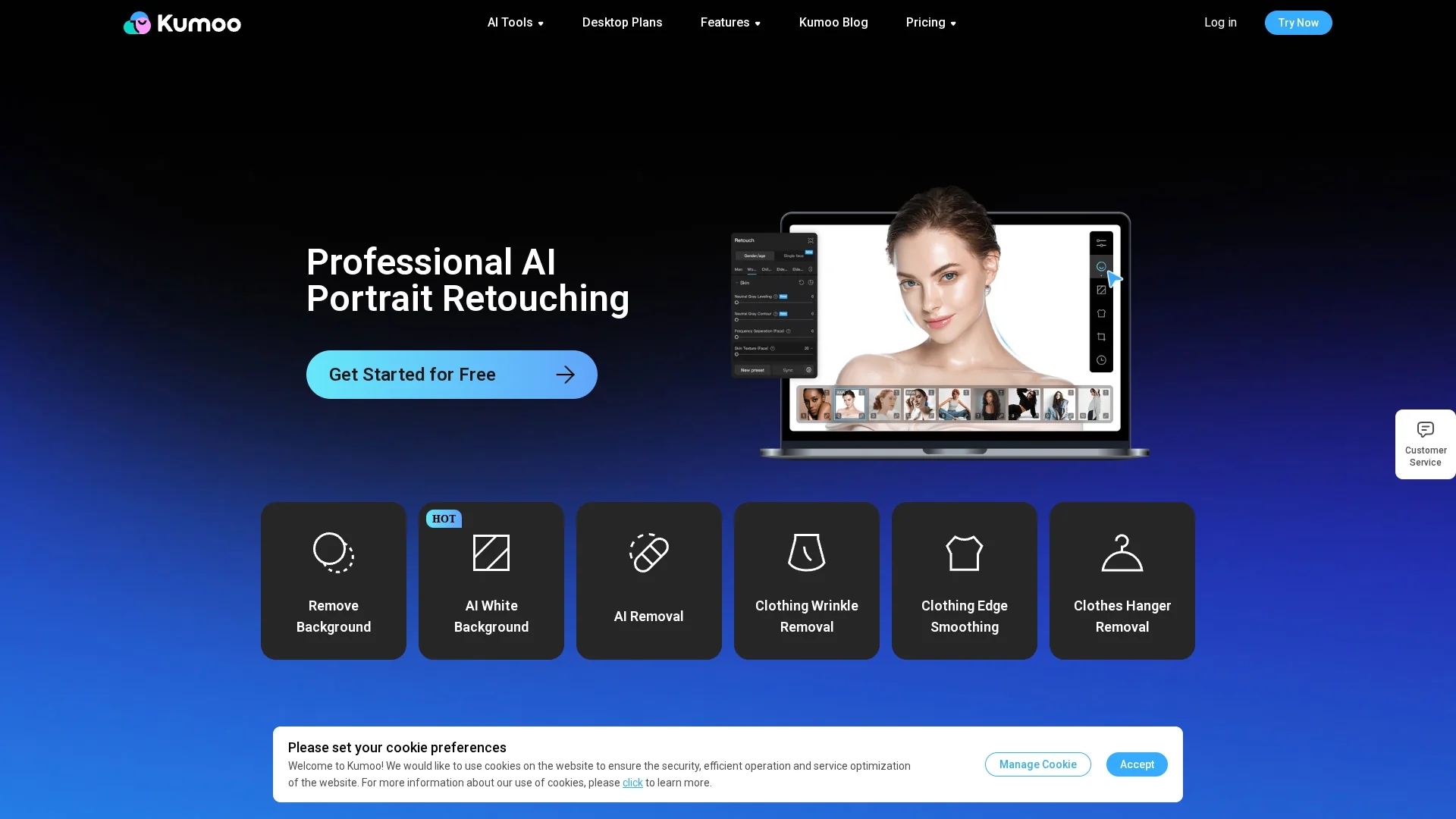
Kumoo AI is an AI-powered photo editing tool specializing in background removal, portrait retouching, and batch processing with HD exports and RAW file support for professional-quality images.
Disclaimer: Visionary Hub is not affiliated with, endorsed by, or the operator of this tool. All trademarks, logos, and content are the property of their respective owners. Full disclaimer available here
Key Features
AI Background Removal
Removes backgrounds precisely for product and portrait images.
HD Exports
Exports images in high definition for professional use.
Batch Editing
Processes multiple photos simultaneously to save time.
Skin & Body Retouching
Smooths skin, removes wrinkles, and adjusts body shapes.
Get Started
Share & Save
Share on Social Media
Why Choose Kumoo AI
Hair-Level Precision:
Delivers accurate background removal even with complex edges and stray hairs.Batch Processing:
Enables efficient editing of large image sets with consistent quality.RAW Support:
Supports professional RAW file imports for lossless, high-quality editing.
Pricing
Pricing details are available on Kumoo's official website under Desktop and Web Plans sections. Visit https://kumoo.ai/pricing-for-pro and https://kumoo.ai/pricing-for-web for current plans and pricing.
About Kumoo AI
Kumoo AI is an AI-powered photo editing tool specializing in background removal, portrait retouching, and batch processing with HD exports and RAW file support for professional-quality images.
What Kumoo AI Does
Kumoo AI automates photo editing tasks such as background removal, portrait retouching, and body reshaping, enhancing workflow efficiency and image quality. It benefits users by enabling high-definition exports and handling complex edges with precision.
The tool features AI-driven background removal with hair-level accuracy, batch processing for large image sets, and support for RAW file imports. It also includes skin smoothing, wrinkle removal, and sky replacement to produce polished, professional results.
Ideal for e-commerce product images, wedding photography, and creative content, Kumoo streamlines editing for photographers, graphic designers, and digital marketers requiring consistent, high-quality visuals.
Pros & Cons
User-Friendly
Intuitive interface suitable for both beginners and professionals.
Efficient Workflow
Batch processing and presets accelerate editing tasks.
Limited Pricing Info
Detailed pricing requires visiting the official website.
Web/Desktop Split
Separate plans for web and desktop may confuse some users.
Frequently Asked Questions
Kumoo is designed for AI-powered batch portrait retouching and background removal on web and desktop platforms.
Yes, Kumoo supports importing RAW files for high-quality, lossless image editing.
Yes, it offers batch processing to efficiently edit large image sets.
Yes, Kumoo features an intuitive interface that is easy for beginners to use.
Pricing information is available on Kumoo's official website under Desktop and Web Plans sections.
Similar Tools You Might Like
Discover more AI-powered tools that complement your workflow


List Your AI Tool & Reach Thousands of Users
Join 500+ AI innovators already thriving on our platform. Get visibility, feedback, and boost your conversions.
Expand Your Audience
Connect with over 50,000 AI enthusiasts actively looking for tools like yours.
Boost Your Authority
Get verified reviews and ratings to build credibility in the AI marketplace.
Drive Conversions
Our premium placements and targeted audience deliver quality leads and sign-ups.