
Wondershare PixCut
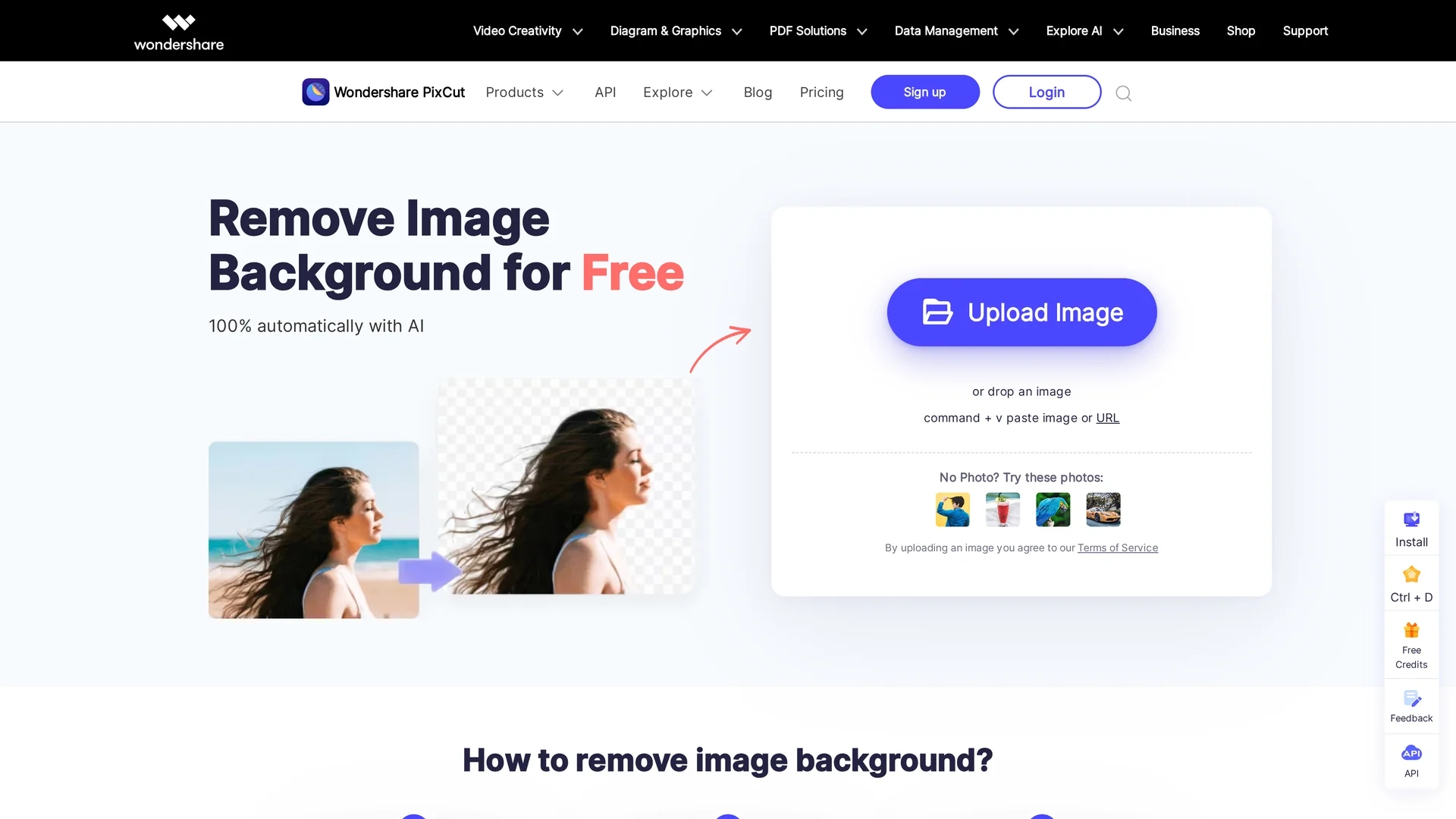
Wondershare PixCut is an AI-powered online image editing tool that automates background removal, object elimination, and image enhancement for precise photo edits.
Disclaimer: Visionary Hub is not affiliated with, endorsed by, or the operator of this tool. All trademarks, logos, and content are the property of their respective owners. Full disclaimer available here
Key Features
Background Removal
Removes image backgrounds automatically using AI.
Object Removal
Erases unwanted elements like watermarks and defects.
Image Enhancement
Upscales and improves image quality without loss.
Cloud-Based
Processes images online without software installation.
Get Started
Share & Save
Share on Social Media
Why Choose Wondershare PixCut
AI Precision:
Automatically detects and removes backgrounds with high accuracy.Batch Processing:
Processes multiple images simultaneously to save time.API Access:
Integrates easily into applications for automated workflows.
Pricing
PixCut offers a Free Account with 5 free image credits. Paid plans include Pay As You Go ($4.99 for 5 credits) and various credit packages up to 5000 credits priced at $539.99. A Monthly Pro Plan is available at $6.99/month for 50 credits. Prices decrease per image with larger credit packages.
About Wondershare PixCut
Wondershare PixCut is an AI-powered online image editing tool that automates background removal, object elimination, and image enhancement for precise photo edits.
What Wondershare PixCut Does
PixCut automates the removal of image backgrounds and unwanted objects, enabling users to create transparent or customized backgrounds quickly. This reduces manual editing time and improves image quality.
The tool leverages AI algorithms to detect subjects precisely, remove watermarks or defects, and enhance images by upscaling resolution without quality loss. It supports batch processing and offers API access for integration into other applications.
PixCut is useful for eCommerce product images, social media content, marketing materials, and graphic design projects requiring clean, professional visuals.
Pros & Cons
User-Friendly
Simple interface suitable for non-experts.
Flexible Pricing
Offers free credits and scalable paid plans.
Manual Adjustments
Occasional need for user corrections after AI processing.
Limited Editing
Lacks advanced photo editing features beyond background removal.
Frequently Asked Questions
PixCut supports common image formats including PNG and JPEG for background removal.
Yes, PixCut offers a free account with 5 free image credits.
Yes, PixCut provides an API for integrating background removal into applications.
PixCut is primarily cloud-based but also offers desktop apps for Windows and Mac.
Support is available via the Wondershare support center and online documentation.
Similar Tools You Might Like
Discover more AI-powered tools that complement your workflow


List Your AI Tool & Reach Thousands of Users
Join 500+ AI innovators already thriving on our platform. Get visibility, feedback, and boost your conversions.
Expand Your Audience
Connect with over 50,000 AI enthusiasts actively looking for tools like yours.
Boost Your Authority
Get verified reviews and ratings to build credibility in the AI marketplace.
Drive Conversions
Our premium placements and targeted audience deliver quality leads and sign-ups.