
Voice Out
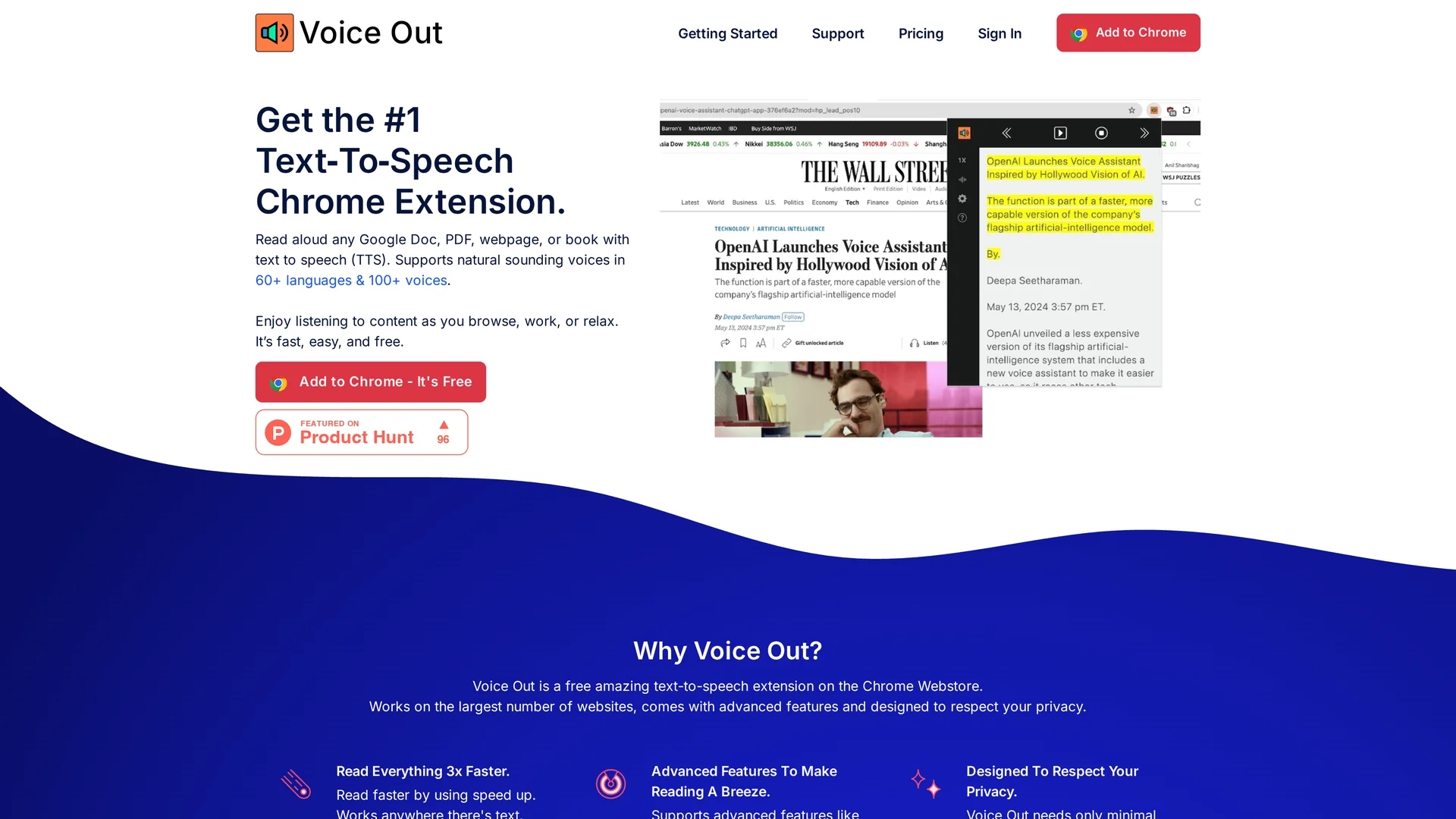
Voice Out is a Chrome text-to-speech extension supporting 60+ languages and 100+ natural voices, offering customizable playback and background listening for enhanced reading.
Disclaimer: Visionary Hub is not affiliated with, endorsed by, or the operator of this tool. All trademarks, logos, and content are the property of their respective owners. Full disclaimer available here
Key Features
Text-to-Speech Integration
Seamlessly reads text from Google Docs, PDFs, and web pages.
100+ Voices
Offers a variety of natural-sounding voices for better experience.
Background Listening
Enables audio playback while multitasking on other tasks.
Playback Controls
Includes pausing, skipping, highlighting, and speed adjustments.
Get Started
Share & Save
Share on Social Media
Why Choose Voice Out
Wide Language Support:
Supports over 60 languages for diverse user needs.Customizable Playback:
Adjust speed, pitch, and volume for personalized listening.Privacy Focused:
Operates with minimal permissions without tracking user data.
Pricing
Voice Out offers a free plan with basic text-to-speech features and supports 60+ languages. Premium plans unlock 100+ natural-sounding voices and premium support. Details and plans are available on the official pricing page.
About Voice Out
Voice Out is a Chrome text-to-speech extension supporting 60+ languages and 100+ natural voices, offering customizable playback and background listening for enhanced reading.
What Voice Out Does
Voice Out converts text from various digital sources such as Google Docs, PDFs, web pages, and eBooks into speech, allowing users to listen instead of read. This improves accessibility and enables multitasking.
The extension supports over 60 languages and more than 100 natural-sounding voices. Users can customize playback speed, pitch, and volume, and use features like background listening, highlighting, pausing, and skipping during audio playback.
It is useful for students, language learners, content creators, and accessibility advocates who want to consume written content audibly across multiple platforms and devices.
Pros & Cons
Multi-Platform
Works across many websites and document types.
User Privacy
Minimal permissions and no data tracking ensure privacy.
Limited Offline Use
Requires internet connection to function effectively.
Premium Voices Locked
Access to premium voices requires paid subscription.
Frequently Asked Questions
Voice Out supports over 60 languages with more than 100 natural-sounding voices.
Yes, a free plan is available with basic features and language support.
It works on Chrome across websites, Google Docs, PDFs, and eBooks.
No, it operates with minimal permissions and does not track or sell user data.
Premium voices are available through paid subscription plans detailed on the pricing page.
Similar Tools You Might Like
Discover more AI-powered tools that complement your workflow



List Your AI Tool & Reach Thousands of Users
Join 500+ AI innovators already thriving on our platform. Get visibility, feedback, and boost your conversions.
Expand Your Audience
Connect with over 50,000 AI enthusiasts actively looking for tools like yours.
Boost Your Authority
Get verified reviews and ratings to build credibility in the AI marketplace.
Drive Conversions
Our premium placements and targeted audience deliver quality leads and sign-ups.