
AudiOverFlow
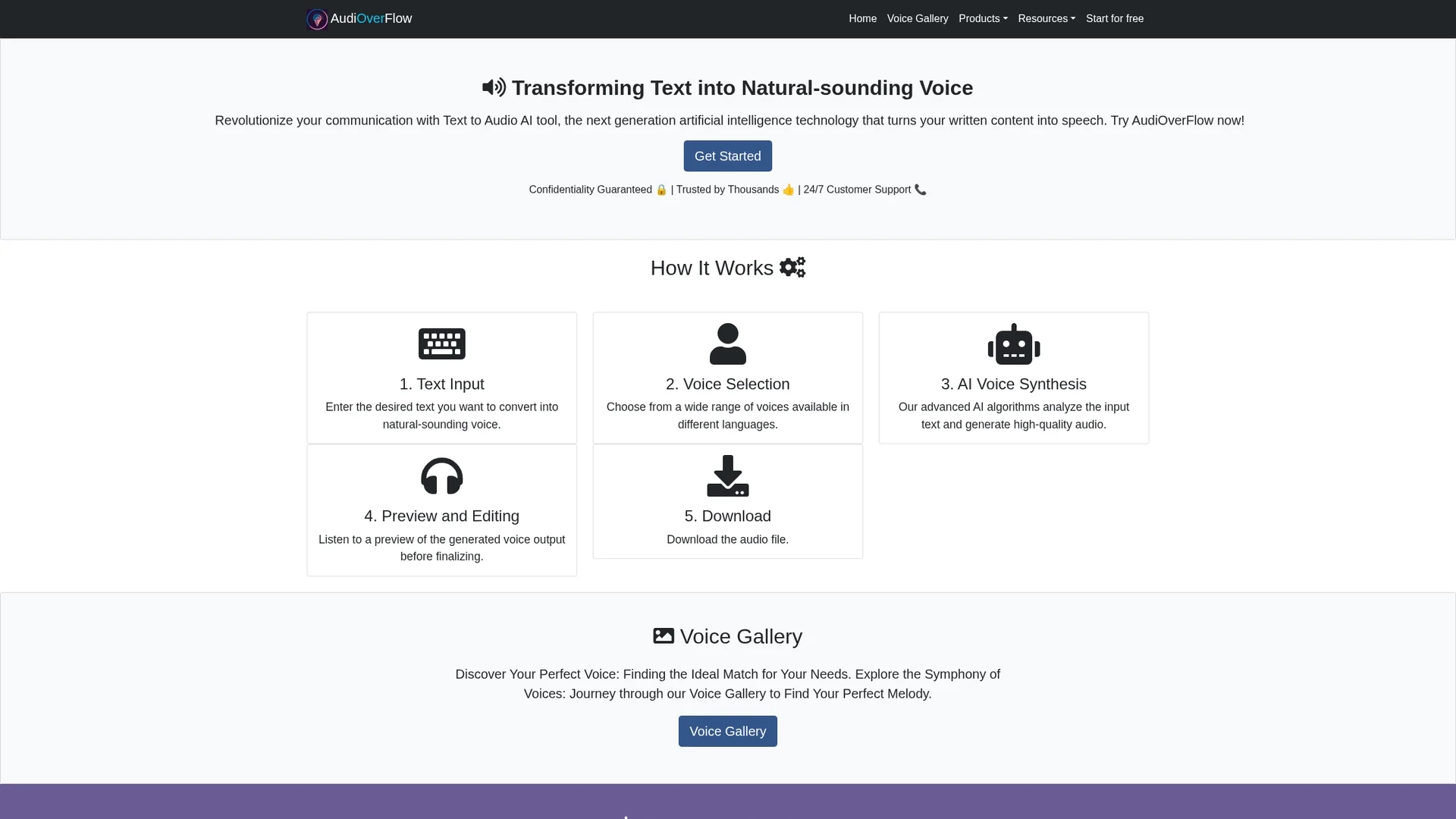
AudiOverFlow is a free AI text-to-audio converter that generates natural-sounding voice from text with multiple voice options and downloadable audio files.
Disclaimer: Visionary Hub is not affiliated with, endorsed by, or the operator of this tool. All trademarks, logos, and content are the property of their respective owners. Full disclaimer available here
Key Features
Text-to-Audio Conversion
Transforms written text into natural-sounding voice audio.
AI Voice Generation
Uses advanced AI algorithms for high-quality speech synthesis.
Voice Selection
Allows users to choose from a wide range of voices and languages.
Audio Download
Enables downloading of generated audio files for offline use.
Get Started
Share & Save
Share on Social Media
Why Choose AudiOverFlow
Free Usage:
Provides full text-to-audio conversion without any cost or limitations.Voice Variety:
Offers multiple voice options in different languages for customization.User-Friendly:
Intuitive interface allows easy text input, preview, and audio download.
Pricing
AudiOverFlow is completely free to use, offering text-to-audio conversion without charges or limitations.
About AudiOverFlow
AudiOverFlow is a free AI text-to-audio converter that generates natural-sounding voice from text with multiple voice options and downloadable audio files.
What AudiOverFlow Does
AudiOverFlow converts text input into natural-sounding audio, enabling users to create voiceovers and audio content effortlessly. This hands-free solution enhances accessibility and engagement across various media.
The tool offers a range of voice options in multiple languages, powered by advanced AI algorithms that synthesize high-quality speech. Users can preview the audio output and make adjustments before downloading the final file.
It is ideal for content creators, educators, bloggers, and businesses seeking to add professional voice narration to videos, courses, websites, and marketing materials.
Pros & Cons
No Cost
Completely free to use with no hidden fees or subscriptions.
Easy Access
No registration required, providing instant access to the tool.
Limited Analytics
No detailed usage analytics or customization beyond voice selection.
No Mobile App
Currently available only as a web-based tool without dedicated apps.
Frequently Asked Questions
Enter your text, select a voice, click "Generate Audio," then listen or download the output.
Yes, you can listen to a preview and make adjustments before downloading.
After generating audio, click the "Download" button to save the file to your device.
Yes, AudiOverFlow is completely free without any charges or usage limits.
No registration is required; you can use the tool instantly without signing up.
Similar Tools You Might Like
Discover more AI-powered tools that complement your workflow

List Your AI Tool & Reach Thousands of Users
Join 500+ AI innovators already thriving on our platform. Get visibility, feedback, and boost your conversions.
Expand Your Audience
Connect with over 50,000 AI enthusiasts actively looking for tools like yours.
Boost Your Authority
Get verified reviews and ratings to build credibility in the AI marketplace.
Drive Conversions
Our premium placements and targeted audience deliver quality leads and sign-ups.