
Unscreen
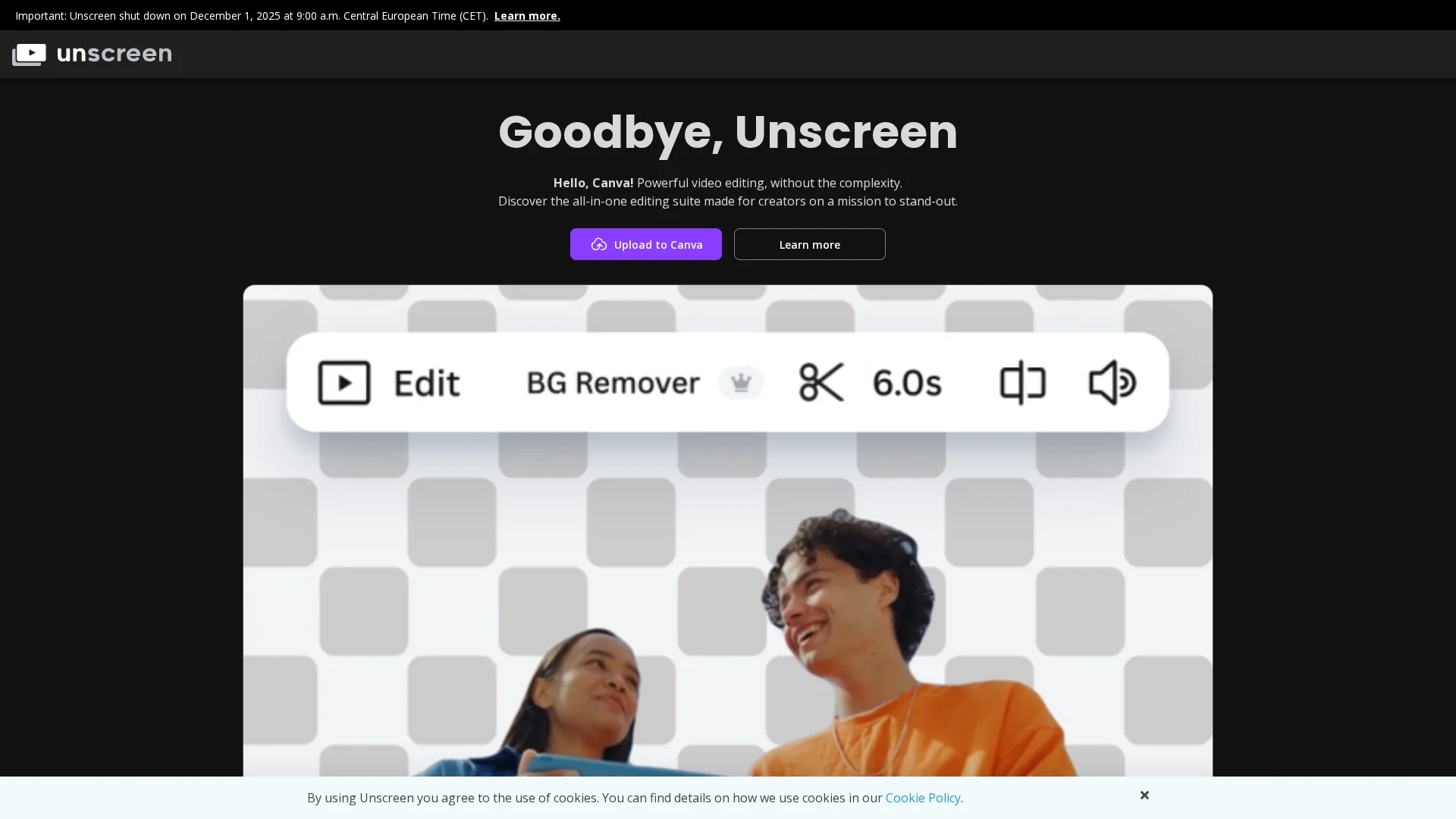
Unscreen was an AI video background removal tool that automatically removed backgrounds from MP4, WebM, GIF and OGG files, offering API and Premiere Pro integration. The standalone service was discontinued December 1, 2025.
Disclaimer: Visionary Hub is not affiliated with, endorsed by, or the operator of this tool. All trademarks, logos, and content are the property of their respective owners. Full disclaimer available here
Key Features
AI Background Removal
Automatically detected and removed backgrounds without green screens, speeding up workflows.
Multiple Format Support
Processed MP4, WebM, GIF and OGG with transparent or replaced background output.
API & Plugin
Provided developer API access and an Adobe Premiere Pro plugin for pipeline integration.
Pro Quality Output
Paid plans offered full HD, no watermarks, full-length processing, and audio preservation.
Get Started
Share & Save
Share on Social Media
Why Choose Unscreen
Service No Longer Available:
Unscreen shut down December 1, 2025; consider Canva or Runway ML for similar automated video background removal.Historical Pioneer:
One of the first dedicated AI video background removal services, proven on multiple video formats and workflows.
Pricing
Discontinued as of December 2025. Previously offered a freemium tier and paid plans: Hobby $9/mo (3 minutes), Artist $39/mo (15 minutes), Creator $89/mo (45 minutes), Maker $189/mo (2 hours), Studio $389/mo (5.5 hours). Pay-as-you-go $4.99 per video minute.
About Unscreen
Unscreen was an AI video background removal tool that automatically removed backgrounds from MP4, WebM, GIF and OGG files, offering API and Premiere Pro integration. The standalone service was discontinued December 1, 2025.
What Unscreen Does
Unscreen automated AI video background removal, letting users upload clips and receive transparent or replaced backgrounds without chroma keying or manual masking. This reduced manual rotoscoping and sped up video production workflows.
The tool supported MP4, WebM, GIF and OGG formats and preserved audio. Pro features included full HD output, no watermarks, full-length clip processing, pay-as-you-go billing, API access, and a Premiere Pro plugin for direct editing integration.
Typical uses included transparent overlays, background replacement for social media or promotional videos, and integration into professional editing pipelines. The service was discontinued December 1, 2025.
Pros & Cons
Ease of Use
Uploaded videos required no manual masking or green-screen setup.
Flexible Pricing
Offered both subscription tiers and pay-as-you-go per-minute billing.
Discontinued
Service permanently shut down on December 1, 2025; no new accounts available.
No Data Recovery
All user data was deleted and anonymized after the shutdown with no recovery option.
Limited Replacement
Canva provides similar tools but lacks Unscreen's dedicated API and exact plugin workflows.
Frequently Asked Questions
Unscreen permanently shut down on December 1, 2025; the domain now redirects to Canva and the standalone service is no longer operational.
Unscreen was acquired by Canva and the standalone service was discontinued in December 2025 as features were integrated into Canva’s video editor.
Canva’s video editor now includes background removal; other options include Runway ML and video editors offering AI background removal.
Unscreen deleted and anonymized all user data following the December 2025 shutdown, so there is no way to retrieve previous uploads or account information.
Similar Tools You Might Like
Discover more AI-powered tools that complement your workflow



List Your AI Tool & Reach Thousands of Users
Join 500+ AI innovators already thriving on our platform. Get visibility, feedback, and boost your conversions.
Expand Your Audience
Connect with over 50,000 AI enthusiasts actively looking for tools like yours.
Boost Your Authority
Get verified reviews and ratings to build credibility in the AI marketplace.
Drive Conversions
Our premium placements and targeted audience deliver quality leads and sign-ups.