
UniFab AI
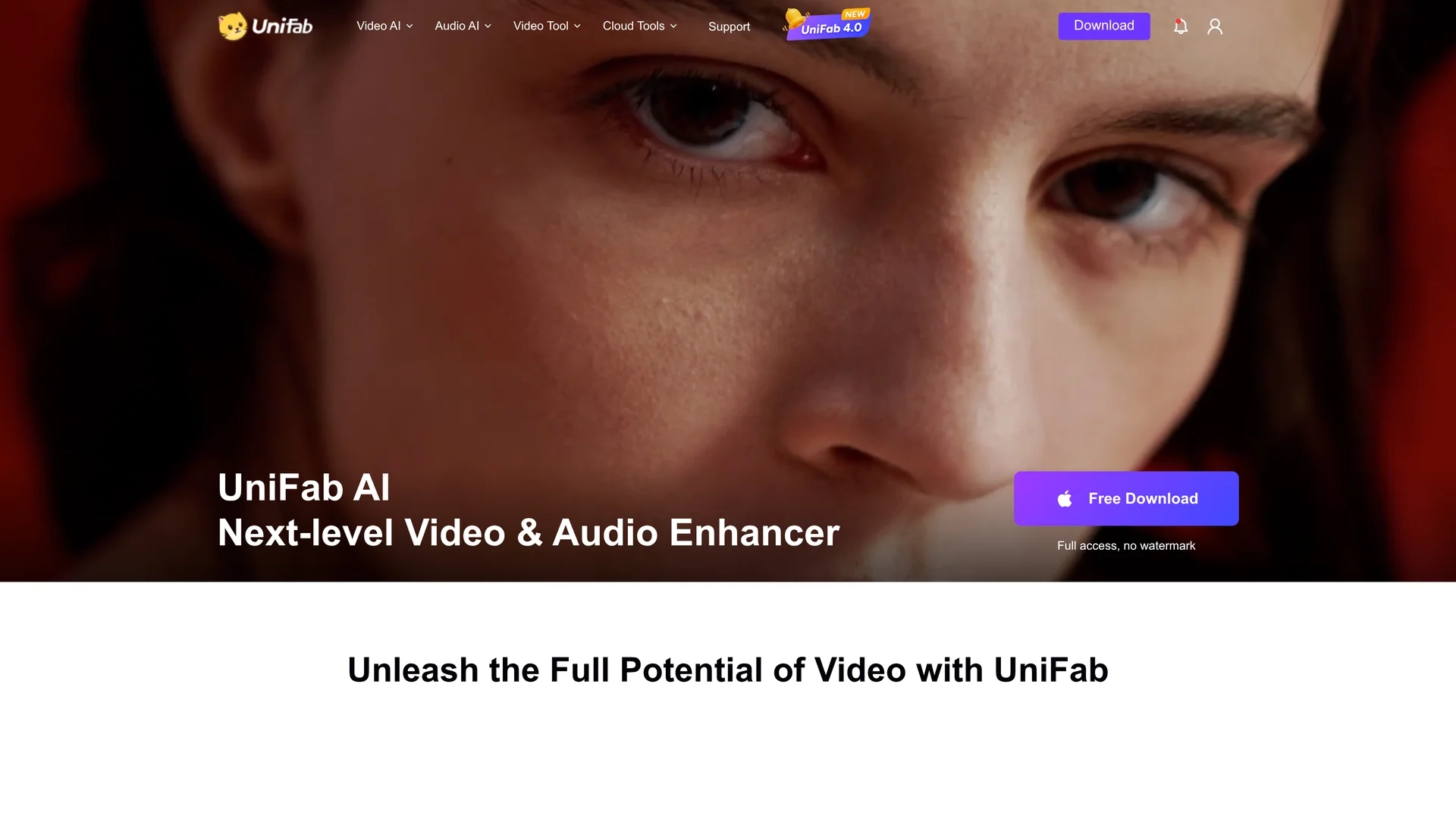
UniFab AI offers advanced AI-powered video and audio enhancement tools including HDR upscaling, video enlargement, smoothing, and audio upmixing for cinematic-quality results.
Disclaimer: Visionary Hub is not affiliated with, endorsed by, or the operator of this tool. All trademarks, logos, and content are the property of their respective owners. Full disclaimer available here
Key Features
HDR Upscaling
Enhances video resolution and color depth to HDR quality.
Video Enlargement
Upscales low-resolution videos to higher resolutions up to 16K.
Audio Upmixing
Converts stereo audio into cinema-grade surround sound formats.
Deinterlacing
Removes interlacing artifacts for smoother video playback.
Get Started
Share & Save
Share on Social Media
Why Choose UniFab AI
Comprehensive Tools:
Offers video and audio enhancement in a single AI-powered suite.High-Resolution Upscaling:
Supports upscaling videos up to 16K with HDR and detail preservation.Offline Processing:
Enables offline batch processing for efficient video enhancement.
Pricing
UniFab offers a 30-day free trial with full feature access and no watermarks. Pricing includes monthly, yearly, and lifetime plans with 7- to 14-day money-back guarantees. Visit the pricing page for detailed plan options.
About UniFab AI
UniFab AI offers advanced AI-powered video and audio enhancement tools including HDR upscaling, video enlargement, smoothing, and audio upmixing for cinematic-quality results.
What UniFab AI Does
UniFab AI enhances video and audio quality by applying advanced AI algorithms to upscale resolution, reduce noise, smooth frames, and improve audio channels. It benefits users by delivering sharper, clearer, and more vibrant videos suitable for professional and personal use.
Key features include HDR upscaling to 4K and beyond, video enlargement, deinterlacing to fix interlaced footage, smoothing for fluid motion, and audio upmixing to convert stereo audio into surround sound formats. The software supports over 1000 video formats and offers GPU acceleration for faster processing.
Industries such as filmmaking, digital marketing, and content creation use UniFab AI to restore vintage footage, enhance marketing videos, and produce high-quality cinematic presentations.
Pros & Cons
Multi-Format Support
Handles over 1000 video formats for versatile editing.
AI-Driven Enhancements
Uses deep learning for realistic and detailed video improvements.
System Requirements
Requires high-end hardware like Nvidia RTX 30 series GPUs.
Learning Curve
Some advanced features may require user familiarity with video editing.
Frequently Asked Questions
Yes, a 30-day free trial with full access and no watermarks is available.
7-day money-back guarantee for monthly plans; 14-day for yearly and lifetime plans.
Windows 10/11 64-bit, 16GB RAM, Nvidia RTX 30 series GPU, Intel i7 8th gen or AMD Ryzen 3000+.
Yes, it supports offline batch processing for video enhancement.
Yes, it includes audio upmixing to upgrade stereo to surround sound.
Similar Tools You Might Like
Discover more AI-powered tools that complement your workflow

List Your AI Tool & Reach Thousands of Users
Join 500+ AI innovators already thriving on our platform. Get visibility, feedback, and boost your conversions.
Expand Your Audience
Connect with over 50,000 AI enthusiasts actively looking for tools like yours.
Boost Your Authority
Get verified reviews and ratings to build credibility in the AI marketplace.
Drive Conversions
Our premium placements and targeted audience deliver quality leads and sign-ups.