
Youka
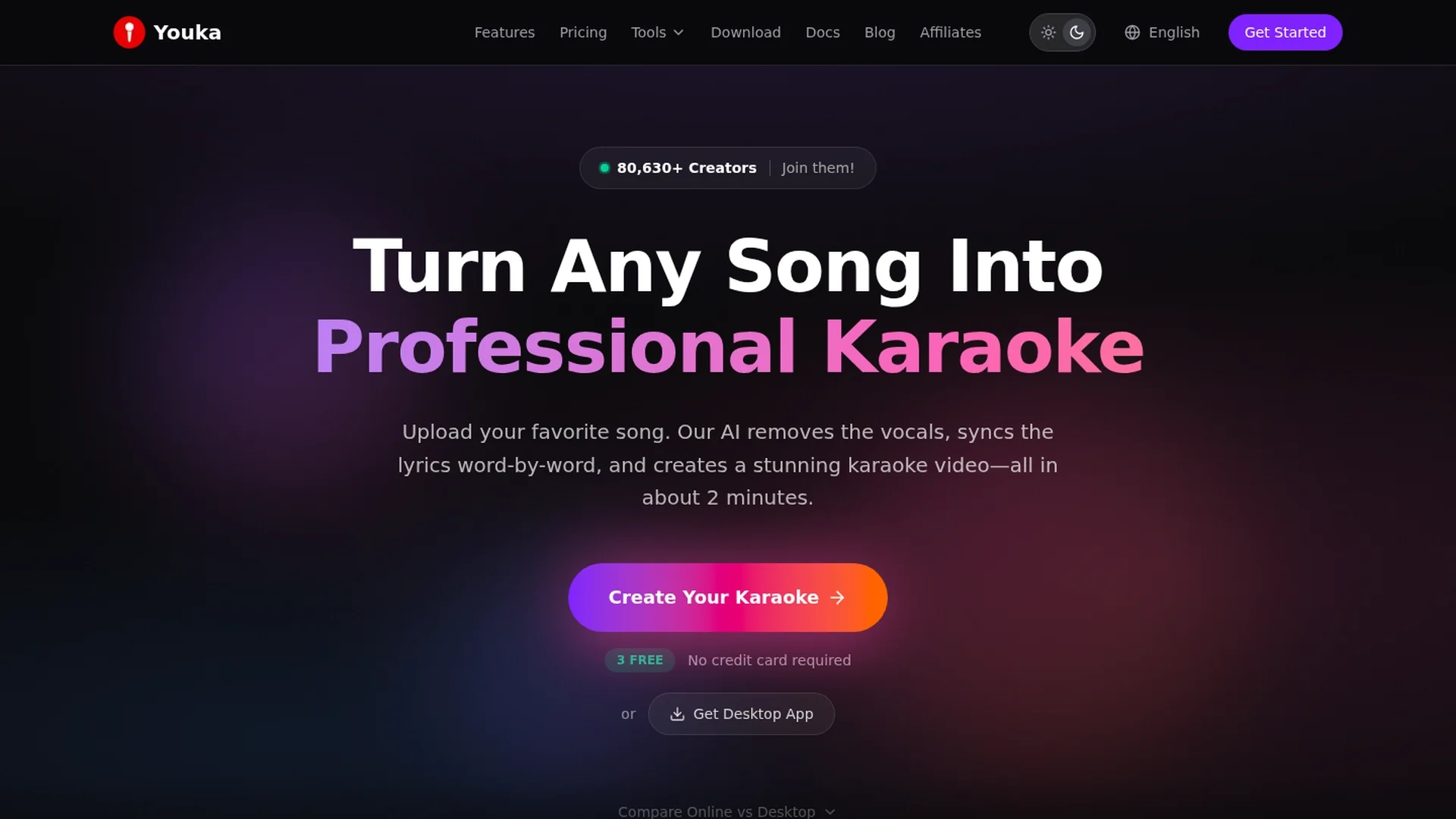
Youka Karaoke Maker converts songs into karaoke tracks by removing vocals, supporting multiple audio formats with pitch and tempo editing for a personalized singing experience.
Disclaimer: Visionary Hub is not affiliated with, endorsed by, or the operator of this tool. All trademarks, logos, and content are the property of their respective owners. Full disclaimer available here
Key Features
Vocal Removal
Removes vocals from songs to create karaoke backing tracks.
Lyrics Sync
Automatically syncs lyrics word-by-word with the audio.
Pitch Adjustment
Enables users to change the song’s pitch for vocal practice.
Tempo Adjustment
Allows modification of song speed without affecting quality.
Get Started
Share & Save
Share on Social Media
Why Choose Youka
AI Vocal Removal:
Uses advanced AI to accurately separate vocals from instrumentals.Customizable Videos:
Allows full control over lyrics, backgrounds, fonts, and export settings.Multi-Format Support:
Accepts various audio and video file types for flexible input.
Pricing
Youka offers a free plan with 15 credits for 3 karaoke videos and no credit card required. Paid plans include Basic ($9.99/month), Standard ($19.99/month), and Pro ($29.99/month), with annual billing discounts available. All plans provide AI vocal removal, full customization, and 1080p export.
About Youka
Youka Karaoke Maker converts songs into karaoke tracks by removing vocals, supporting multiple audio formats with pitch and tempo editing for a personalized singing experience.
What Youka Does
Youka Karaoke Maker converts any song into a karaoke track by removing vocals and syncing lyrics automatically. This allows users to create personalized backing tracks for singing or content creation.
The tool supports multiple audio and video formats, uses AI for precise vocal separation, and offers pitch and tempo adjustment features. Users can customize lyric videos with backgrounds, fonts, and export high-quality 1080p MP4 videos.
It is suitable for music producers, karaoke enthusiasts, and content creators who want to produce professional karaoke videos or practice singing with custom tracks.
Pros & Cons
User-Friendly
Simple interface accessible to beginners and advanced users.
Secure Content
Ensures privacy and security of user-generated karaoke projects.
Separate Storage
Online and desktop versions store projects separately.
Credit-Based
Uses credits per karaoke creation which may limit free usage.
Frequently Asked Questions
No installation is required; Youka works in-browser or via a downloadable desktop app.
Supports MP3, WAV, FLAC, AAC audio and MP4, MOV, AVI, MKV video formats.
Youka uses AI-powered source separation to isolate and remove vocals from songs.
Yes, Youka offers 15 free credits for 3 karaoke videos without requiring a credit card.
Yes, customize backgrounds, fonts, colors, add logos, and export in 1080p MP4 format.
Similar Tools You Might Like
Discover more AI-powered tools that complement your workflow


List Your AI Tool & Reach Thousands of Users
Join 500+ AI innovators already thriving on our platform. Get visibility, feedback, and boost your conversions.
Expand Your Audience
Connect with over 50,000 AI enthusiasts actively looking for tools like yours.
Boost Your Authority
Get verified reviews and ratings to build credibility in the AI marketplace.
Drive Conversions
Our premium placements and targeted audience deliver quality leads and sign-ups.