
ツSupercut
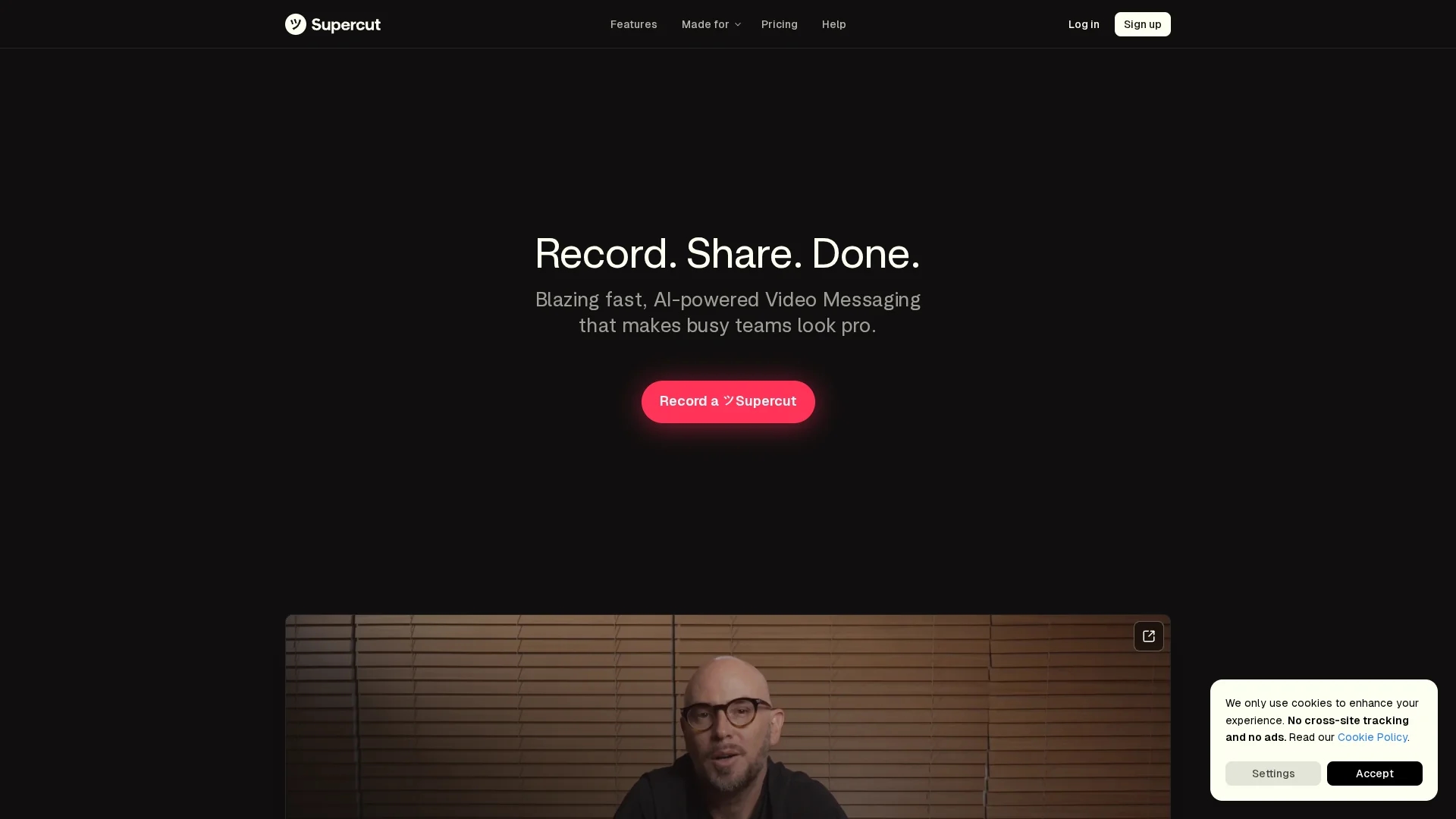
Supercut is an AI-powered 4K screen and webcam recorder with native macOS and Windows apps, featuring automatic editing, timestamped chapters, branded layouts, CTAs, shareable links, analytics, and collaboration tools.
Disclaimer: Visionary Hub is not affiliated with, endorsed by, or the operator of this tool. All trademarks, logos, and content are the property of their respective owners. Full disclaimer available here
Key Features
4K Recording
Capture screen and webcam videos in high resolution.
Auto Chapters
Smart navigation with automatically generated timestamps.
Branded Layouts
Customize videos with brand-specific designs and CTAs.
Collaboration Tools
Timeline comments and shareable links for team feedback.
Get Started
Share & Save
Share on Social Media
Why Choose ツSupercut
Native Apps:
Optimized for macOS and Windows with low resource use.Auto-Editing:
One-click automatic video editing for polished results.Engagement Analytics:
Track viewer interactions to improve follow-ups.
Pricing
Supercut provides a Free plan at $0.00 and paid Pro and Enterprise plans billed yearly per seat, excluding VAT. For detailed pricing, visit their official pricing page.
About ツSupercut
Supercut is an AI-powered 4K screen and webcam recorder with native macOS and Windows apps, featuring automatic editing, timestamped chapters, branded layouts, CTAs, shareable links, analytics, and collaboration tools.
What ツSupercut Does
Supercut records high-quality screen and webcam videos up to 4K resolution, enabling users to create professional video messages, product demos, and onboarding content. It benefits teams by simplifying video creation and sharing with automated editing and branded templates.
The tool automatically generates timestamped chapters for easy navigation and applies one-click auto-editing to produce polished videos. Embedded calls-to-action and shareable secure links facilitate sales outreach and customer support. A unified dashboard provides engagement analytics and timeline comments for collaborative feedback and content iteration.
Supercut is ideal for industries like marketing, sales, customer support, and digital education, where clear communication and branded video content improve outreach and team collaboration.
Pros & Cons
Performance
100% native code ensures efficient resource management.
Versatility
Supports sales, support, marketing, and team communication.
Pricing Details
Specific prices for Pro and Enterprise plans are not publicly detailed.
Platform Limitation
Available only for macOS and Windows, no mobile apps.
Frequently Asked Questions
Supercut offers native applications for macOS and Windows only.
Yes, Supercut provides a free plan with basic features.
Yes, it includes analytics to monitor views and interactions.
Supercut provides one-click auto-editing to polish videos quickly.
You can register via the signup page at https://supercut.ai/signup.
Similar Tools You Might Like
Discover more AI-powered tools that complement your workflow



List Your AI Tool & Reach Thousands of Users
Join 500+ AI innovators already thriving on our platform. Get visibility, feedback, and boost your conversions.
Expand Your Audience
Connect with over 50,000 AI enthusiasts actively looking for tools like yours.
Boost Your Authority
Get verified reviews and ratings to build credibility in the AI marketplace.
Drive Conversions
Our premium placements and targeted audience deliver quality leads and sign-ups.