
Kapwing
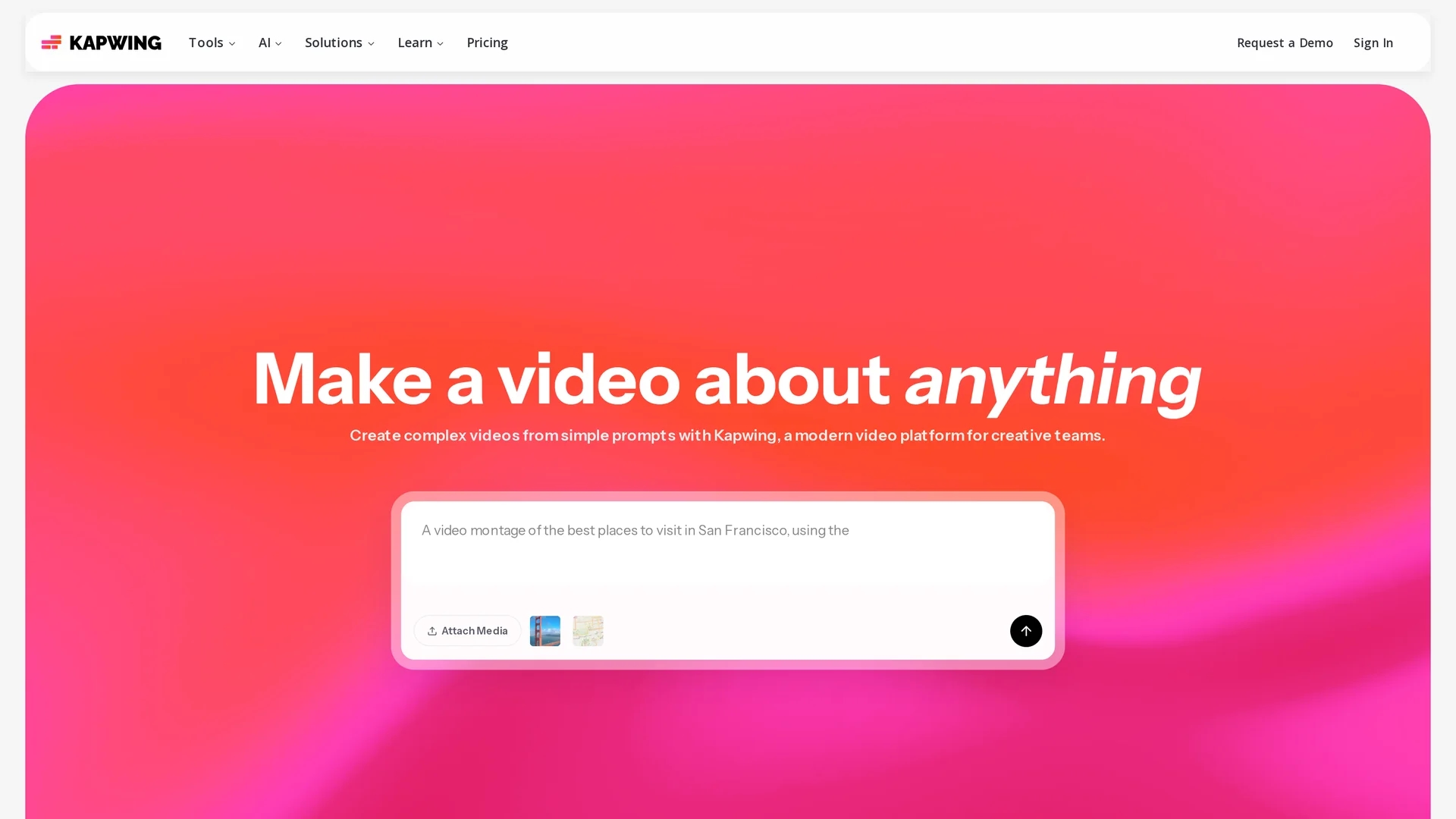
Kapwing is an AI-driven video creation platform that streamlines editing, resizing, and collaboration to boost team productivity and simplify video production workflows.
Disclaimer: Visionary Hub is not affiliated with, endorsed by, or the operator of this tool. All trademarks, logos, and content are the property of their respective owners. Full disclaimer available here
Key Features
Video Editing
Drag-and-drop timeline to trim, combine, and add effects.
Subtitle Generation
Automatically adds captions and subtitles to videos.
Background Removal
Removes video backgrounds without needing a green screen.
AI Video Generator
Creates videos from text prompts with customizable scripts.
Get Started
Share & Save
Share on Social Media
Why Choose Kapwing
AI Automation:
Automates tedious video editing tasks to speed up production.Real-Time Collaboration:
Enables seamless team editing and feedback simultaneously.Multi-Platform Support:
Effortlessly resizes videos for various social media platforms.
Pricing
Kapwing uses a freemium pricing model with a Free plan offering limited features. Paid plans include Pro at $16/month (billed annually) or $24/month, Business at $50/month (billed annually) or $64/month, and Enterprise available via contact. Pricing details are subject to change.
About Kapwing
Kapwing is an AI-driven video creation platform that streamlines editing, resizing, and collaboration to boost team productivity and simplify video production workflows.
What Kapwing Does
Kapwing enables users to create, edit, and enhance videos efficiently using AI-powered tools. It simplifies complex video production by automating tasks like subtitle generation, background removal, and audio cleaning, saving time and effort.
The platform offers real-time collaboration features allowing teams to work simultaneously on projects, add captions, animations, and transitions, and resize videos for various social media platforms. Its AI video generator can create videos from text prompts, and tools like smart cut remove silences automatically.
Kapwing is widely used by marketers, educators, content creators, and corporate teams to produce social media content, training videos, and brand storytelling materials with professional polish and faster turnaround.
Pros & Cons
User-Friendly
Intuitive interface requires little training for new users.
Comprehensive Tools
Includes audio editing, dubbing, and translation features.
Limited Free Plan
Free version has feature restrictions and export limits.
Subscription Cost
Paid plans may be costly for small teams or individuals.
Frequently Asked Questions
Kapwing provides video trimming, combining, subtitle generation, background removal, and AI video creation tools.
Kapwing offers a Free plan and paid Pro, Business, and Enterprise plans with varying features and billing options.
Yes, Kapwing supports real-time collaboration allowing multiple users to edit and provide feedback simultaneously.
Yes, Kapwing can automatically generate captions and subtitles for videos within the platform.
Kapwing includes AI-powered background removal that works without requiring a green screen.
Similar Tools You Might Like
Discover more AI-powered tools that complement your workflow


List Your AI Tool & Reach Thousands of Users
Join 500+ AI innovators already thriving on our platform. Get visibility, feedback, and boost your conversions.
Expand Your Audience
Connect with over 50,000 AI enthusiasts actively looking for tools like yours.
Boost Your Authority
Get verified reviews and ratings to build credibility in the AI marketplace.
Drive Conversions
Our premium placements and targeted audience deliver quality leads and sign-ups.