
Topaz Photo AI
Topaz Photo AI enhances photos using deep learning for noise reduction, sharpening, upscaling, and face recovery to improve image quality.
Disclaimer: Visionary Hub is not affiliated with, endorsed by, or the operator of this tool. All trademarks, logos, and content are the property of their respective owners. Full disclaimer available here
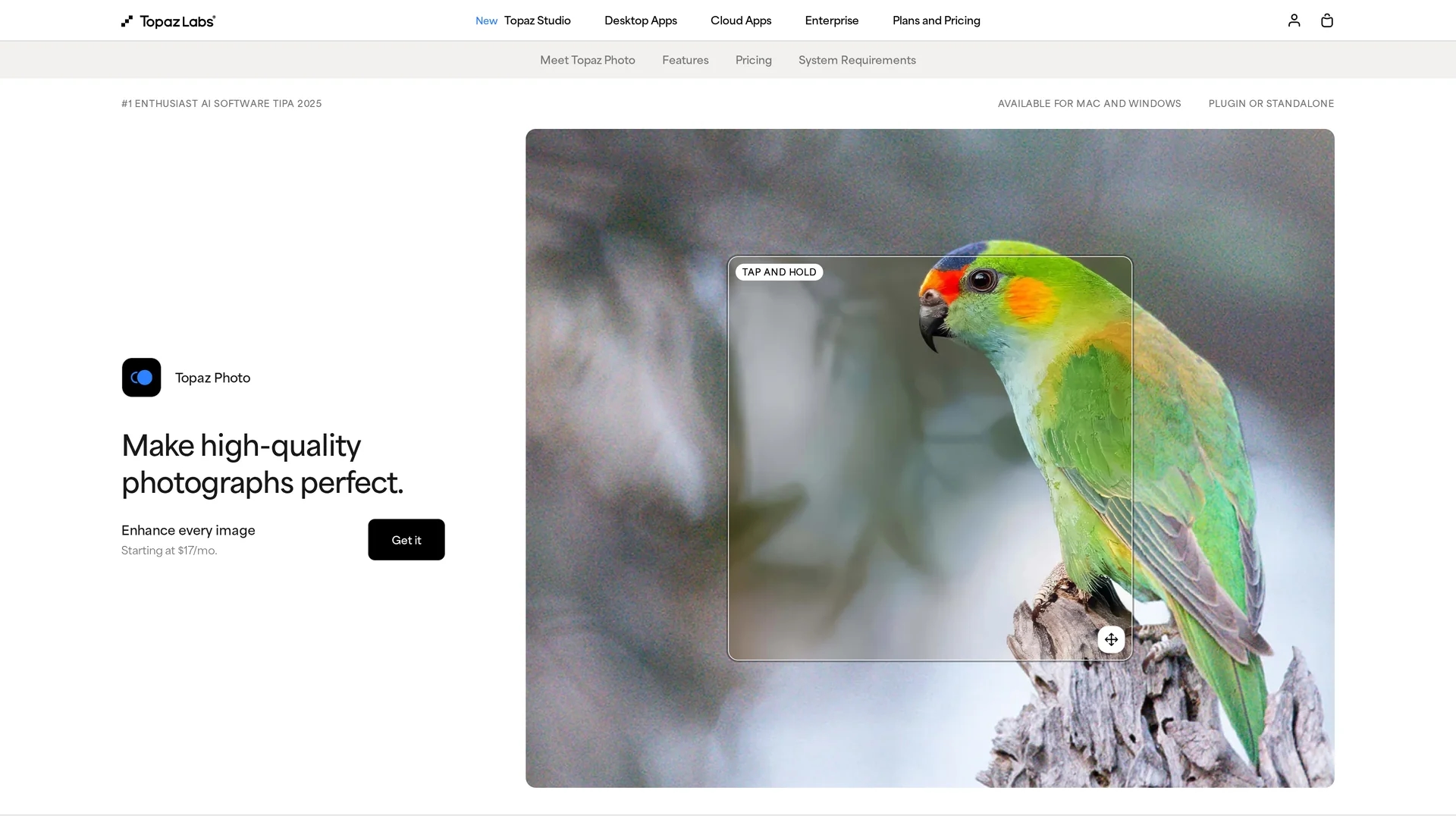
Key Features
Noise Reduction
Removes grain and noise while preserving image details.
Sharpening
Enhances image focus and detail to restore clarity.
Upscaling
Increases image resolution up to 16x for high-quality prints.
Face Recovery
Recovers facial details with options for realistic or creative results.
Get Started
Share & Save
Share on Social Media
Why Choose Topaz Photo AI
Advanced AI:
Uses deep learning models trained on millions of images for precise enhancement.Flexible Rendering:
Supports unlimited local and cloud rendering for fast processing.Comprehensive Tools:
Includes noise reduction, sharpening, upscaling, and face recovery features.
Pricing
Topaz Photo AI offers multiple subscription plans starting at $17/month billed annually for personal use. Pro plans with full commercial use start at $50/month annually. Bundles and enterprise options are available. No refunds after 7 days.
About Topaz Photo AI
Topaz Photo AI enhances photos using deep learning for noise reduction, sharpening, upscaling, and face recovery to improve image quality.
What Topaz Photo AI Does
Topaz Photo AI enhances digital images by applying AI-driven noise reduction, sharpening, upscaling, and face recovery to improve clarity and detail. It benefits photographers and creatives by restoring image quality in low-light or blurry photos.
The software uses multiple AI models, including Wonder and Standard MAX, to automatically fix imperfections, remove grain, and upscale images up to 16x resolution. It offers both local and cloud rendering options for flexible processing.
Typical use cases include wildlife, sports, event photography, and archival image restoration, making it suitable for professional and personal photo enhancement workflows.
Pros & Cons
High Quality
Delivers natural and detailed photo enhancements using AI.
Integration
Works as standalone or plugin with popular editing software.
Cost
Subscription pricing may be high for casual users.
Learning Curve
Some features may require time to master for best results.
Frequently Asked Questions
It is available for Windows and macOS as standalone or plugin software.
Plans start at $17/month billed annually with personal and pro options.
Desktop apps can be used on one computer at a time; Pro licenses allow multiple seats.
All orders are final with no refunds after 7 days of purchase.
Support and documentation are available at https://docs.topazlabs.com/.
Similar Tools You Might Like
Discover more AI-powered tools that complement your workflow


List Your AI Tool & Reach Thousands of Users
Join 500+ AI innovators already thriving on our platform. Get visibility, feedback, and boost your conversions.
Expand Your Audience
Connect with over 50,000 AI enthusiasts actively looking for tools like yours.
Boost Your Authority
Get verified reviews and ratings to build credibility in the AI marketplace.
Drive Conversions
Our premium placements and targeted audience deliver quality leads and sign-ups.