QuickTools by Picsart
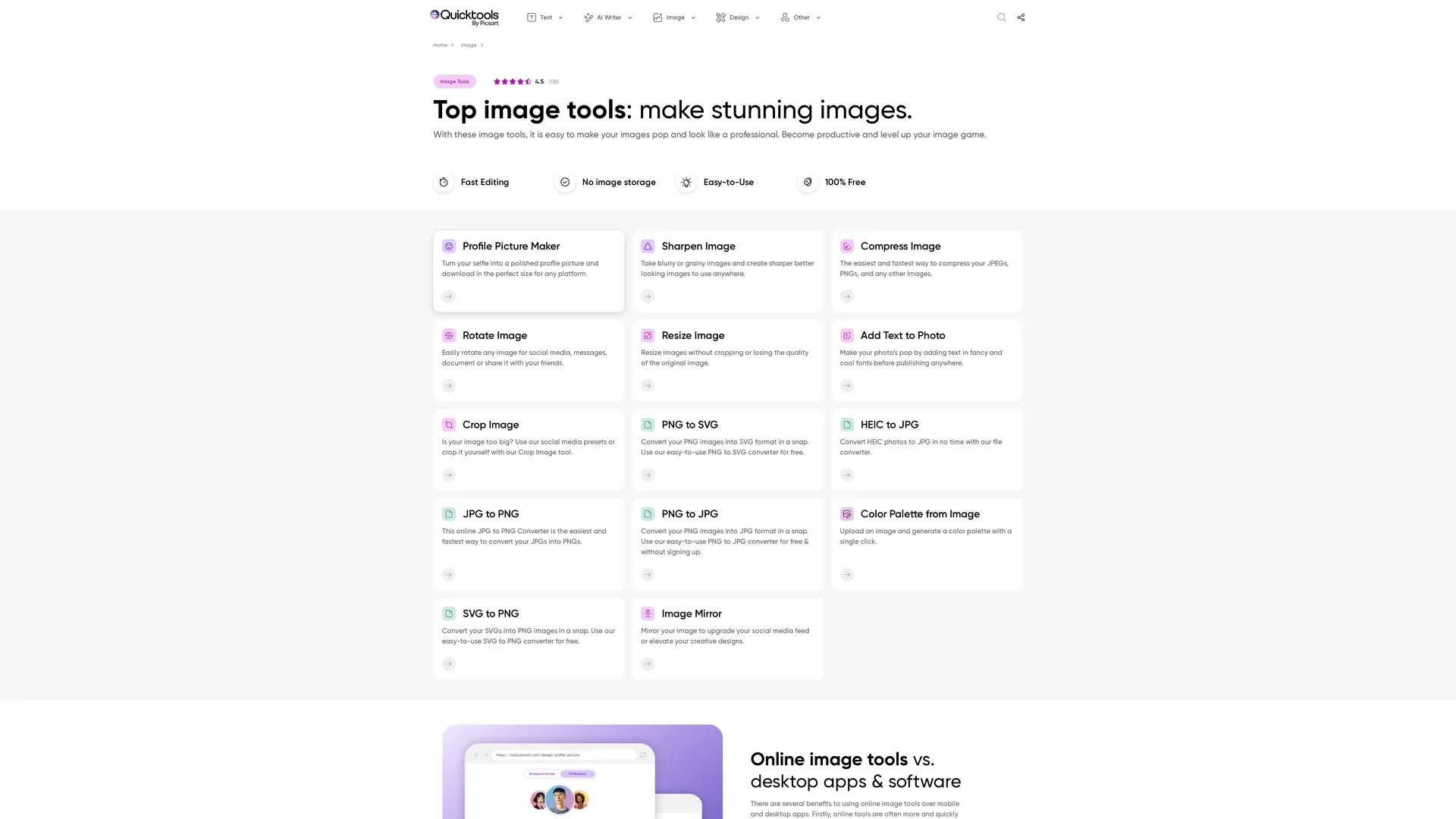
QuickTools by Picsart offers free online image editing features like background removal, resizing, text addition, color palettes, conversion, and AI-powered social media bios and slogans.
Disclaimer: Visionary Hub is not affiliated with, endorsed by, or the operator of this tool. All trademarks, logos, and content are the property of their respective owners. Full disclaimer available here
Key Features
Background Removal
Automatically removes image backgrounds for transparent PNGs.
Image Resizing
Resize images without cropping or quality loss.
Text Addition
Add customizable text to photos with various fonts.
Color Palettes
Generate color palettes directly from uploaded images.
Get Started
Share & Save
Share on Social Media
Why Choose QuickTools by Picsart
Free Access:
Offers 100% free image editing without requiring sign-up.AI Integration:
Includes AI tools for bios, slogans, names, and hashtags.No Installation:
Works fully online without software downloads or accounts.
Pricing
QuickTools by Picsart is 100% free to use without requiring account creation or software installation.
About QuickTools by Picsart
QuickTools by Picsart offers free online image editing features like background removal, resizing, text addition, color palettes, conversion, and AI-powered social media bios and slogans.
What QuickTools by Picsart Does
QuickTools by Picsart enables users to edit images online with features such as background removal, resizing, adding text, and generating color palettes. It streamlines image editing without the need for software installation or account creation.
The platform also includes AI-powered generation tools that create social media bios, marketing slogans, business name ideas, and hashtags, enhancing content creation and branding efforts. Users can convert image formats and perform various edits efficiently.
This tool is useful for social media managers, graphic designers, digital marketers, and small business owners who need quick, accessible image editing and AI content generation for marketing and branding.
Pros & Cons
User-Friendly
Easy-to-use interface suitable for all skill levels.
Comprehensive Tools
Combines image editing and AI content generation features.
Limited Advanced Edits
Does not offer complex desktop-level image editing features.
No Account Features
Lacks user accounts, so no project saving or history.
Frequently Asked Questions
Yes, it is completely free and does not require account creation.
Yes, the tool automatically removes backgrounds to create transparent images.
Yes, images can be resized without cropping or losing quality.
Yes, AI-powered tools generate social media bios, slogans, names, and hashtags.
No, all features are accessible online without any software installation.
Similar Tools You Might Like
Discover more AI-powered tools that complement your workflow


List Your AI Tool & Reach Thousands of Users
Join 500+ AI innovators already thriving on our platform. Get visibility, feedback, and boost your conversions.
Expand Your Audience
Connect with over 50,000 AI enthusiasts actively looking for tools like yours.
Boost Your Authority
Get verified reviews and ratings to build credibility in the AI marketplace.
Drive Conversions
Our premium placements and targeted audience deliver quality leads and sign-ups.