
SpellBox
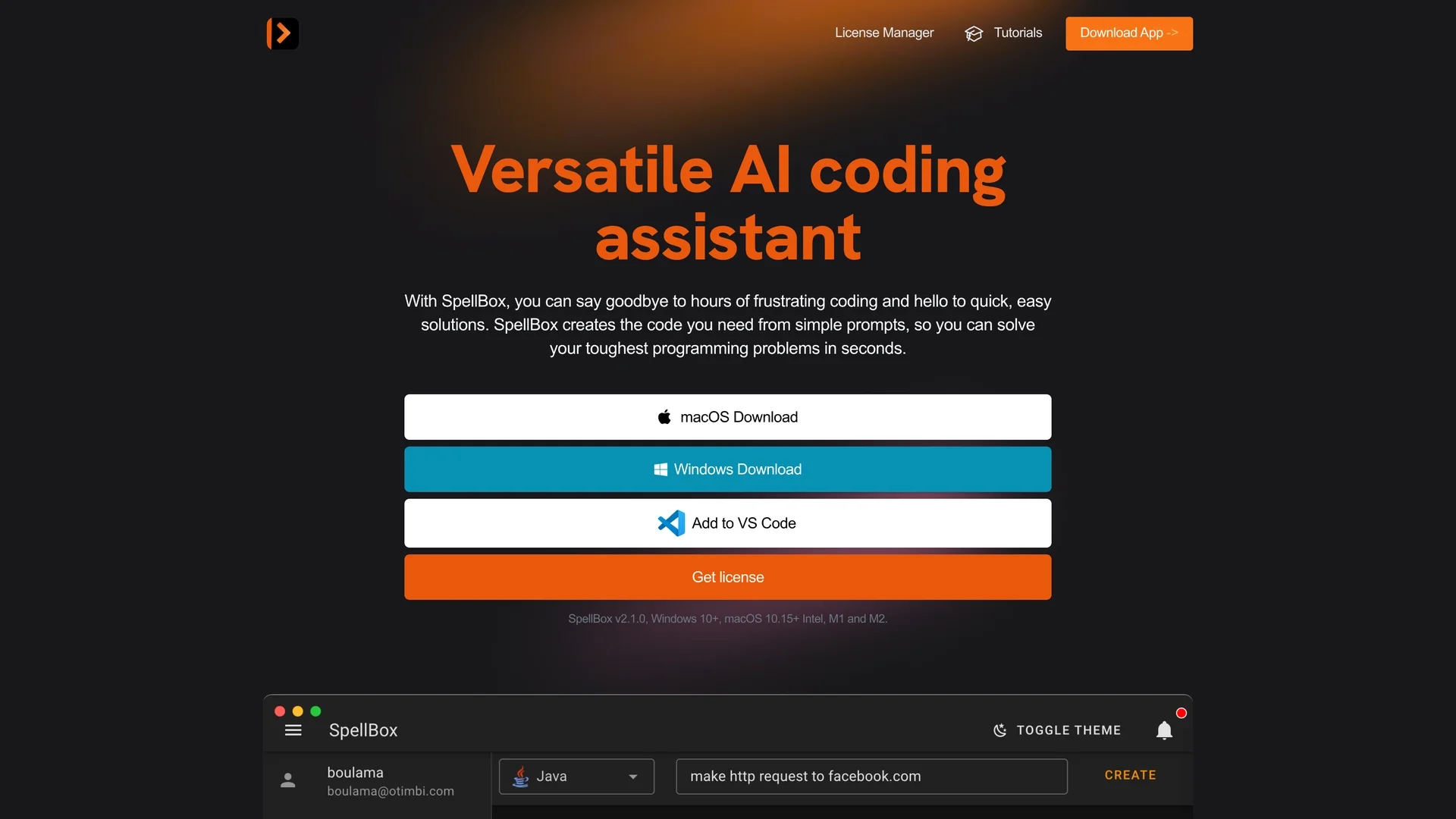
SpellBox is an AI programming assistant that generates code from simple prompts, offering code explanation and bookmarking for Windows, macOS, and popular IDEs.
Disclaimer: Visionary Hub is not affiliated with, endorsed by, or the operator of this tool. All trademarks, logos, and content are the property of their respective owners. Full disclaimer available here
Key Features
Code Generation
Generates code snippets from natural language descriptions.
Code Explanation
Breaks down code logic step-by-step for better understanding.
Code Bookmarking
Saves and organizes code snippets for quick access.
Multi-Platform
Available as desktop app and IDE extensions for Windows and macOS.
Get Started
Share & Save
Share on Social Media
Why Choose SpellBox
Fast Code Generation:
Creates code quickly from simple natural language prompts.Offline Use:
Operates without internet, ensuring privacy and availability.IDE Integration:
Available as plugins for VS Code and JetBrains IDEs.
Pricing
SpellBox offers a one-year Early Bird license for $40, including unlimited code generation, usage on unlimited computers, and code bookmarking. A 5-day money-back guarantee is available. For current pricing, visit the license manager.
About SpellBox
SpellBox is an AI programming assistant that generates code from simple prompts, offering code explanation and bookmarking for Windows, macOS, and popular IDEs.
What SpellBox Does
SpellBox generates usable code from simple text prompts, enabling users to solve programming problems quickly and efficiently. It reduces time spent on debugging and searching for code snippets.
Key features include AI-driven code generation, detailed code explanations to clarify logic, and bookmarking for easy retrieval of code snippets. It integrates seamlessly with popular IDEs like VS Code and JetBrains, and also functions offline as a desktop application.
SpellBox is used across industries such as education, banking, technology, and airlines, supporting developers, students, and hobbyists in various programming tasks.
Pros & Cons
Quick Output
Delivers code rapidly from simple prompts.
No Internet Needed
Fully functional offline after installation.
Limited Platforms
Supports only Windows and macOS.
No Collaboration
Lacks team collaboration features.
Frequently Asked Questions
An AI assistant that generates code from prompts to solve programming problems quickly.
Available as a desktop app for Windows and macOS, plus VS Code and JetBrains IDE plugins.
Code generation, code explanation, and code bookmarking.
Yes, a 5-day money-back guarantee applies from the purchase date.
No, it works fully offline after installation.
Similar Tools You Might Like
Discover more AI-powered tools that complement your workflow



List Your AI Tool & Reach Thousands of Users
Join 500+ AI innovators already thriving on our platform. Get visibility, feedback, and boost your conversions.
Expand Your Audience
Connect with over 50,000 AI enthusiasts actively looking for tools like yours.
Boost Your Authority
Get verified reviews and ratings to build credibility in the AI marketplace.
Drive Conversions
Our premium placements and targeted audience deliver quality leads and sign-ups.