
GitHub Copilot
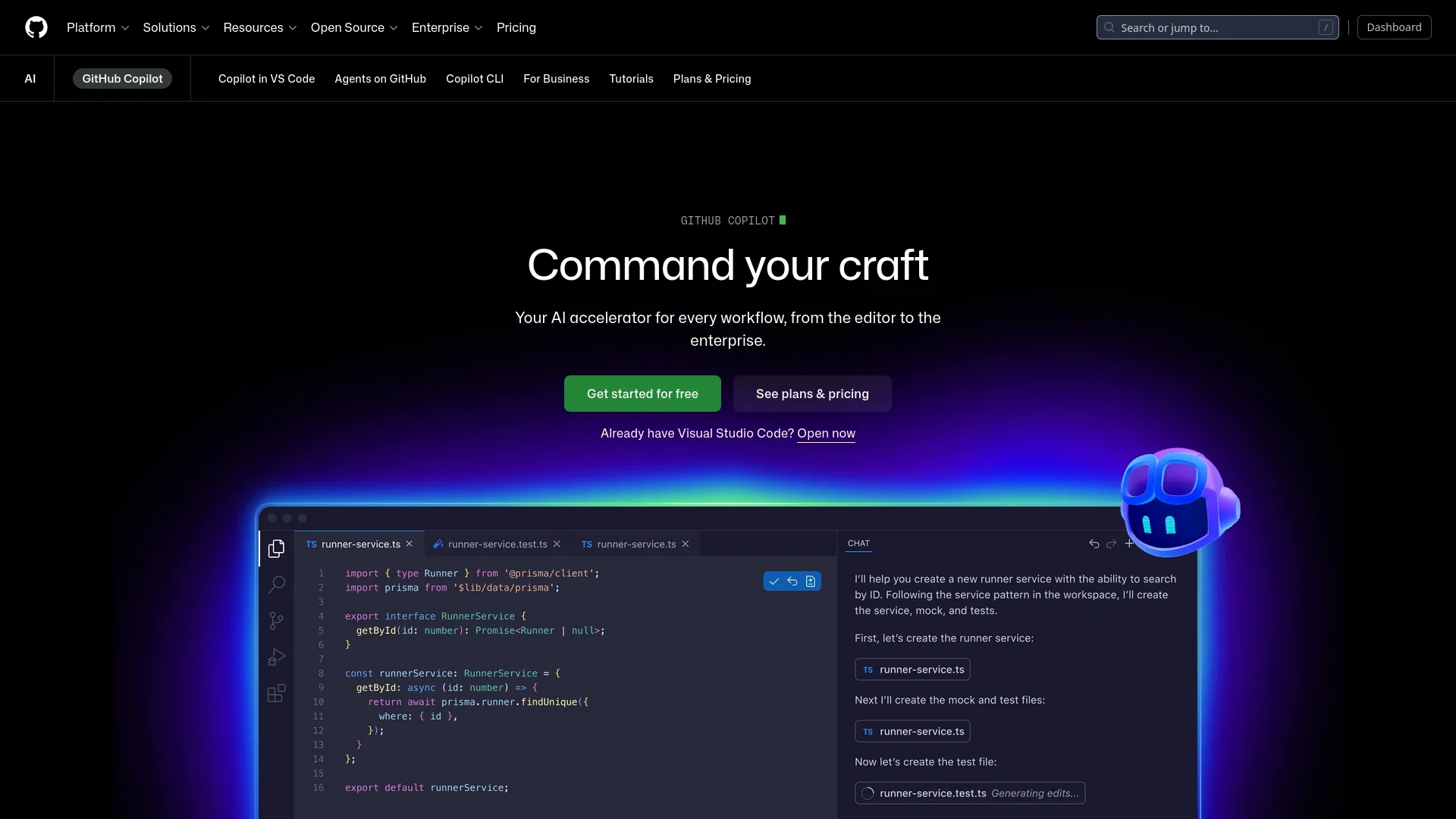
AI-powered coding assistant GitHub Copilot delivers real-time code completions, chat, and multi-file agent editing inside popular IDEs, with multi-model access and plans from a free tier to Pro+ for power users.
Disclaimer: Visionary Hub is not affiliated with, endorsed by, or the operator of this tool. All trademarks, logos, and content are the property of their respective owners. Full disclaimer available here
Key Features
Real-time completions
Suggests lines or functions based on context to speed coding and reduce errors.
Copilot Chat
Natural-language chat for explanations, debugging, and code generation using premium requests.
Agent mode
Performs multi-file edits, code review tasks, and autonomous workflows across repositories.
Multi-model access
Selects models like GPT-4o and Claude 3.5; Pro+ includes advanced variants for complex tasks.
IDE integrations
Native plugins for VS Code, JetBrains, Visual Studio, Neovim, Vim, Xcode, plus CLI support.
Organization controls
Audit logs, policy enforcement, and content exclusions for governance and compliance.
Copilot Workspace
Advanced multi-file editing and agent capabilities for coordinated development tasks.
Get Started
Share & Save
Share on Social Media
Why Choose GitHub Copilot
Broad IDE support:
Works in existing editors (VS Code, JetBrains, Visual Studio, Neovim, Vim, Xcode) so teams keep familiar workflows.Large user base:
Adopted by millions, offering proven productivity data and ecosystem integrations with GitHub.Tiered privacy:
Business/Enterprise tiers guarantee private code exclusion from training and provide compliance controls.Scalable premium requests:
Adjustable allowances provide access to top models while controlling advanced-use costs.
Pricing
Free: $0/mo — limited completions, 50 chat messages, 50 premium requests. Pro: $10/mo or $100/yr — unlimited completions, 300 premium requests. Pro+: $39/mo or $390/yr — 1,500 premium requests, advanced models. Business: $19/user/mo; Enterprise: custom $39/user/mo and up. Overages: $0.04/request.
About GitHub Copilot
AI-powered coding assistant GitHub Copilot delivers real-time code completions, chat, and multi-file agent editing inside popular IDEs, with multi-model access and plans from a free tier to Pro+ for power users.
What GitHub Copilot Does
GitHub Copilot generates context-aware code suggestions and natural-language responses to developer queries, boosting productivity across individual and team workflows. It supplies completions, explanations, and debugging help inside supported IDEs.
Copilot supports Copilot Chat, multi-file agent mode, Workspace editing, and selectable AI models. Premium requests enable advanced features and access to higher-capacity models; Business/Enterprise tiers add governance and training exclusions.
Use cases include rapid prototyping, code review assistance, onboarding, automating refactors, and cross-repository task automation for teams and enterprises.
Pros & Cons
Affordable
Pro at $10/mo provides unlimited completions and wide model access for individuals.
IDE compatibility
Supports major editors without forcing a new development environment.
Enterprise security
Business/Enterprise add IP indemnity, training exclusions, and compliance tools.
Proven impact
Broad adoption and reviews report measurable developer productivity gains.
Request limits
Free and lower tiers have strict premium-request caps; overages cost $0.04 each.
Pro+ cost
Some users consider the $39/mo Pro+ tier expensive for advanced-model access.
Team subscription
Business/Enterprise require underlying GitHub Team or Enterprise plans, raising overall cost.
Frequently Asked Questions
Premium requests enable advanced features like Chat, agent mode, code review, and model selection. Allowances vary: Free 50/mo, Pro 300/mo, Pro+ 1,500/mo; overages charge $0.04 per request.
Yes. Copilot Free includes limited access: 2,000 completions, 50 chat messages, and 50 premium requests per month. Students, teachers, and open-source maintainers may qualify for free Pro access.
Individual-tier prompts are discarded by default unless opted in for improvement. Business and Enterprise tiers guarantee private code is not used for model training.
Copilot supports VS Code, JetBrains IDEs, Visual Studio, Neovim, Vim, and Xcode, plus CLI/terminal integrations for diverse development environments.
Similar Tools You Might Like
Discover more AI-powered tools that complement your workflow


List Your AI Tool & Reach Thousands of Users
Join 500+ AI innovators already thriving on our platform. Get visibility, feedback, and boost your conversions.
Expand Your Audience
Connect with over 50,000 AI enthusiasts actively looking for tools like yours.
Boost Your Authority
Get verified reviews and ratings to build credibility in the AI marketplace.
Drive Conversions
Our premium placements and targeted audience deliver quality leads and sign-ups.