
PixPretty AI Photo Editor
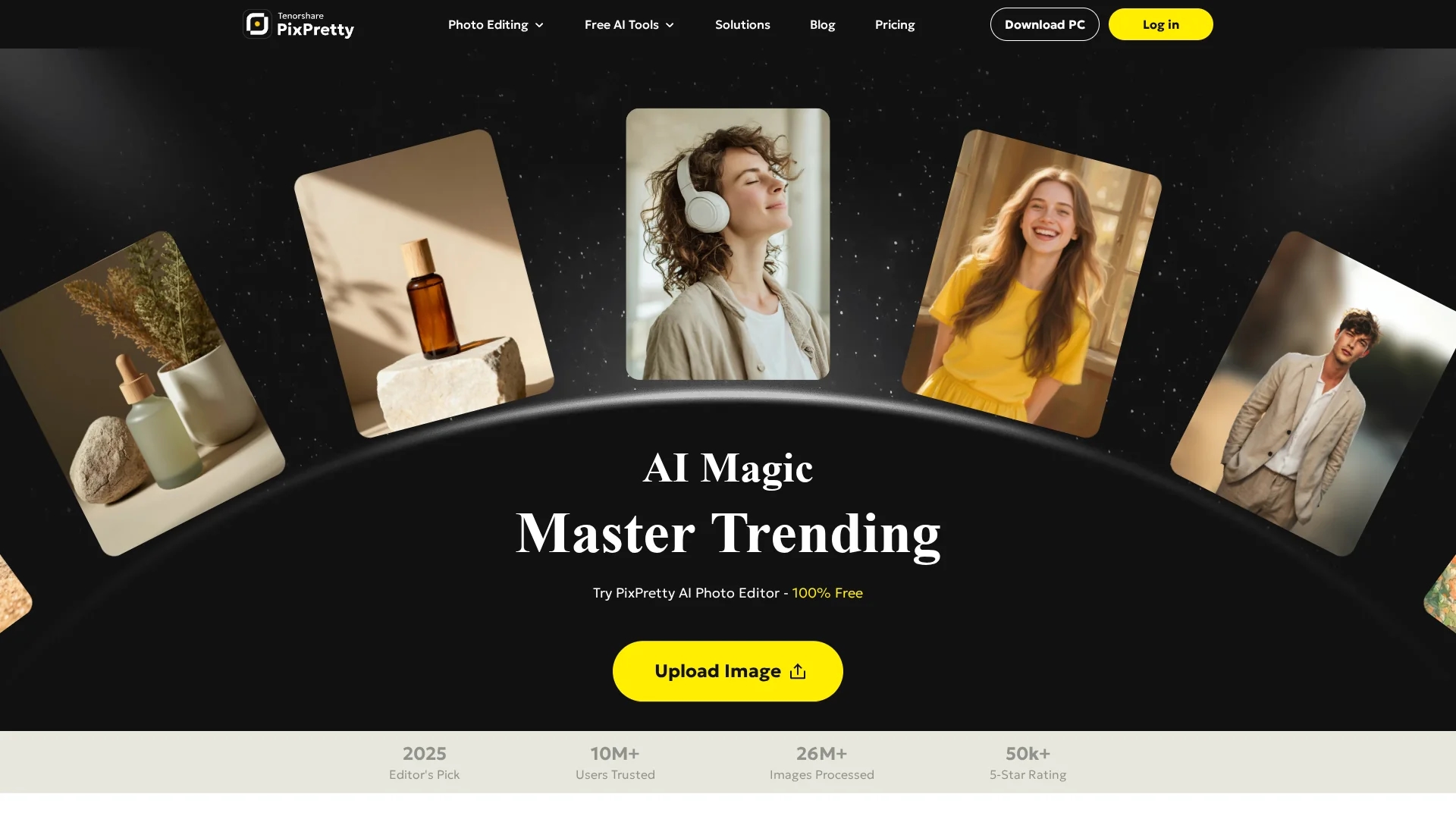
PixPretty AI Photo Editor is a free AI-powered tool for fast background removal, batch editing, portrait retouching, and format conversion.
Disclaimer: Visionary Hub is not affiliated with, endorsed by, or the operator of this tool. All trademarks, logos, and content are the property of their respective owners. Full disclaimer available here
Key Features
Background Removal
AI-powered removal of photo backgrounds quickly and accurately.
Batch Editing
Process multiple images at once for efficient workflow.
Portrait Retouching
Enhance portraits with AI-based retouching tools.
Format Conversion
Convert images between PNG, JPEG, WEBP, and other formats.
Get Started
Share & Save
Share on Social Media
Why Choose PixPretty AI Photo Editor
Fast Processing:
Removes complex backgrounds in seconds using advanced AI.Batch Editing:
Enables bulk transformations for up to 50 images simultaneously.Multiple Features:
Offers background replacement, retouching, resizing, and format conversion.
Pricing
PixPretty offers a freemium pricing model with a Free plan at $0, Plus plan at $12.99/month or $109.12/year, and Pro plan at $39.99/month or $335.92/year. Pricing is subject to change; visit the official pricing page for details.
About PixPretty AI Photo Editor
PixPretty AI Photo Editor is a free AI-powered tool for fast background removal, batch editing, portrait retouching, and format conversion.
What PixPretty AI Photo Editor Does
PixPretty AI Photo Editor automates background removal and replacement, enabling users to edit photos quickly and enhance visuals for e-commerce, social media, and personal use. It saves time by processing multiple images simultaneously with batch editing features.
The tool includes AI-powered background removal, color changes, blurring, portrait retouching, resizing, compression, and format conversion. It supports bulk transformations, allowing users to upload and edit up to 50 images at once. The AI is trained on millions of real-world images to handle complex backgrounds efficiently.
PixPretty is ideal for industries like e-commerce, digital marketing, and content creation, where fast, high-quality image editing improves visual appeal and branding.
Pros & Cons
Free Usage
Background removal is available 100% free without registration.
Comprehensive Tools
Includes background removal, replacement, batch editing, and retouching.
Login Required
Batch editing features require user registration and login.
Paid Plans
High-resolution exports and advanced features require paid subscription.
Frequently Asked Questions
It is an online AI photo editing tool by Tenorshare offering background removal and batch editing.
Background removal is free, but batch editing and high-resolution exports require payment.
Yes, images edited with PixPretty can be used commercially under its terms.
Yes, PixPretty guarantees user privacy and image security.
It supports PNG, JPEG, WEBP, and other mainstream image formats.
Similar Tools You Might Like
Discover more AI-powered tools that complement your workflow


List Your AI Tool & Reach Thousands of Users
Join 500+ AI innovators already thriving on our platform. Get visibility, feedback, and boost your conversions.
Expand Your Audience
Connect with over 50,000 AI enthusiasts actively looking for tools like yours.
Boost Your Authority
Get verified reviews and ratings to build credibility in the AI marketplace.
Drive Conversions
Our premium placements and targeted audience deliver quality leads and sign-ups.