
Movavi Picverse
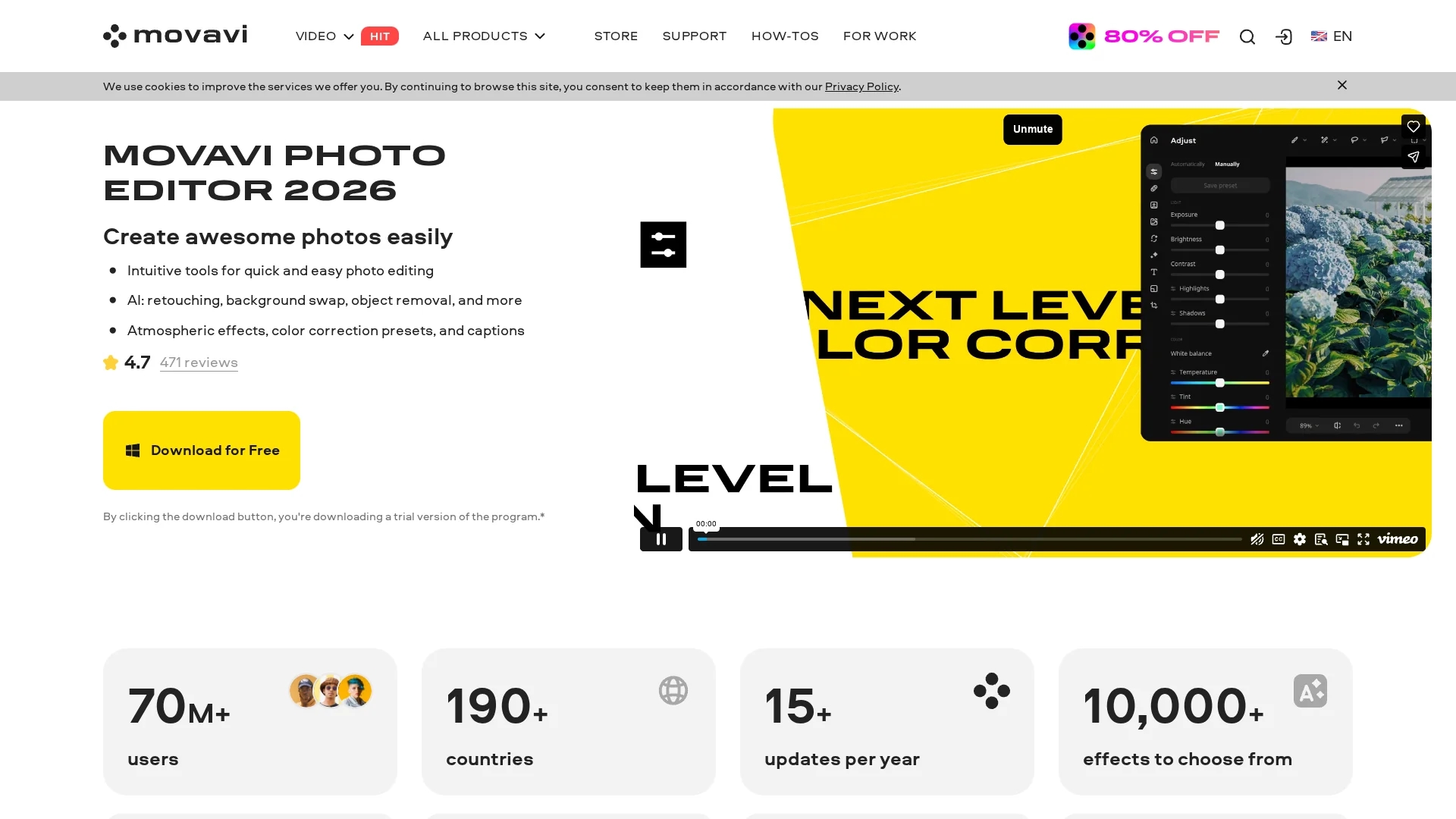
Movavi Picverse is a desktop photo editor with AI-powered auto-enhancement, background removal, photo retouching, RAW editing, and export in multiple formats.
Disclaimer: Visionary Hub is not affiliated with, endorsed by, or the operator of this tool. All trademarks, logos, and content are the property of their respective owners. Full disclaimer available here
Key Features
Auto-Enhancement
AI-powered tool to instantly enhance photo quality.
Object Removal
Precisely erase unwanted objects with natural background fill.
Photo Restoration
Restore old photos by removing creases, stains, and adding color.
Effect Filters
Access 100+ filters to customize image appearance.
Get Started
Share & Save
Share on Social Media
Why Choose Movavi Picverse
AI Enhancement:
Automatically improves light and color balance for high-quality photos.Background Removal:
Quickly swaps or removes backgrounds using AI technology.User-Friendly:
Intuitive interface suitable for beginners and professionals.
Pricing
Movavi Picverse offers a trial version with limitations. The full version is priced at $49.95 including VAT. Purchase options include one-time payment licenses. Visit the official site for current pricing and discounts.
About Movavi Picverse
Movavi Picverse is a desktop photo editor with AI-powered auto-enhancement, background removal, photo retouching, RAW editing, and export in multiple formats.
What Movavi Picverse Does
Movavi Picverse provides comprehensive photo editing capabilities including AI-powered auto-enhancement, background removal, object removal, and restoration of old photos. It helps users improve image quality quickly and efficiently.
The software uses artificial intelligence to automate complex tasks such as retouching portraits, color correction, and removing unwanted elements with natural-looking results. It includes over 100 effect filters and supports RAW image editing for professional workflows.
This tool is suitable for personal photo enhancement, e-commerce product image optimization, and restoring family photographs, serving photographers, designers, and marketers alike.
Pros & Cons
AI Features
Automates complex editing tasks for faster workflows.
Cross-Platform
Available for both Windows and Mac operating systems.
Trial Limitations
Free trial restricts saving images and adds watermarks.
Large File Handling
May not process very large images above 6000x8000 pixels reliably.
Frequently Asked Questions
Yes, a free trial is available with saving limits and watermarked images.
It supports Microsoft Windows 10/11 64-bit and macOS systems.
Yes, AI-powered background removal allows quick and precise swaps.
Requires Intel Core i5 or higher, 6GB RAM, and 500MB free disk space.
Yes, Movavi Picverse supports editing and exporting RAW image formats.
Similar Tools You Might Like
Discover more AI-powered tools that complement your workflow


List Your AI Tool & Reach Thousands of Users
Join 500+ AI innovators already thriving on our platform. Get visibility, feedback, and boost your conversions.
Expand Your Audience
Connect with over 50,000 AI enthusiasts actively looking for tools like yours.
Boost Your Authority
Get verified reviews and ratings to build credibility in the AI marketplace.
Drive Conversions
Our premium placements and targeted audience deliver quality leads and sign-ups.