
Pixelicious
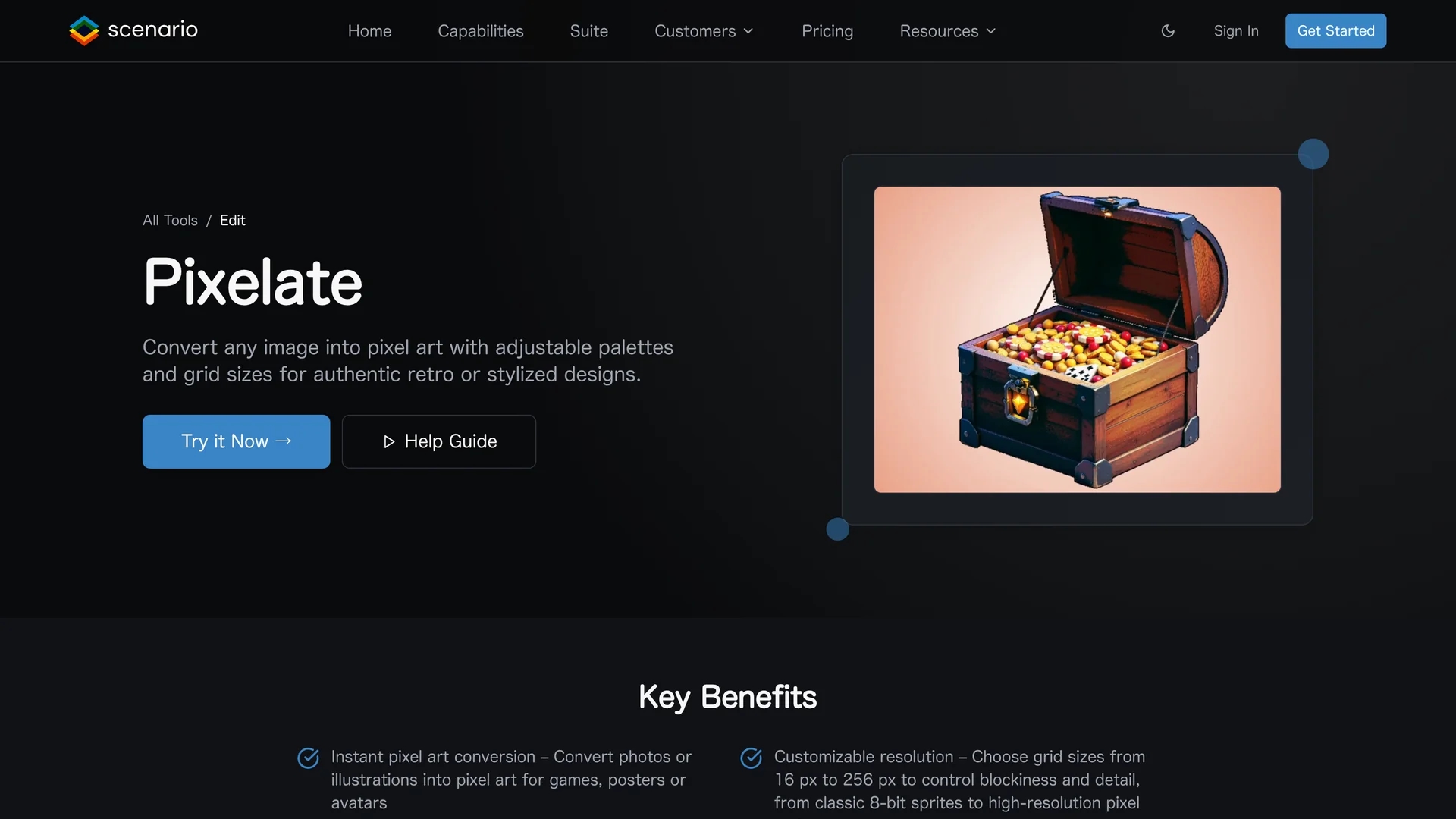
Pixelicious is an online image-to-pixel art converter that transforms photos into retro-style pixel art for game development and digital design projects.
Disclaimer: Visionary Hub is not affiliated with, endorsed by, or the operator of this tool. All trademarks, logos, and content are the property of their respective owners. Full disclaimer available here
Key Features
Image Conversion
Transforms images into pixel art with adjustable resolution.
Palette Customization
Supports automatic and manual color palette adjustments.
Background Removal
Clears image backgrounds for isolated pixel art assets.
Save Settings
Save palettes and settings for consistent retro aesthetics.
Get Started
Share & Save
Share on Social Media
Why Choose Pixelicious
Customizable Grids:
Adjust pixel grid sizes from 16 to 256 px for varied detail levels.Flexible Palettes:
Create or auto-extract color palettes for authentic pixel art styles.Noise & Background Control:
Remove noise and backgrounds for clean, professional pixel art.
Pricing
Pricing includes Pro at $45/month with 5,000 Creative Units and standard features, Team at $150/month per seat with enhanced limits and support, and customizable Enterprise plans. See Scenario pricing for details.
About Pixelicious
Pixelicious is an online image-to-pixel art converter that transforms photos into retro-style pixel art for game development and digital design projects.
What Pixelicious Does
Pixelicious converts any uploaded image into pixel art, allowing users to create retro-style graphics easily. This benefits game developers and digital artists by simplifying pixel art creation.
The tool features adjustable pixel grid sizes from 16 px to 256 px, customizable color palettes with automatic extraction or manual selection, and options to remove noise and backgrounds for clean sprites. Users can save palettes and settings to maintain consistent aesthetics across projects.
Typical use cases include generating retro game assets, stylized portraits, avatars, and mobile game UI elements, serving industries like game development and digital design.
Pros & Cons
Ease of Use
Simple upload and adjustment process for quick pixel art creation.
Versatility
Supports various pixel sizes and palette options for diverse styles.
Pricing
No free plan; pricing details require visiting the Scenario pricing page.
Limited Info
Some advanced features and integrations are not detailed publicly.
Frequently Asked Questions
Pixelicious is an online tool that converts images into pixel art for game development.
Upload an image, adjust pixelation and palette, then download the pixel art.
Plans include Pro, Team, and Enterprise with varying features and custom pricing.
Yes, you can auto-extract or manually create color palettes for your pixel art.
Yes, it offers background removal to create clean pixel art assets.
Similar Tools You Might Like
Discover more AI-powered tools that complement your workflow

List Your AI Tool & Reach Thousands of Users
Join 500+ AI innovators already thriving on our platform. Get visibility, feedback, and boost your conversions.
Expand Your Audience
Connect with over 50,000 AI enthusiasts actively looking for tools like yours.
Boost Your Authority
Get verified reviews and ratings to build credibility in the AI marketplace.
Drive Conversions
Our premium placements and targeted audience deliver quality leads and sign-ups.