
Napkin.ai
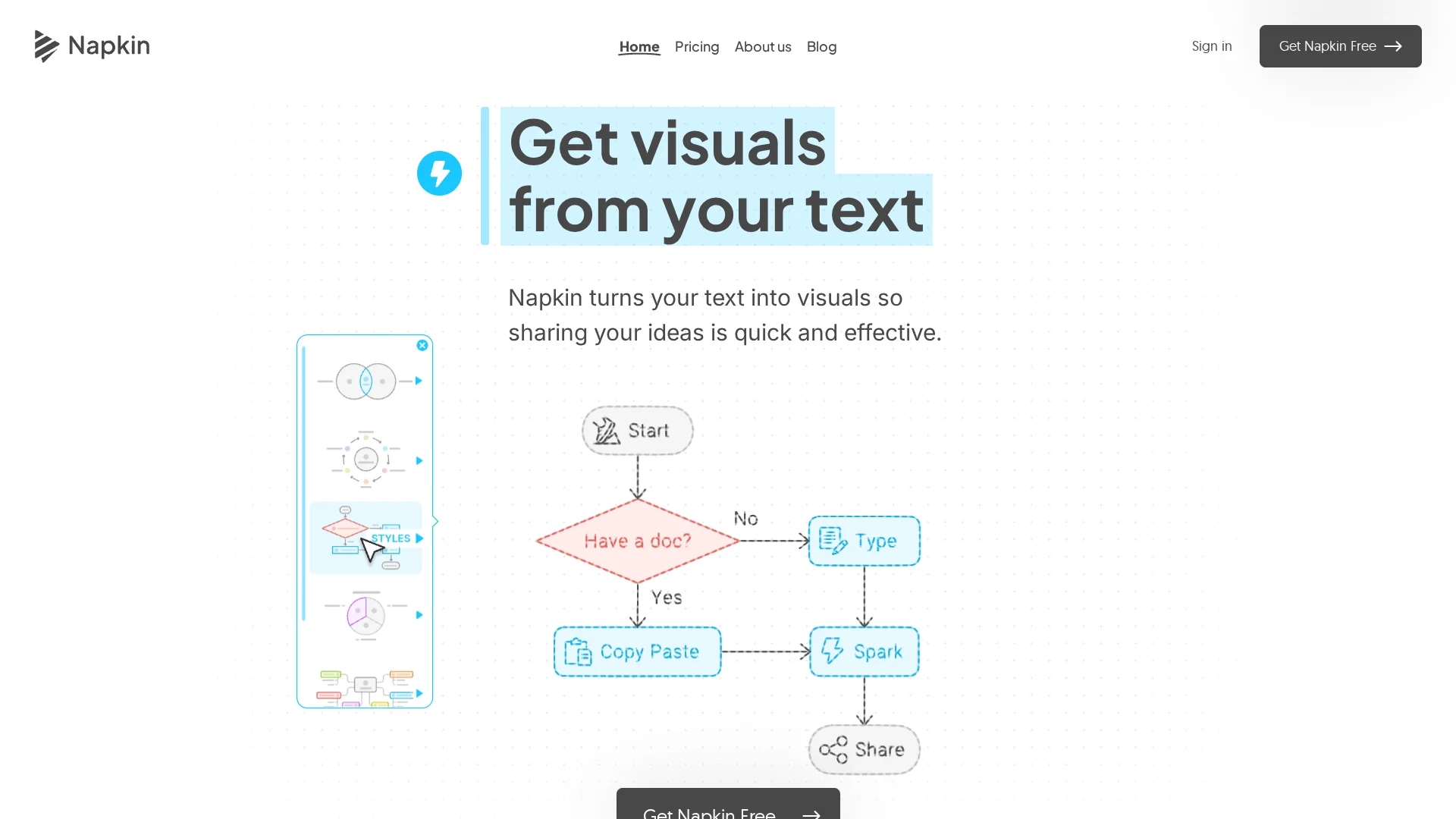
Napkin AI converts text into customizable visuals like diagrams and infographics, enhancing business storytelling with easy editing and versatile export options.
Disclaimer: Visionary Hub is not affiliated with, endorsed by, or the operator of this tool. All trademarks, logos, and content are the property of their respective owners. Full disclaimer available here
Key Features
Automatic Generation
Creates diagrams and infographics from pasted or imported text.
Style Editing
Allows users to modify colors, fonts, and icons easily.
Export Options
Supports exporting visuals in several popular file formats.
User Interface
Features an intuitive interface for quick visual creation.
Get Started
Share & Save
Share on Social Media
Why Choose Napkin.ai
Text-to-Visual:
Transforms text directly into relevant visuals without complex prompts.Customization:
Offers extensive style, color, and icon adjustments for tailored visuals.Multiple Exports:
Exports visuals in PNG, PDF, SVG, and PPT formats for diverse needs.
Pricing
Napkin AI offers a freemium pricing model with a free Starter plan and a Professional plan currently free during beta. Enterprise pricing is available by contacting the company. Details are on the official pricing page.
About Napkin.ai
Napkin AI converts text into customizable visuals like diagrams and infographics, enhancing business storytelling with easy editing and versatile export options.
What Napkin.ai Does
Napkin AI converts user-provided text into visual content such as diagrams, flowcharts, and infographics, enhancing communication and idea sharing. This helps users quickly create visuals that clarify complex business concepts and engage audiences.
The tool generates visuals automatically from pasted or imported text, then allows users to customize styles, colors, icons, and connectors. It supports exporting visuals in formats like PNG, PDF, SVG, and PPT for versatile use across presentations, social media, and documents.
Napkin AI is useful across industries including education, marketing, business strategy, and content creation, where clear visual storytelling improves understanding and engagement.
Pros & Cons
Ease of Use
No need for design skills; visuals are generated from text automatically.
Versatile Outputs
Exports support multiple formats suitable for presentations and social media.
Mobile Limitations
Creating and editing visuals is only available on desktop devices.
Interface Language
Currently, the interface is available only in English.
Frequently Asked Questions
Napkin transforms text into visuals like diagrams and charts, acting as a personal visual expert.
Yes, Napkin offers a free plan with some limitations and paid plans for extended features.
You can view visuals on mobile, but creating and editing is only supported on desktop.
Sign up via the 'Get Napkin' button using Google Single Sign-On or email on desktop.
Yes, it offers shared workspaces, real-time editing, and commenting for teams.
Similar Tools You Might Like
Discover more AI-powered tools that complement your workflow


List Your AI Tool & Reach Thousands of Users
Join 500+ AI innovators already thriving on our platform. Get visibility, feedback, and boost your conversions.
Expand Your Audience
Connect with over 50,000 AI enthusiasts actively looking for tools like yours.
Boost Your Authority
Get verified reviews and ratings to build credibility in the AI marketplace.
Drive Conversions
Our premium placements and targeted audience deliver quality leads and sign-ups.