
VDraw AI
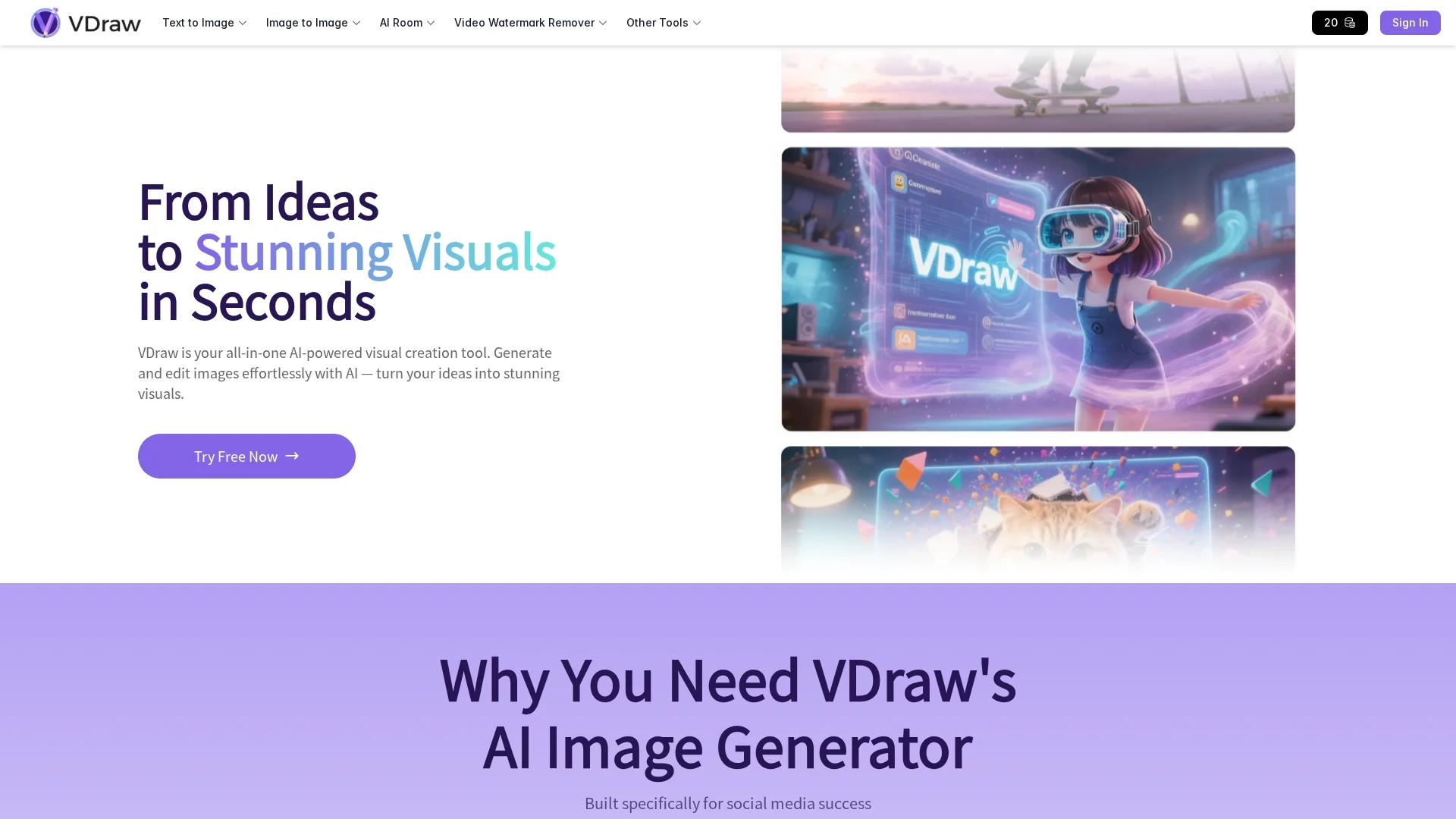
VDraw AI transforms text, documents, and videos into customizable infographics and visuals, simplifying data visualization without requiring advanced design skills.
Disclaimer: Visionary Hub is not affiliated with, endorsed by, or the operator of this tool. All trademarks, logos, and content are the property of their respective owners. Full disclaimer available here
Key Features
AI Infographic Generator
Automatically converts text into polished infographics.
YouTube Summary Tool
Extracts video content into structured visual outlines.
PDF Summarizer
Creates visual summaries from documents for easier comprehension.
AI Carousel Generator
Generates engaging carousel posts for social media platforms.
Get Started
Share & Save
Share on Social Media
Why Choose VDraw AI
Ease of Use:
No advanced design skills needed to create professional visuals quickly.Multimedia Support:
Transforms text, documents, and videos into engaging graphics.Customization:
Offers fonts, colors, and icons to tailor visuals to specific needs.
Pricing
VDraw AI offers a freemium pricing model with free access to basic features and paid plans available. Starter and Pro plans are free but may have limitations. For detailed pricing, visit the official pricing page.
About VDraw AI
VDraw AI transforms text, documents, and videos into customizable infographics and visuals, simplifying data visualization without requiring advanced design skills.
What VDraw AI Does
VDraw AI transforms text, documents, and videos into visually compelling infographics, flowcharts, and social media graphics, making complex information easier to understand and share. It benefits users by simplifying the creation of professional visuals without requiring design skills.
The tool uses AI to generate infographics from text, summarize YouTube videos into outlines, and create visual carousels for social media. Users can customize fonts, colors, and icons to tailor designs to their needs. It also supports embedding and sharing visuals across platforms.
VDraw AI is useful for bloggers, educators, marketers, and business professionals who need to communicate data clearly, create engaging social media content, or develop educational materials efficiently.
Pros & Cons
User-Friendly
Intuitive interface suitable for users without design experience.
Versatile Output
Supports multiple content types including text, video, and documents.
Limited Pricing Details
Specific pricing tiers and features are not fully detailed publicly.
Feature Scope
Focuses mainly on visual content creation; lacks advanced video editing.
Frequently Asked Questions
It converts text, documents, and videos into infographics and visual graphics.
No, the tool is designed for users without advanced design skills.
VDraw AI has a freemium model with free Starter and Pro plans available.
Yes, users can edit fonts, colors, icons, and layouts to fit their needs.
Support can be reached through the official website's contact options.
Similar Tools You Might Like
Discover more AI-powered tools that complement your workflow



List Your AI Tool & Reach Thousands of Users
Join 500+ AI innovators already thriving on our platform. Get visibility, feedback, and boost your conversions.
Expand Your Audience
Connect with over 50,000 AI enthusiasts actively looking for tools like yours.
Boost Your Authority
Get verified reviews and ratings to build credibility in the AI marketplace.
Drive Conversions
Our premium placements and targeted audience deliver quality leads and sign-ups.