
takemebot
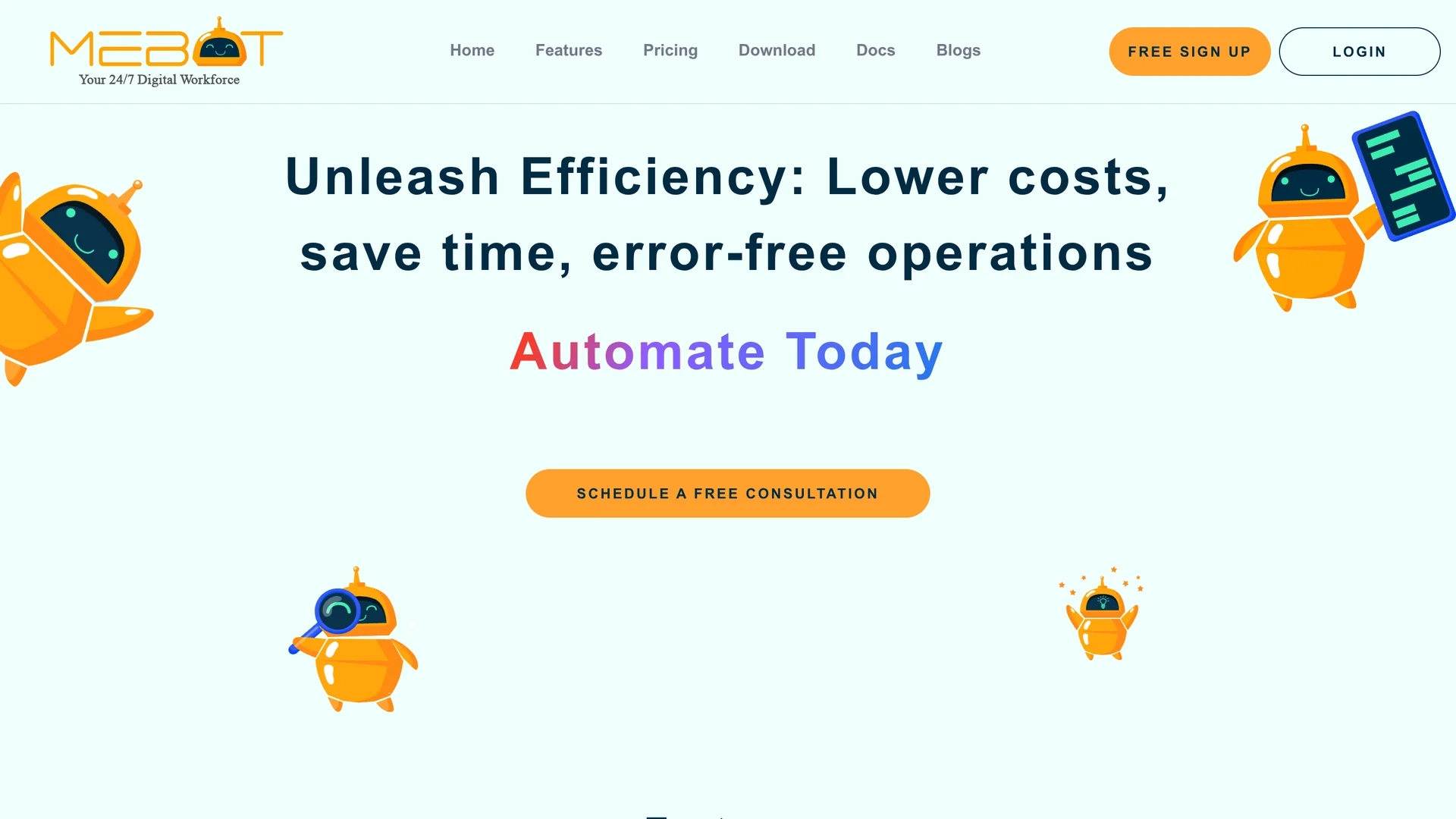
TakeMeBot is an RPA tool that automates repetitive tasks with a no/low-code drag-and-drop interface, enhancing efficiency, accuracy, and security across multiple platforms.
Disclaimer: Visionary Hub is not affiliated with, endorsed by, or the operator of this tool. All trademarks, logos, and content are the property of their respective owners. Full disclaimer available here
Key Features
Drag & Drop UI
Simplifies automation design with intuitive visual workflow building.
Record and Play
Captures user actions for easy automation of repetitive tasks.
CI/CD Integration
Integrates with GitHub, GitLab, Jenkins, and Travis CI for streamlined deployment.
Multi-Framework Support
Compatible with Selenium, Puppeteer, and Playwright for diverse automation needs.
Get Started
Share & Save
Share on Social Media
Why Choose takemebot
No/Low-Code:
Enables automation without technical expertise using drag-and-drop interfaces.High Accuracy:
Rule-based automation ensures 100% accuracy and reduces manual errors.Secure Execution:
Supports on-premise deployment with two-factor authentication and data isolation.
Pricing
TakeMeBot offers a Free Starter plan with 1 user, 1 unattended bot per day, and 300 bot minutes monthly. Enterprise plans provide unlimited users, bots, and features with custom pricing. Visit the pricing page for details.
About takemebot
TakeMeBot is an RPA tool that automates repetitive tasks with a no/low-code drag-and-drop interface, enhancing efficiency, accuracy, and security across multiple platforms.
What takemebot Does
TakeMeBot automates repetitive business processes by recording user actions and replaying them, significantly reducing manual workload and errors. It accelerates workflows and improves operational efficiency.
The tool features a no/low-code drag-and-drop UI, record and play functionality, and integrates with CI/CD platforms like GitHub and Jenkins. It supports multiple frameworks including Selenium and Puppeteer, enabling seamless automation across various applications and systems.
Industries such as manufacturing, BPO, healthcare, and finance use TakeMeBot to automate tasks like insurance claims processing, customer query handling, and end-to-end manufacturing operations.
Pros & Cons
Cost Reduction
Lowers operational costs by automating labor-intensive tasks.
Increased Speed
Executes processes 90-95% faster than manual operations.
Pricing Transparency
Enterprise pricing requires contacting sales for a custom quote.
Technical Support
Advanced setup and customization may require technical assistance.
Frequently Asked Questions
TakeMeBot reduces operational costs by 60-80% through automation of manual tasks.
TakeMeBot executes processes 90-95% faster than humans.
The tool provides 100% accuracy by eliminating manual errors.
Yes, it supports on-premise installation with two-factor authentication and data isolation.
TakeMeBot offers bot setup support and execution feedback to assist users.
Similar Tools You Might Like
Discover more AI-powered tools that complement your workflow


List Your AI Tool & Reach Thousands of Users
Join 500+ AI innovators already thriving on our platform. Get visibility, feedback, and boost your conversions.
Expand Your Audience
Connect with over 50,000 AI enthusiasts actively looking for tools like yours.
Boost Your Authority
Get verified reviews and ratings to build credibility in the AI marketplace.
Drive Conversions
Our premium placements and targeted audience deliver quality leads and sign-ups.