
Magic Eraser by Magic Studio
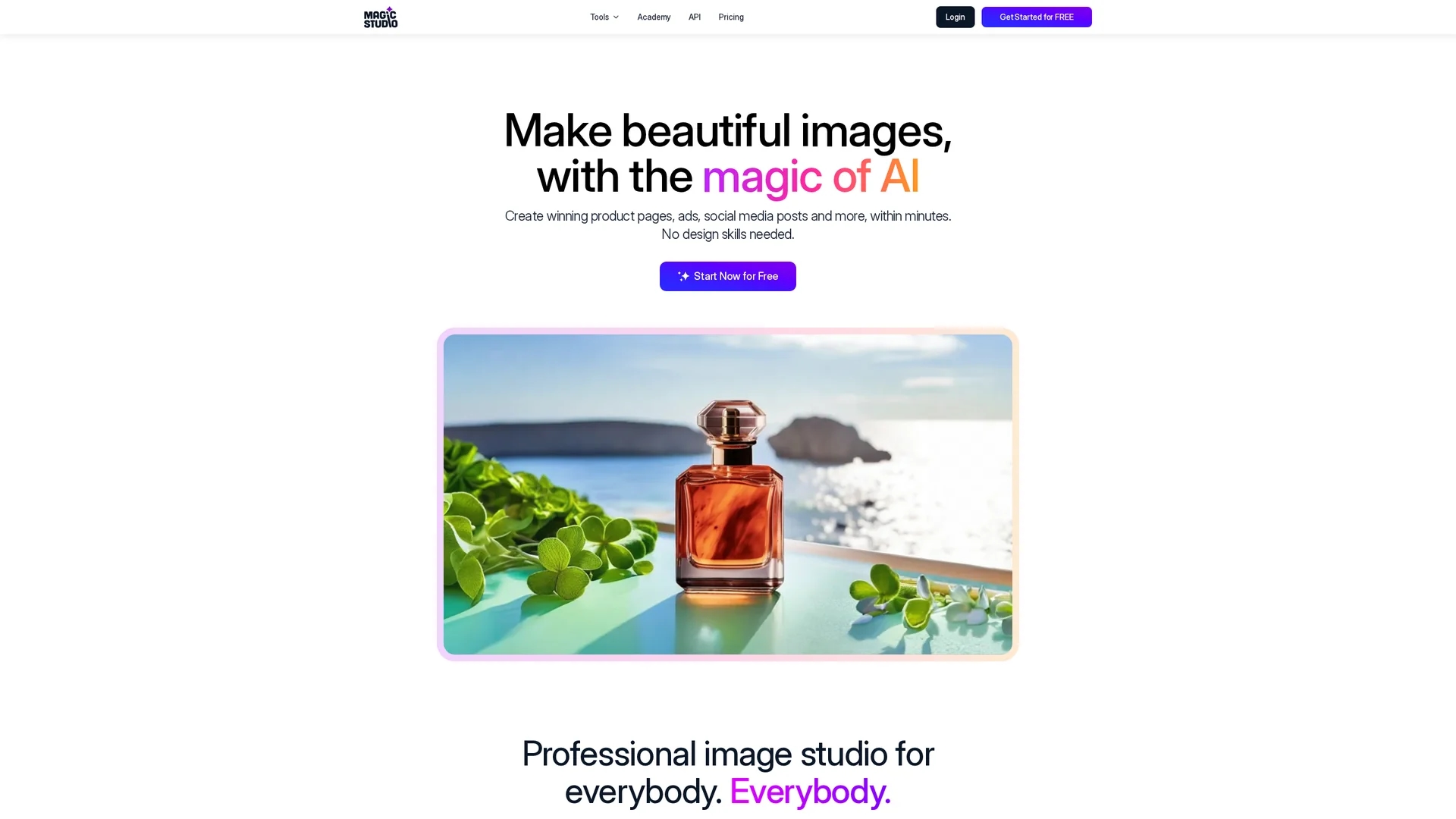
Magic Studio offers AI-powered image editing tools including object removal, background change, image upscaling, and AI-generated visuals for professional-quality photos.
Disclaimer: Visionary Hub is not affiliated with, endorsed by, or the operator of this tool. All trademarks, logos, and content are the property of their respective owners. Full disclaimer available here
Key Features
AI Object Removal
Remove unwanted elements with a simple brush stroke.
Background Editing
Instantly change or remove image backgrounds.
Image Upscaling
Enhance image resolution up to 4K without quality loss.
AI Image Generation
Create images from text descriptions quickly and easily.
Get Started
Share & Save
Share on Social Media
Why Choose Magic Eraser by Magic Studio
User-Friendly:
Intuitive interface suitable for users without design experience.Comprehensive Tools:
Offers object removal, background editing, upscaling, and AI image generation.Flexible Pricing:
Freemium model with a PRO plan for advanced features and bulk editing.
Pricing
Magic Studio offers a freemium pricing model. The free plan includes basic access with limited AI generations, watermarked downloads, and low-resolution images. The PRO plan costs US$14.99/month or US$4.99/month billed annually, providing unlimited AI generations, high-resolution downloads, watermark-free images, and bulk editing.
About Magic Eraser by Magic Studio
Magic Studio offers AI-powered image editing tools including object removal, background change, image upscaling, and AI-generated visuals for professional-quality photos.
What Magic Eraser by Magic Studio Does
Magic Studio enables users to create and edit images using AI technology. It removes unwanted objects, people, or text with a simple brush stroke and allows instant background changes to transform scenes effortlessly.
Key features include AI-powered object removal, background removal and replacement, image upscaling up to 4K resolution, AI-generated images from text prompts, and tools for creating professional headshots and product photos.
This platform is widely used by e-commerce businesses, social media managers, photographers, and marketing professionals to produce high-quality visuals for product pages, advertisements, and social media posts.
Pros & Cons
Ease of Use
Accessible for both beginners and professionals.
Powerful AI Features
Streamlines complex image editing tasks efficiently.
Limited Free Downloads
Free plan downloads have low resolution and watermarks.
Internet Required
Web-based platform requires a stable internet connection.
Frequently Asked Questions
It removes unwanted objects, people, text, and blemishes from photos for cleaner images.
It uses AI to intelligently erase selected areas and blend them seamlessly with surroundings.
Yes, it offers a free plan with limited AI generations and watermarked, low-resolution downloads.
PRO includes unlimited AI generations, high-resolution downloads, no watermarks, and bulk editing.
Yes, commercial use is allowed; however, free plan downloads include watermarks.
Similar Tools You Might Like
Discover more AI-powered tools that complement your workflow


List Your AI Tool & Reach Thousands of Users
Join 500+ AI innovators already thriving on our platform. Get visibility, feedback, and boost your conversions.
Expand Your Audience
Connect with over 50,000 AI enthusiasts actively looking for tools like yours.
Boost Your Authority
Get verified reviews and ratings to build credibility in the AI marketplace.
Drive Conversions
Our premium placements and targeted audience deliver quality leads and sign-ups.