
Pixelfox AI
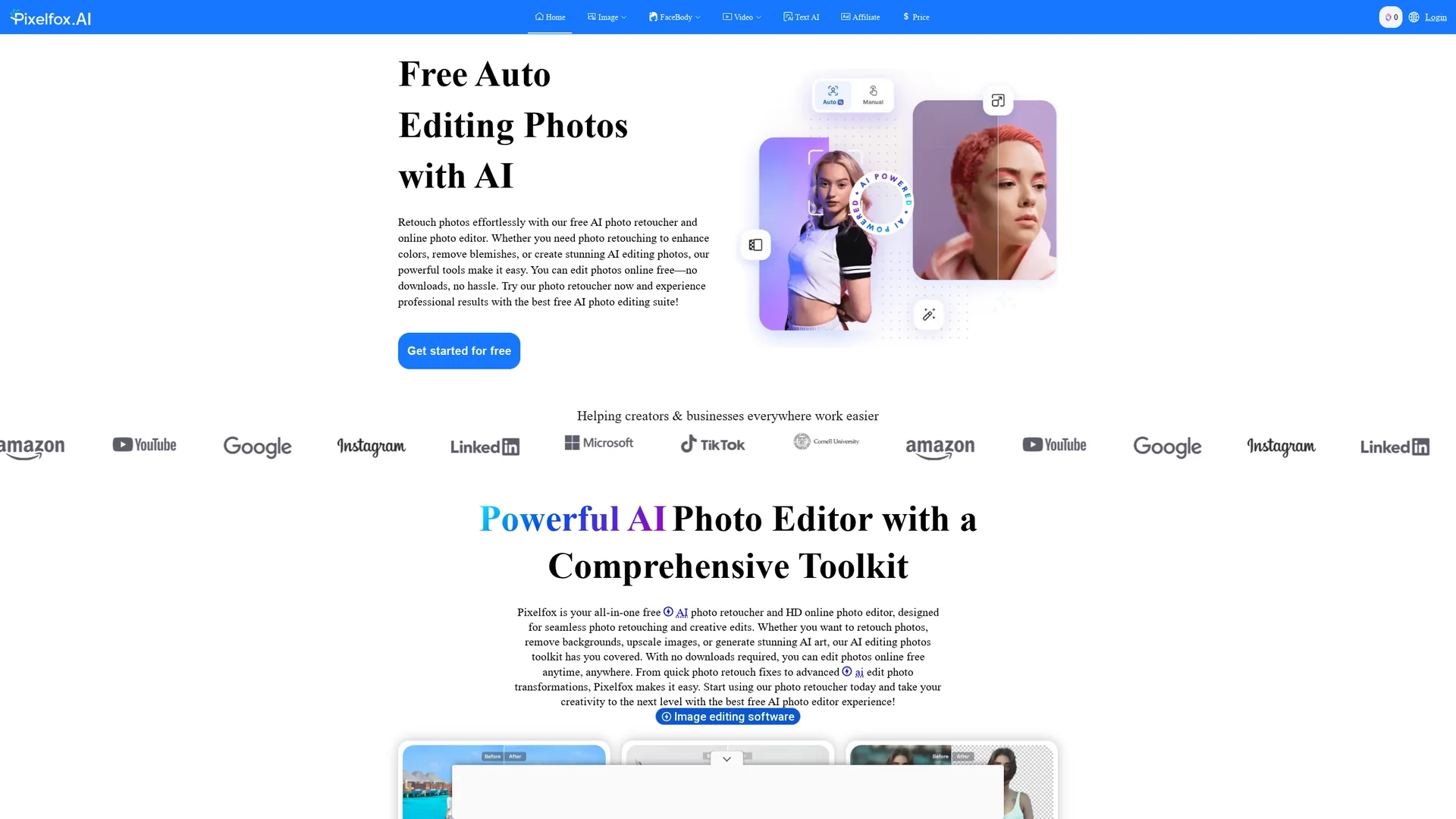
Pixelfox AI is a free online photo editor offering AI-powered face slimming, background removal, face swaps, and image enhancement for personal and professional use.
Disclaimer: Visionary Hub is not affiliated with, endorsed by, or the operator of this tool. All trademarks, logos, and content are the property of their respective owners. Full disclaimer available here
Key Features
Face Slimming
Sculpt and refine facial features with AI-powered tools.
Background Removal
Remove image backgrounds quickly for clean, transparent results.
Object Inpainting
Edit photos by adding or removing elements with AI inpainting.
Image Upscaling
Enlarge images up to 4x without losing quality.
Get Started
Share & Save
Share on Social Media
Why Choose Pixelfox AI
No Downloads:
Edit photos online instantly without installing software.Free Access:
Use all core features without subscription or hidden fees.AI Precision:
Advanced AI ensures accurate face slimming and background removal.
Pricing
Pixelfox AI offers free access to its photo editing tools with no subscription or hidden fees. Users can edit unlimited photos online without creating an account or downloading software.
About Pixelfox AI
Pixelfox AI is a free online photo editor offering AI-powered face slimming, background removal, face swaps, and image enhancement for personal and professional use.
What Pixelfox AI Does
Pixelfox AI provides a suite of AI-powered photo editing tools that allow users to enhance images with ease. It offers face slimming to sculpt facial features, background removal for clean images, and object inpainting to edit or restore photos.
The platform uses advanced AI algorithms to deliver precise edits such as seamless face swaps, image upscaling without quality loss, and background generation. These features work in real-time, enabling fast and professional results suitable for social media, e-commerce, and creative projects.
Pixelfox AI is widely used by photographers, marketers, and content creators to produce polished visuals for portfolios, product listings, and online content, enhancing engagement and presentation quality.
Pros & Cons
User-Friendly
Intuitive interface suitable for beginners and professionals.
Comprehensive Tools
Wide range of AI editing features in one platform.
Limited Offline Use
Requires internet connection; no desktop app available.
Advanced Features
Some complex edits may require manual refinement outside the tool.
Frequently Asked Questions
Yes, Pixelfox AI offers free access to all core photo editing features with no subscription required.
Most edits, including background removal and object removal, are processed within seconds.
It supports JPEG, PNG, TIFF, GIF, WebP, and RAW image formats.
Yes, Pixelfox AI is fully responsive and works on all devices via web browsers.
No account or sign-up is required; you can edit photos immediately online.
Similar Tools You Might Like
Discover more AI-powered tools that complement your workflow


List Your AI Tool & Reach Thousands of Users
Join 500+ AI innovators already thriving on our platform. Get visibility, feedback, and boost your conversions.
Expand Your Audience
Connect with over 50,000 AI enthusiasts actively looking for tools like yours.
Boost Your Authority
Get verified reviews and ratings to build credibility in the AI marketplace.
Drive Conversions
Our premium placements and targeted audience deliver quality leads and sign-ups.