
Kroma
Transform presentations with Kroma’s vast content library and expert templates, enabling easy creation of visually appealing, data-driven slides without design skills.
Disclaimer: Visionary Hub is not affiliated with, endorsed by, or the operator of this tool. All trademarks, logos, and content are the property of their respective owners. Full disclaimer available here
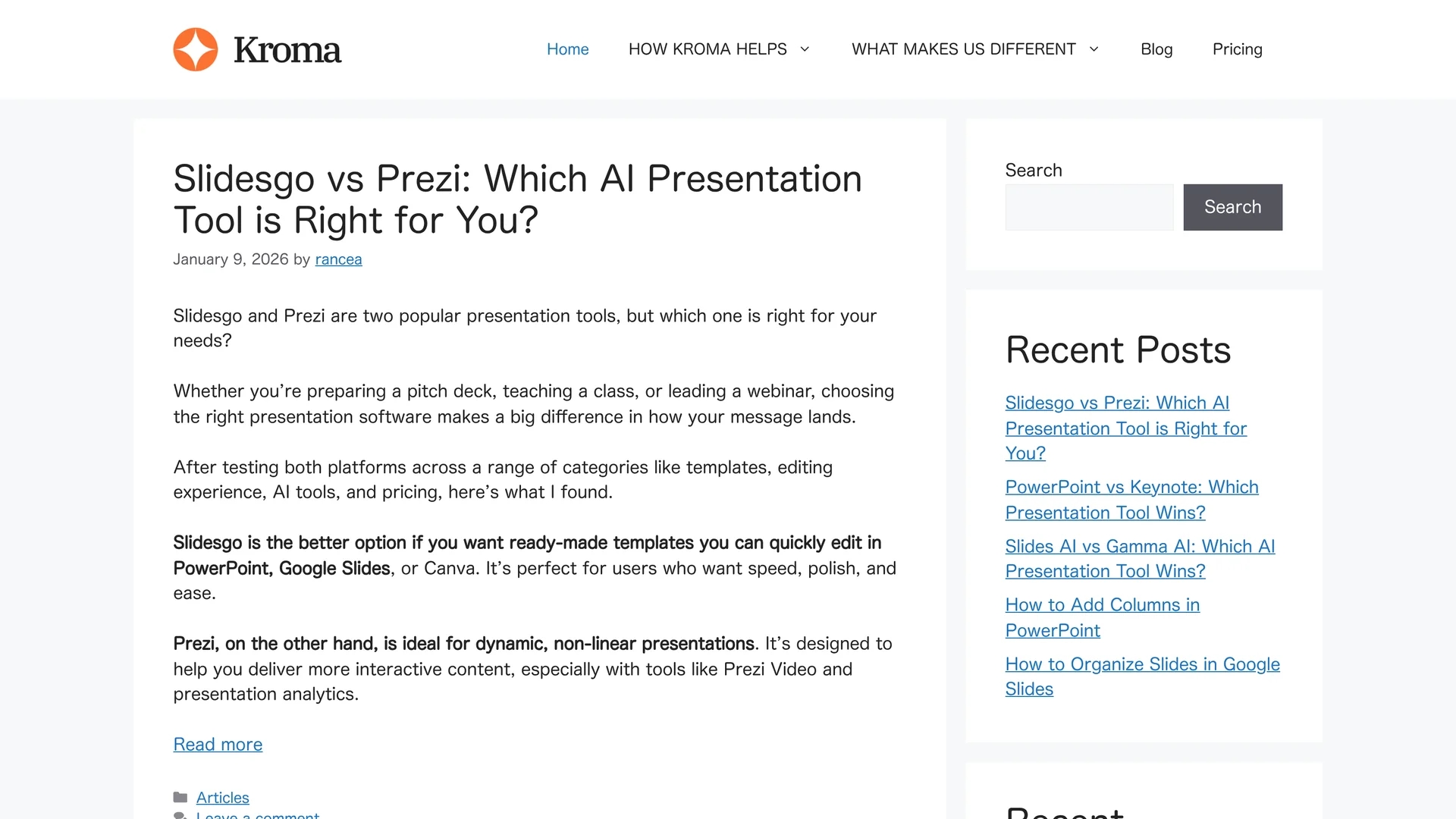
Key Features
Content Library
Vast collection of creative assets and data visualizations.
Template Variety
Wide range of presentation templates for different purposes.
Offline Editing
Allows editing presentations without internet connection.
Data Visualization
Tools to create clear and aesthetic data presentations.
Get Started
Share & Save
Share on Social Media
Why Choose Kroma
Extensive Assets:
Access over a million creative assets for diverse presentation needs.Offline Support:
Edit and present slides offline for flexible usage.Expert Templates:
Use professionally crafted templates to enhance presentation quality.
Pricing
Pricing details are available on the official pricing page at https://kroma.ai/pricing/. Plans may include free trials and tiered subscriptions.
About Kroma
Transform presentations with Kroma’s vast content library and expert templates, enabling easy creation of visually appealing, data-driven slides without design skills.
What Kroma Does
Kroma enables users to create visually impressive presentations by providing access to expertly designed templates and a vast library of creative assets. It simplifies the process of building slides that effectively communicate ideas and data.
The platform includes a content library with over a million assets and data visualization tools, allowing users to customize presentations easily without needing design skills. Offline editing and presenting options are also supported.
Kroma is suitable for professionals preparing pitch decks, business proposals, or educational presentations, helping them engage audiences with clear, aesthetic visuals.
Pros & Cons
Offline Presenting
Supports presenting slides without internet access.
Offline Editing
Enables editing presentations offline for convenience.
No Video Support
Does not offer options to add videos to presentations.
Limited Interactive Features
Lacks advanced interactive presentation capabilities.
Frequently Asked Questions
Kroma provides expertly crafted templates suitable for pitches, proposals, and data presentations.
Yes, Kroma allows both offline editing and presenting for flexible use.
No, Kroma currently does not support adding videos to presentations.
Pricing details are available on Kroma’s official pricing page at https://kroma.ai/pricing/.
Yes, Kroma includes tools for creating clear and aesthetic data visualizations.
Similar Tools You Might Like
Discover more AI-powered tools that complement your workflow

List Your AI Tool & Reach Thousands of Users
Join 500+ AI innovators already thriving on our platform. Get visibility, feedback, and boost your conversions.
Expand Your Audience
Connect with over 50,000 AI enthusiasts actively looking for tools like yours.
Boost Your Authority
Get verified reviews and ratings to build credibility in the AI marketplace.
Drive Conversions
Our premium placements and targeted audience deliver quality leads and sign-ups.