AiPPT
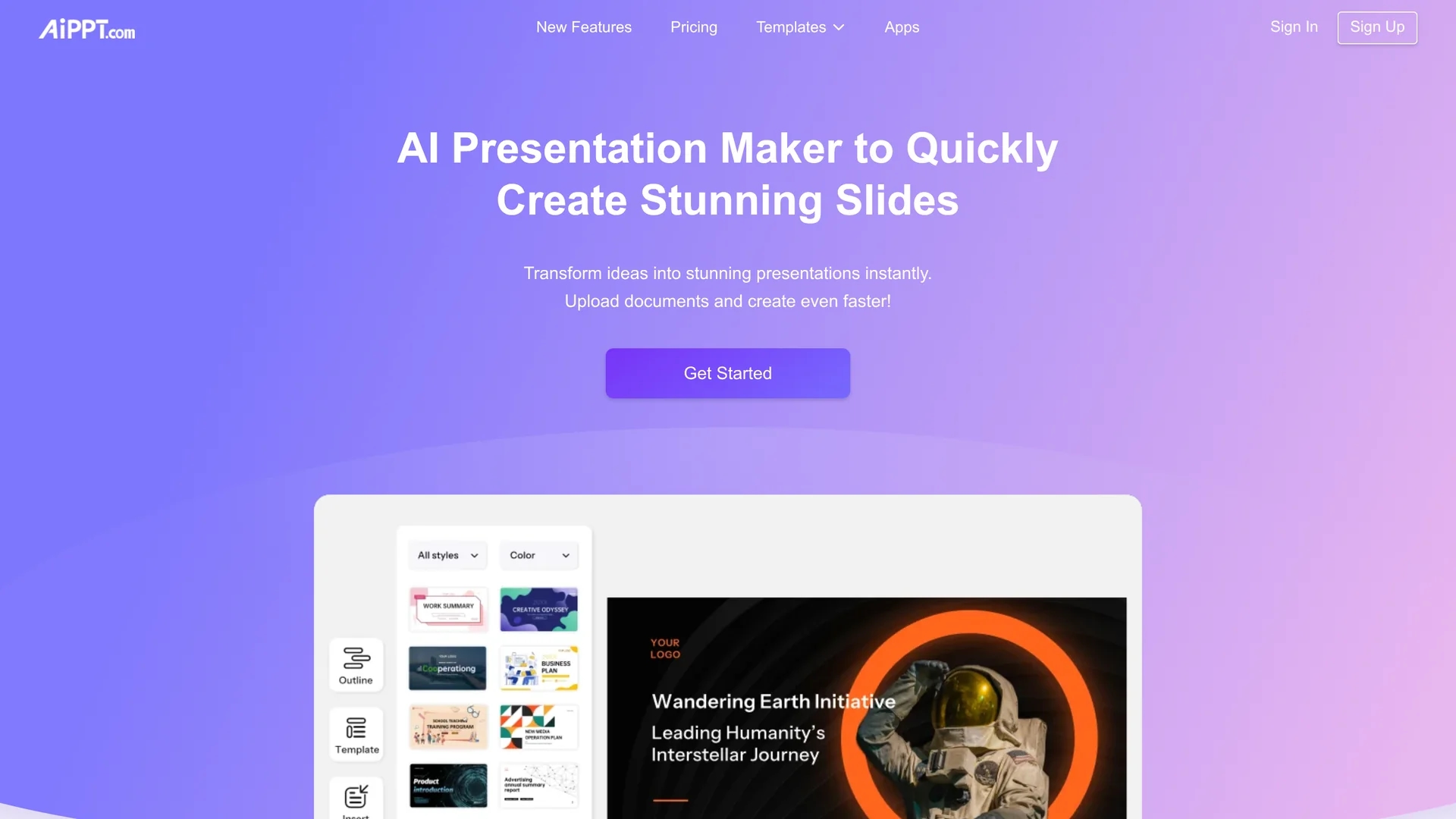
AiPPT is an AI presentation maker that converts ideas, documents, or URLs into professional PowerPoint slides in minutes, offering 200k+ templates, integrated AI image generation, and versatile exports for educators and business users.
Disclaimer: Visionary Hub is not affiliated with, endorsed by, or the operator of this tool. All trademarks, logos, and content are the property of their respective owners. Full disclaimer available here
Key Features
Quick Idea-to-PPT
Generate full presentations from a prompt with structured slides and visuals.
Document Import
Import PDFs, Word, Google Drive, URLs, Markdown, and mind maps into slides.
AI Outline Generation
Produce logical outlines automatically from topics, documents, or URLs.
Extensive Templates
Access 200,000+ templates with customizable colors, fonts, and layouts.
Multiple Exports
Export slides to PPT, PDF, and images; paid plans remove watermarks.
AI Image Generation
Use Nano Banana, Flux, and Imagen modes with credit-based image creation.
AI Edit & Customization
Edit generated slides, change templates, add animations and brand assets.
Mobile App
Android app enables on-the-go creation and editing via Google Play.
Get Started
Share & Save
Share on Social Media
Why Choose AiPPT
Industry leader:
Top user volume with 30M+ users and high revenue efficiency in AI PPT makers.Comprehensive ecosystem:
Includes AI images, file conversion, collaboration, and partner integrations.High customization:
Edit AI slides, apply brand settings, and choose from 200k+ templates.Proven for key sectors:
Widely adopted by educators and professionals for fast, polished results.
Pricing
Free plan: 600 Nano Banana credits/month, 2 AI generations/day (6 total), max 10 slides, basic exports (watermarked). Plus and Pro tiers add higher generation limits, slide caps, more image credits and watermark-free exports. Third-party sources report subscription price ranges; official site lists tiers without fixed public prices.
About AiPPT
AiPPT is an AI presentation maker that converts ideas, documents, or URLs into professional PowerPoint slides in minutes, offering 200k+ templates, integrated AI image generation, and versatile exports for educators and business users.
What AiPPT Does
AiPPT automates presentation creation: users input prompts, documents, or URLs and receive structured outlines and ready-to-edit slides. The primary benefit is rapid slide production with consistent styling, saving designers and non-designers time.
The platform supports PDF/Word/TXT/Markdown/Google Drive imports and mind maps, applies templates from a 200,000+ library, and generates images via Nano Banana, Flux, and Imagen. Users can edit slides, swap templates, customize branding, and export to PPT, PDF, or images.
Common use cases include classroom lectures, business pitches, market reports, and content creator decks; mobile apps and collaboration features support on-the-go edits and team workflows.
Pros & Cons
Speed
Generates complete presentations in minutes from prompts or documents.
Ease of use
Intuitive interface that adapts content to templates for beginners.
Versatile I/O
Supports multiple import formats and export outputs including PPT and PDF.
Professional output
Large template library and AI visuals produce polished slides.
Free limits
Free plan restricts AI generations, slide count, and includes watermarks.
Pricing clarity
Official site lists tiers without public fixed prices; third-party sites vary.
Credit caps
Image and Nano Banana credits are limited even on paid plans.
Frequently Asked Questions
AiPPT uses generative models including Nano Banana, Flux, and Imagen for image generation and slide creation, and applies them across outline, image, and edit workflows.
Yes. The Free plan provides 600 Nano Banana credits/month, 2 AI generations per day (6 total), up to 10 slides, basic exports and watermarked outputs where applicable.
Upgrade from the dashboard or Account Settings. The site advises canceling higher plans before downgrading; follow on-screen steps in your account area.
AiPPT supports exports to PPT, PDF, and image files, plus outline downloads; paid plans remove watermarks and add higher export limits.
Similar Tools You Might Like
Discover more AI-powered tools that complement your workflow



List Your AI Tool & Reach Thousands of Users
Join 500+ AI innovators already thriving on our platform. Get visibility, feedback, and boost your conversions.
Expand Your Audience
Connect with over 50,000 AI enthusiasts actively looking for tools like yours.
Boost Your Authority
Get verified reviews and ratings to build credibility in the AI marketplace.
Drive Conversions
Our premium placements and targeted audience deliver quality leads and sign-ups.