
Kingshiper
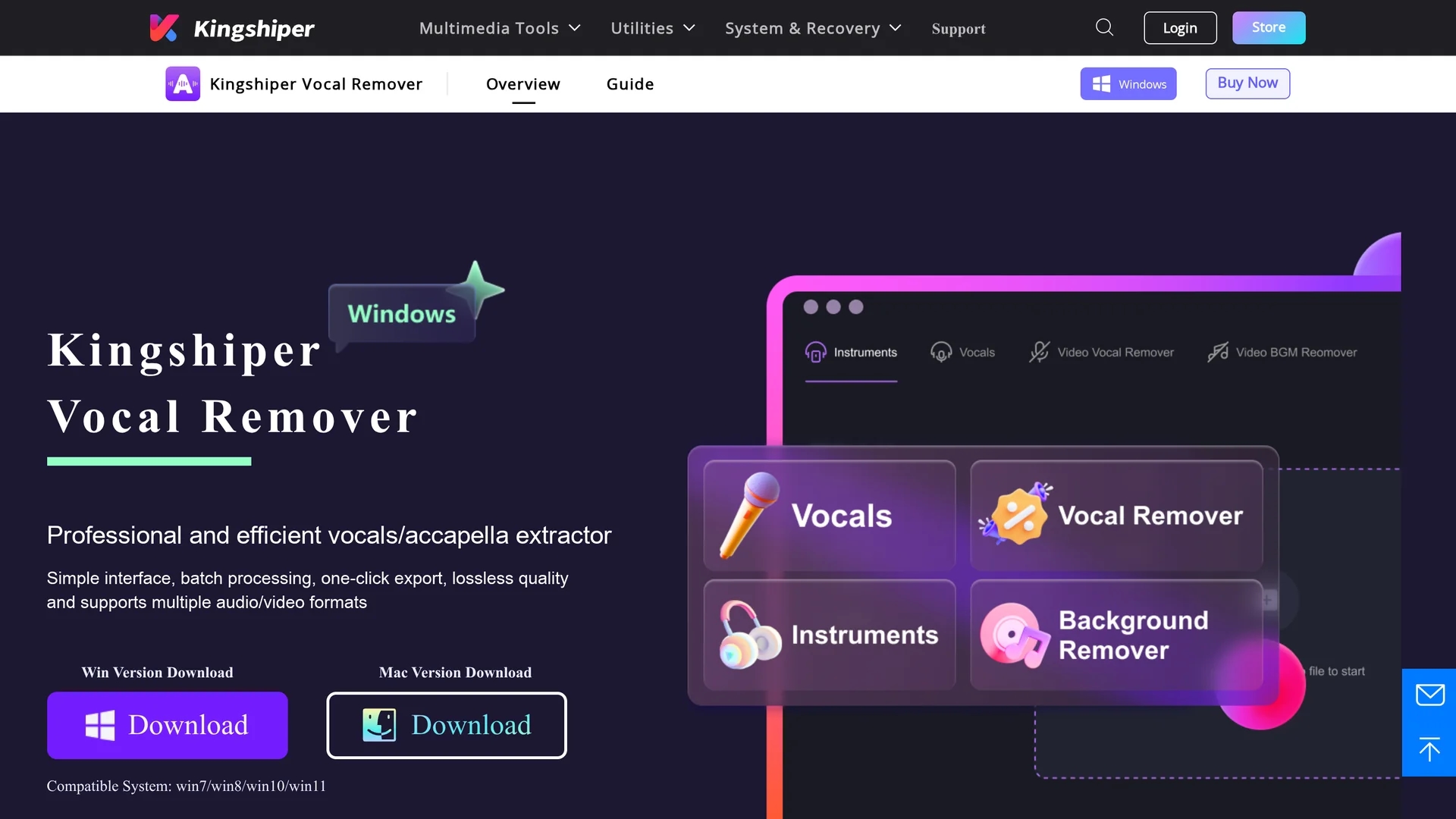
Kingshiper's Vocal Remover uses AI to extract vocals or instrumentals from audio and video tracks with batch processing and one-click export, supporting multiple formats for music and video creators.
Disclaimer: Visionary Hub is not affiliated with, endorsed by, or the operator of this tool. All trademarks, logos, and content are the property of their respective owners. Full disclaimer available here
Key Features
Vocal Extraction
Isolates vocals or instrumentals with lossless quality.
One-Click Export
Simplifies saving processed files quickly and easily.
Multi-Format Support
Handles numerous audio and video formats including MP3 and MP4.
Batch Processing
Enables efficient processing of multiple tracks at once.
Get Started
Share & Save
Share on Social Media
Why Choose Kingshiper
AI Precision:
Uses advanced AI to accurately separate vocals and instrumentals.Batch Processing:
Processes multiple audio/video files simultaneously to save time.Wide Format Support:
Compatible with over 1000 audio and video formats for versatility.
Pricing
Pricing details are not explicitly provided. Visit the official Kingshiper store page for current pricing and purchase options.
About Kingshiper
Kingshiper's Vocal Remover uses AI to extract vocals or instrumentals from audio and video tracks with batch processing and one-click export, supporting multiple formats for music and video creators.
What Kingshiper Does
Kingshiper Vocal Remover extracts vocals or instrumentals from audio and video tracks, enabling users to create karaoke versions, background music, or remixes. This improves creative workflows for music and video projects.
The tool features AI-powered separation technology, batch processing for handling multiple files simultaneously, and supports a wide range of audio and video formats. It offers one-click export and maintains high-quality, lossless output.
It is suitable for music producers, DJs, content creators, and filmmakers who require precise vocal isolation for various multimedia applications.
Pros & Cons
User-Friendly
Simple interface suitable for beginners and professionals.
High Quality
Maintains audio quality without loss during extraction.
Complex Mixes
May struggle with separating vocals in complicated audio tracks.
Platform Limitation
Primarily available for Windows and Mac desktop systems.
Frequently Asked Questions
It supports over 1000 formats including MP3, WAV, MP4, and AVI for broad compatibility.
The homepage does not specify a free trial; check the official store for purchase options.
Kingshiper Vocal Remover supports Windows 7, 8, 10, 11, and Mac OS versions.
Yes, it offers one-click batch processing to handle multiple audio or video tracks efficiently.
Support and how-to tutorials are available on the official Kingshiper website under the support section.
Similar Tools You Might Like
Discover more AI-powered tools that complement your workflow



List Your AI Tool & Reach Thousands of Users
Join 500+ AI innovators already thriving on our platform. Get visibility, feedback, and boost your conversions.
Expand Your Audience
Connect with over 50,000 AI enthusiasts actively looking for tools like yours.
Boost Your Authority
Get verified reviews and ratings to build credibility in the AI marketplace.
Drive Conversions
Our premium placements and targeted audience deliver quality leads and sign-ups.