
Auphonic
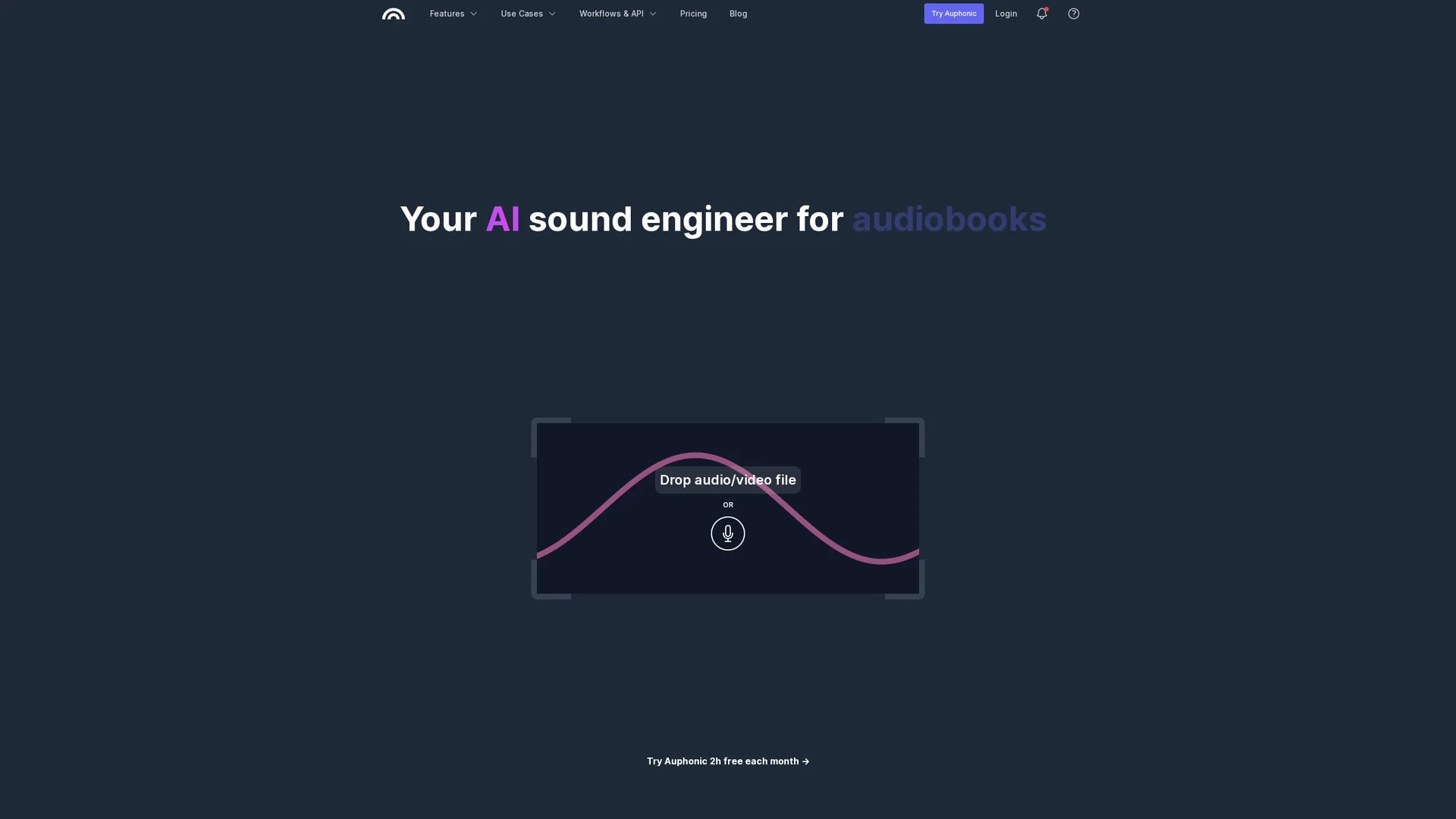
Auphonic is an AI-powered audio editing tool that automatically cleans background noise, balances volume levels, and produces professional-quality audio for podcasts, videos, and audiobooks.
Disclaimer: Visionary Hub is not affiliated with, endorsed by, or the operator of this tool. All trademarks, logos, and content are the property of their respective owners. Full disclaimer available here
Key Features
Intelligent Leveler
Balances volume levels between speakers and music automatically.
Noise Reduction
Removes static and fast-changing noises while preserving music.
Automatic Cutting
Cuts filler words, coughs, and silences in multiple languages.
Speech-to-Text
Generates transcripts and shownotes with multilingual support.
Get Started
Share & Save
Share on Social Media
Why Choose Auphonic
Automated Editing:
Automatically cleans and balances audio without manual intervention.Multitrack Support:
Processes multiple audio tracks for optimized mixing.Free Tier:
Includes 2 hours of free audio processing monthly.
Pricing
Auphonic offers a free tier with 2 hours of audio processing per month. Paid plans and one-time credits are available; details are on the pricing page.
About Auphonic
Auphonic is an AI-powered audio editing tool that automatically cleans background noise, balances volume levels, and produces professional-quality audio for podcasts, videos, and audiobooks.
What Auphonic Does
Auphonic automates audio post-production by cleaning background noise, balancing volume levels between speakers, and enhancing overall sound quality. It benefits users by simplifying complex editing tasks and producing consistent, professional audio outputs.
Key features include intelligent levelers, noise and reverb reduction, automatic cutting of filler words and silences, multitrack mixing algorithms, and compliance with loudness specifications. The tool also supports speech-to-text transcription and automatic shownotes generation.
It is widely used in podcasting, educational content creation, video production, and audiobook mastering to improve audio clarity and listener experience.
Pros & Cons
User-Friendly
Easy-to-use interface simplifies audio post-production.
High Quality
Delivers studio-quality audio output consistently.
Harsh Cuts
Audio cuts can sometimes sound abrupt or unnatural.
Customization
Limited options for advanced user customization.
Frequently Asked Questions
You can use Auphonic free for up to 2 hours of audio processing each month.
No, sign-up requires only an email; payment details are needed for paid plans.
You must purchase a subscription or one-time credits to process more audio.
Yes, features like batch processing and watch folders are for premium users.
Yes, it integrates via API, Zapier, and supports automatic publishing workflows.
Similar Tools You Might Like
Discover more AI-powered tools that complement your workflow



List Your AI Tool & Reach Thousands of Users
Join 500+ AI innovators already thriving on our platform. Get visibility, feedback, and boost your conversions.
Expand Your Audience
Connect with over 50,000 AI enthusiasts actively looking for tools like yours.
Boost Your Authority
Get verified reviews and ratings to build credibility in the AI marketplace.
Drive Conversions
Our premium placements and targeted audience deliver quality leads and sign-ups.