
ImgGood
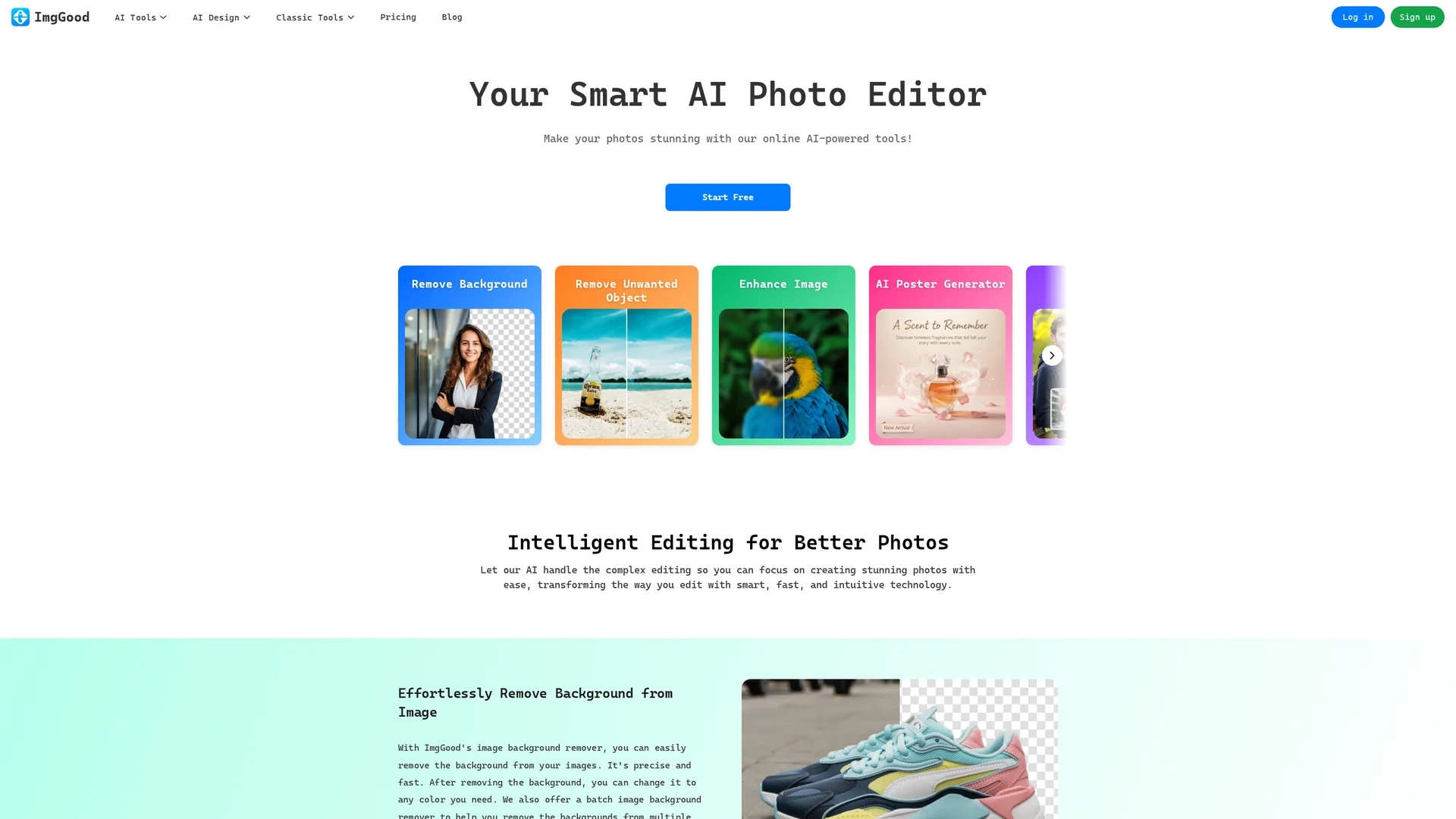
ImgGood is an AI-powered online photo editor offering background removal, object editing, image enhancement, and batch processing for resizing and format conversion.
Disclaimer: Visionary Hub is not affiliated with, endorsed by, or the operator of this tool. All trademarks, logos, and content are the property of their respective owners. Full disclaimer available here
Key Features
Background Removal
Quickly removes image backgrounds with high accuracy.
Object Removal
Erase unwanted objects using an intuitive brush tool.
Image Enhancement
Sharpens and restores image details for clarity.
Batch Processing
Supports bulk background removal, resizing, and format conversion.
Get Started
Share & Save
Share on Social Media
Why Choose ImgGood
AI Precision:
Advanced AI ensures accurate background and object removal.Batch Processing:
Process multiple images simultaneously to save time.Versatile Tools:
Includes enhancement, face swap, and image extension features.
Pricing
ImgGood offers a free trial plan with limited features. Paid plans include Pro Yearly at $4.99/month and Pro Monthly at $9.99/month. Pricing details are subject to change; visit the official pricing page for updates.
About ImgGood
ImgGood is an AI-powered online photo editor offering background removal, object editing, image enhancement, and batch processing for resizing and format conversion.
What ImgGood Does
ImgGood provides a comprehensive suite of AI-powered photo editing tools that enable users to remove backgrounds, erase unwanted objects, enhance image quality, and extend image boundaries effortlessly. These features help users produce polished images for personal use or professional projects.
The platform supports batch processing for background removal, resizing, and format conversion, improving workflow efficiency. It uses advanced AI algorithms to sharpen details, restore lost image quality, and intelligently fill extended image areas with realistic content.
ImgGood is suitable for industries like e-commerce, marketing, and content creation, where high-quality images are essential for product presentation and promotional materials.
Pros & Cons
User-Friendly
No design skills required for professional results.
Comprehensive Features
Multiple AI tools integrated in one platform.
Pricing Transparency
Pricing details are subject to change and require verification.
Limited Offline Use
Fully online tool requires internet connection.
Frequently Asked Questions
ImgGood offers background removal, object erasing, image enhancement, face swap, and batch processing.
Yes, ImgGood provides a free trial plan with limited features before upgrading.
Yes, ImgGood is accessible via mobile browsers on popular devices.
ImgGood supports Chrome, Firefox, Safari, Microsoft Edge, and other major browsers.
Yes, it supports batch background removal, resizing, and format conversion.
Similar Tools You Might Like
Discover more AI-powered tools that complement your workflow


List Your AI Tool & Reach Thousands of Users
Join 500+ AI innovators already thriving on our platform. Get visibility, feedback, and boost your conversions.
Expand Your Audience
Connect with over 50,000 AI enthusiasts actively looking for tools like yours.
Boost Your Authority
Get verified reviews and ratings to build credibility in the AI marketplace.
Drive Conversions
Our premium placements and targeted audience deliver quality leads and sign-ups.