
GPT2Markdown
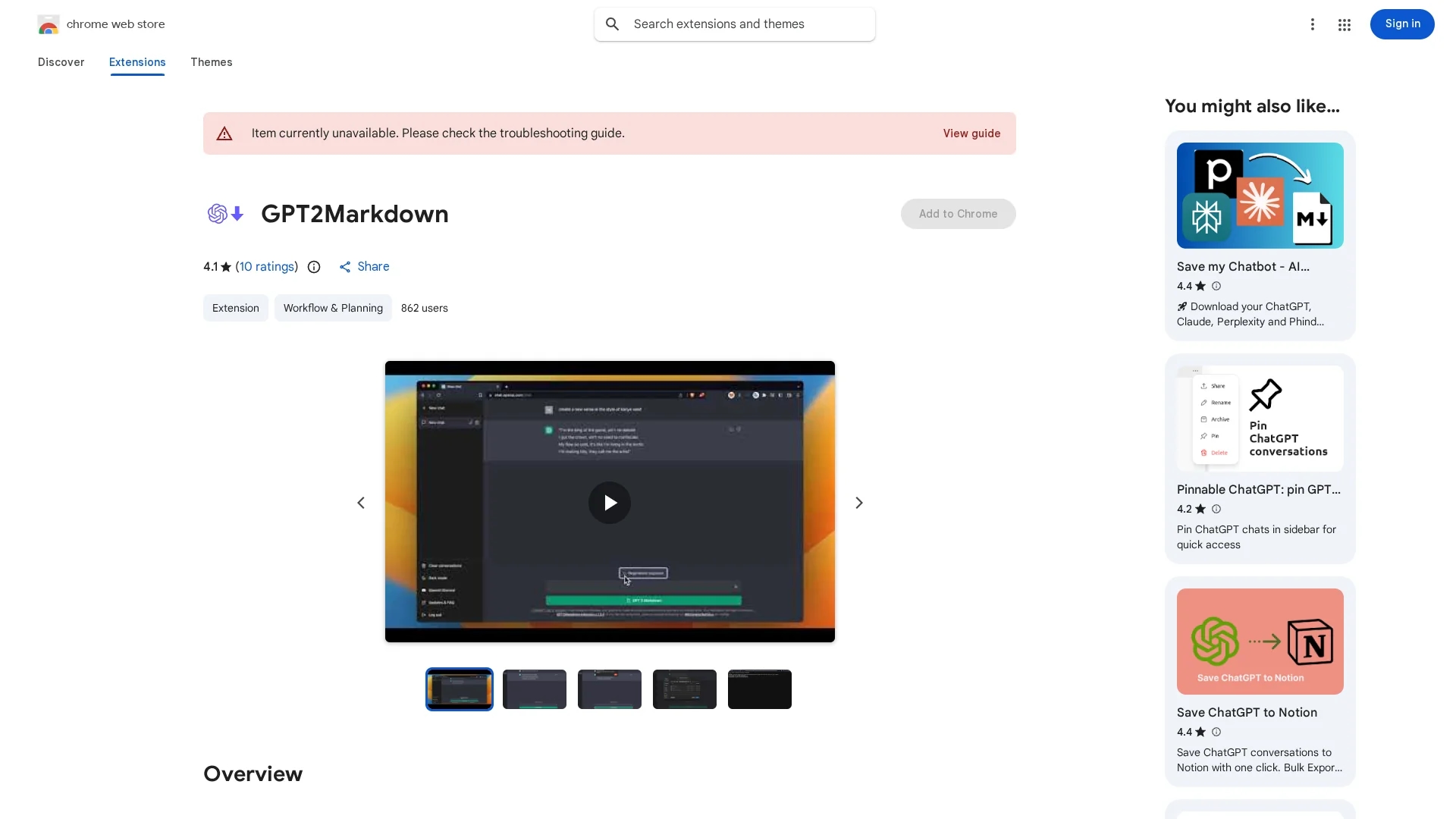
GPT2Markdown is a Chrome extension that exports ChatGPT conversations locally in Markdown format for easy import into apps like Notion or external storage.
Disclaimer: Visionary Hub is not affiliated with, endorsed by, or the operator of this tool. All trademarks, logos, and content are the property of their respective owners. Full disclaimer available here
Key Features
Markdown Export
Exports conversations in Markdown format for compatibility.
Auto-Labeling
Uses ChatGPT's auto-labeling to name exported files.
Browser Extension
Integrates directly into Chrome for seamless use.
Open Source
Allows community review and customization via GitHub.
Get Started
Share & Save
Share on Social Media
Why Choose GPT2Markdown
One-Click Export:
Exports ChatGPT conversations instantly with a single click.Open Source:
Source code is publicly available for transparency and contributions.Privacy Focused:
Requires minimal permissions and does not collect user data.
Pricing
GPT2Markdown is available for free as a Chrome extension with no paid plans.
About GPT2Markdown
GPT2Markdown is a Chrome extension that exports ChatGPT conversations locally in Markdown format for easy import into apps like Notion or external storage.
What GPT2Markdown Does
GPT2Markdown exports ChatGPT conversations into Markdown files, allowing users to save and organize their chat history efficiently. This benefits users by simplifying the process of archiving and sharing conversation content.
The extension adds a button in the ChatGPT interface for one-click export. It leverages ChatGPT's auto-labeling to name files and requires minimal permissions, ensuring privacy. Being open source, it allows community review and contributions.
Ideal for researchers, writers, students, and Notion users, it supports workflows involving note-taking, research documentation, and content strategy by enabling easy import of conversations into various applications.
Pros & Cons
Ease of Use
Simple one-click export button within ChatGPT interface.
Free Access
Available at no cost with no hidden fees.
Limited to Chrome
Only available as a Chrome browser extension.
Manual Reload
May require page reload for export button to appear.
Frequently Asked Questions
GPT2Markdown exports conversations in Markdown format.
Yes, the source code is publicly available on GitHub.
No, it only requests minimal permissions and collects no user data.
Sometimes you need to reload the ChatGPT page for the button to appear.
Yes, GPT2Markdown is completely free as a Chrome extension.
Similar Tools You Might Like
Discover more AI-powered tools that complement your workflow


List Your AI Tool & Reach Thousands of Users
Join 500+ AI innovators already thriving on our platform. Get visibility, feedback, and boost your conversions.
Expand Your Audience
Connect with over 50,000 AI enthusiasts actively looking for tools like yours.
Boost Your Authority
Get verified reviews and ratings to build credibility in the AI marketplace.
Drive Conversions
Our premium placements and targeted audience deliver quality leads and sign-ups.