
ChatGPT for Chrome
Chrome extension enabling instant ChatGPT access on any tab via keyboard shortcut for writing, coding, and productivity enhancement.
Disclaimer: Visionary Hub is not affiliated with, endorsed by, or the operator of this tool. All trademarks, logos, and content are the property of their respective owners. Full disclaimer available here
Key Features
Keyboard Shortcut
Quickly open ChatGPT popup using Cmd + J or Alt + J.
Popup Interface
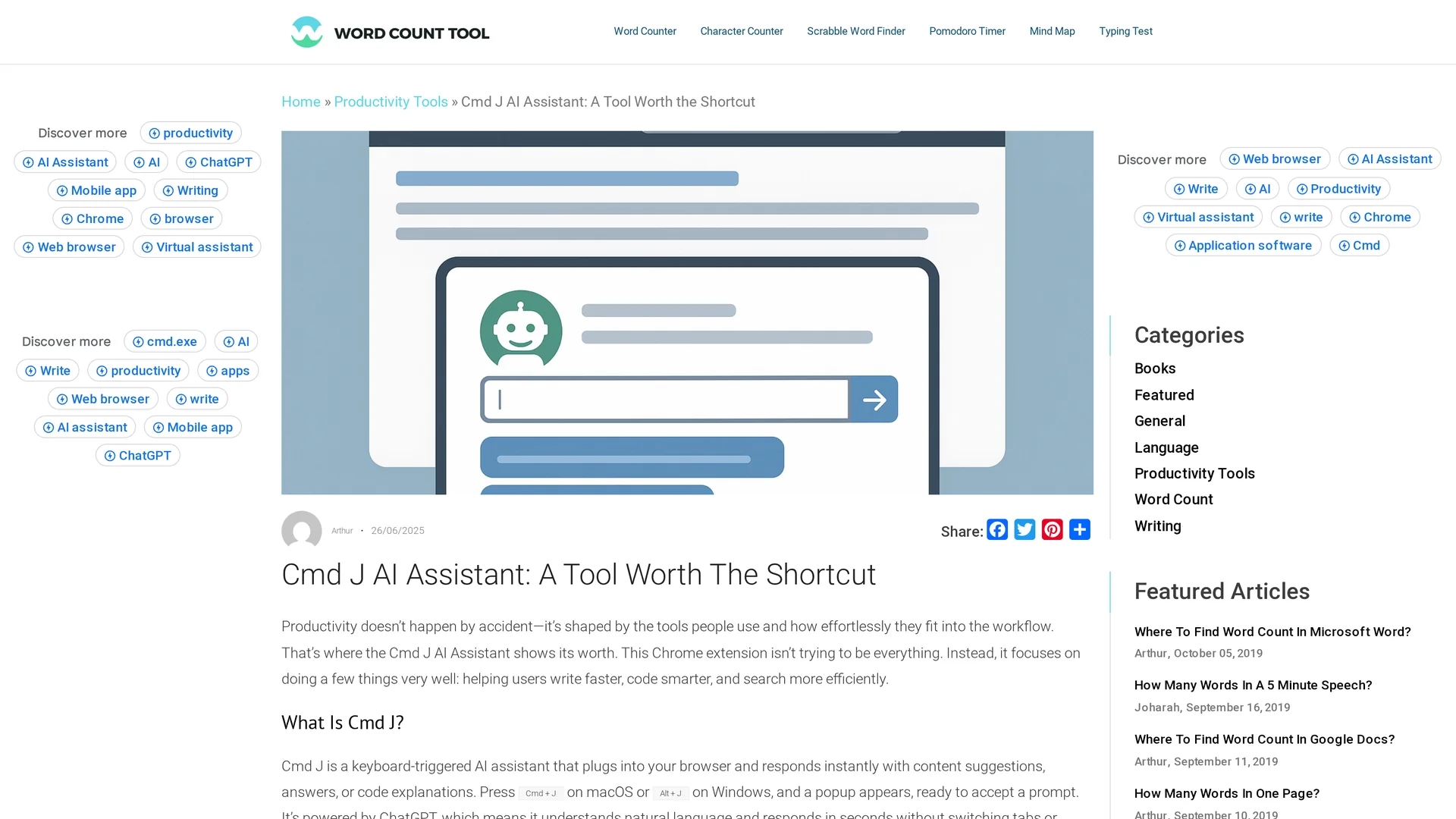
Compact, non-intrusive popup for prompt input and responses.
Contextual Responses
Provides tailored suggestions for writing, coding, and summarizing.
No Copy-Pasting
Eliminates the need to switch tabs or copy content manually.
Get Started
Share & Save
Share on Social Media
Why Choose ChatGPT for Chrome
Instant Access:
Activate ChatGPT on any tab instantly with a keyboard shortcut.Seamless Integration:
Runs inside Chrome without disrupting your workflow or opening new windows.Versatile Use:
Supports writing, coding, and research tasks across multiple content types.
Pricing
Cmd J offers a free plan with limited prompts and slower speeds. A premium plan is available with priority processing and no caps. For detailed pricing, visit the official site.
About ChatGPT for Chrome
Chrome extension enabling instant ChatGPT access on any tab via keyboard shortcut for writing, coding, and productivity enhancement.
What ChatGPT for Chrome Does
ChatGPT for Chrome allows users to access ChatGPT instantly within any browser tab using a keyboard shortcut (Cmd + J on macOS or Alt + J on Windows). This integration enhances productivity by enabling fast content generation, writing assistance, and coding help without switching tabs.
The extension features a compact popup interface that responds quickly to natural language prompts. It offers context-sensitive suggestions, including grammar improvements, code explanations, debugging tips, and content summaries. The tool operates quietly in the background, requiring no additional setup or dashboards.
Ideal for professionals such as writers, developers, and researchers, it streamlines tasks like drafting blog posts, fixing code snippets, summarizing articles, and improving communication tone, saving time across various industries.
Pros & Cons
Productivity
Speeds up writing and coding tasks with instant AI assistance.
Ease of Use
Simple setup with a single shortcut and no complex interface.
Limited Free Plan
Free tier has usage caps and slower response times.
No Dashboard
Lacks history or management features for prompts and responses.
Frequently Asked Questions
A Chrome extension that provides ChatGPT access on any tab via a keyboard shortcut.
Install the extension and press Cmd + J (macOS) or Alt + J (Windows) to open the popup.
Yes, there is a free plan with limits and a premium plan with priority access.
No, it works within the current tab without switching or copy-pasting.
The extension was created by Yurii Rebryk.
Similar Tools You Might Like
Discover more AI-powered tools that complement your workflow
List Your AI Tool & Reach Thousands of Users
Join 500+ AI innovators already thriving on our platform. Get visibility, feedback, and boost your conversions.
Expand Your Audience
Connect with over 50,000 AI enthusiasts actively looking for tools like yours.
Boost Your Authority
Get verified reviews and ratings to build credibility in the AI marketplace.
Drive Conversions
Our premium placements and targeted audience deliver quality leads and sign-ups.