
Designify
Designify is an AI-powered photo editing tool that automatically removes backgrounds, enhances colors, and adjusts shadows to create professional designs for e-commerce and marketing.
Disclaimer: Visionary Hub is not affiliated with, endorsed by, or the operator of this tool. All trademarks, logos, and content are the property of their respective owners. Full disclaimer available here
Key Features
Background Removal
Automatically removes image backgrounds for clean designs.
Color Enhancement
Improves image colors using AI for vibrant visuals.
Shadow Adjustment
Adds smart and 3D shadows to enhance photo depth.
Batch Processing
Enables editing of multiple images at once efficiently.
Get Started
Share & Save
Share on Social Media
Why Choose Designify
AI Automation:
Automates background removal and image enhancement for faster editing.Batch Editing:
Processes multiple images simultaneously to save time.API Access:
Integrates with workflows and apps for seamless automation.
Pricing
Designify offers a freemium model with free usage and a Pro plan at $39/month including 1,000 high-resolution image downloads and API access. Visit the pricing page for details.
About Designify
Designify is an AI-powered photo editing tool that automatically removes backgrounds, enhances colors, and adjusts shadows to create professional designs for e-commerce and marketing.
What Designify Does
Designify automatically transforms photos by removing backgrounds, enhancing colors, and adjusting shadows to produce polished designs. This saves users time and effort in manual editing.
It features AI-powered background removal, color enhancement, smart shadow adjustments, 3D shadows, batch editing, and API access for seamless integration into workflows.
Commonly used in e-commerce product photography, car dealership marketing, and digital campaigns, Designify supports businesses needing fast, high-quality image enhancements.
Pros & Cons
Ease of Use
Simple upload and automatic editing with minimal user input.
Integration
API support allows embedding into business workflows.
Service Shutdown
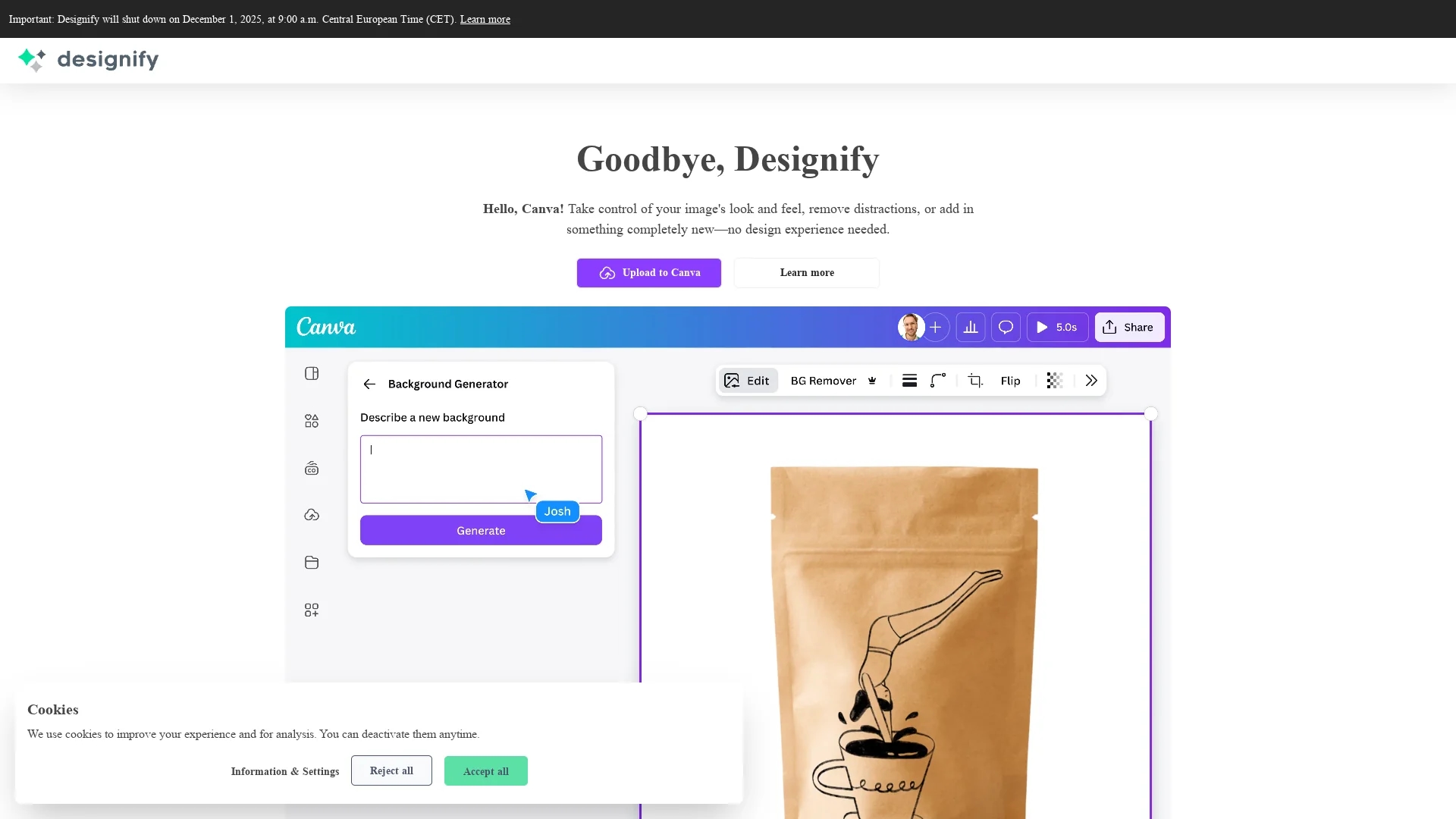
Designify will permanently shut down on December 1, 2025.
Resolution Limits
Free plan limits downloads to 600x600px resolution.
Frequently Asked Questions
Yes, Designify offers a free plan with limited resolution and features.
JPG and PNG images up to 12MB are supported for upload.
Yes, images are securely uploaded and stored only for design use.
Designify complies with GDPR and other data privacy regulations.
The API allows integration of automatic editing into websites or apps.
Similar Tools You Might Like
Discover more AI-powered tools that complement your workflow


List Your AI Tool & Reach Thousands of Users
Join 500+ AI innovators already thriving on our platform. Get visibility, feedback, and boost your conversions.
Expand Your Audience
Connect with over 50,000 AI enthusiasts actively looking for tools like yours.
Boost Your Authority
Get verified reviews and ratings to build credibility in the AI marketplace.
Drive Conversions
Our premium placements and targeted audience deliver quality leads and sign-ups.