
AVCLabs Video Enhancer AI
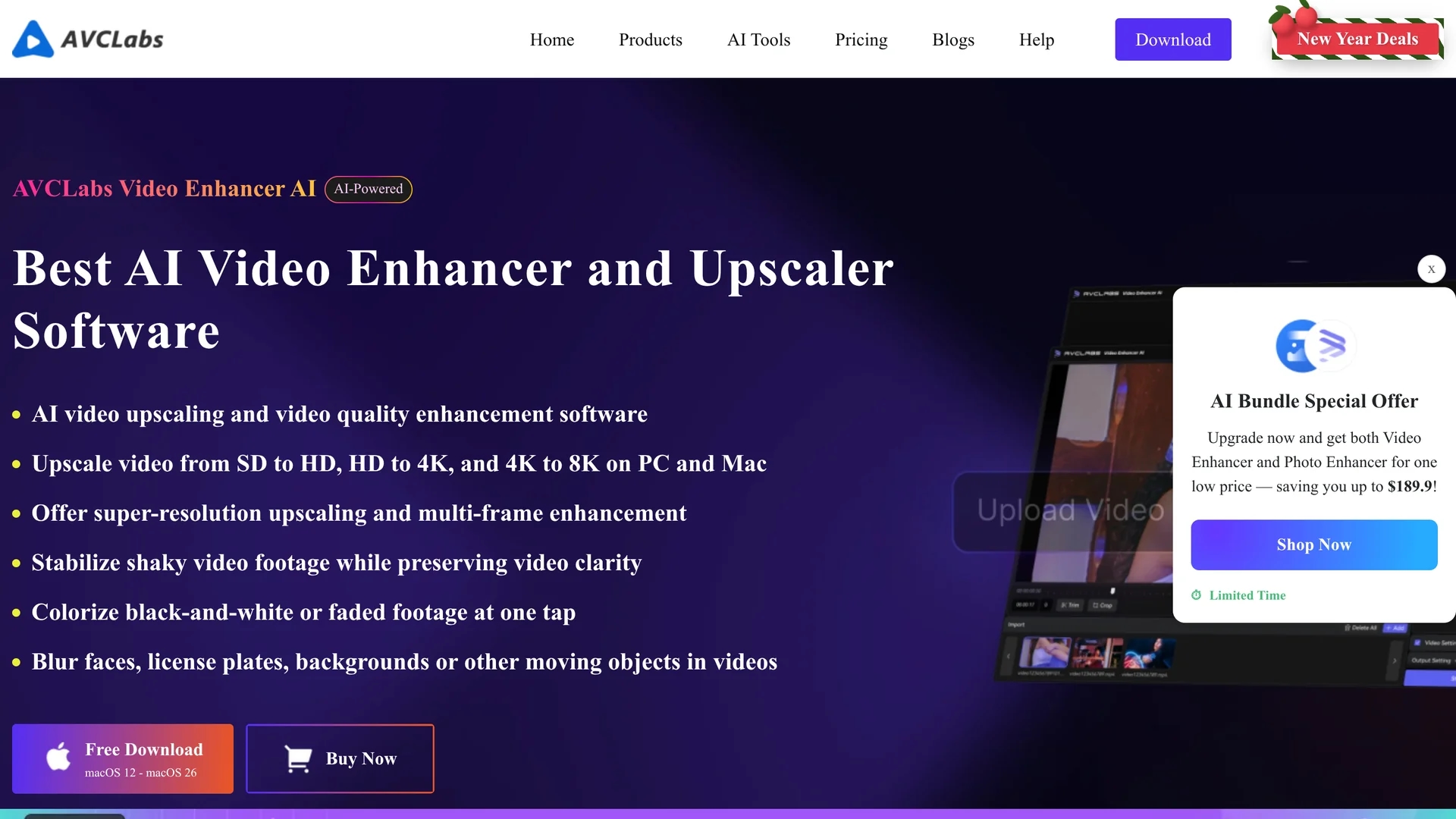
AVCLabs Video Enhancer AI uses advanced artificial intelligence to upscale video resolution, restore old footage, colorize black-and-white videos, and reduce noise for clearer, high-quality visuals.
Disclaimer: Visionary Hub is not affiliated with, endorsed by, or the operator of this tool. All trademarks, logos, and content are the property of their respective owners. Full disclaimer available here
Key Features
Resolution Upscaling
Upscales videos from SD to HD, 4K, and 8K with preserved detail.
AI Colorization
Automatically colorizes black-and-white videos with natural tones.
Frame Interpolation
Inserts intermediate frames to smooth motion and enable slow-motion effects.
Video Stabilization
Corrects shaky footage using motion-aware AI algorithms.
Get Started
Share & Save
Share on Social Media
Why Choose AVCLabs Video Enhancer AI
Comprehensive AI:
Integrates multiple AI models for upscaling, colorization, stabilization, and noise reduction.Local Processing:
Processes videos offline ensuring privacy and faster performance without cloud dependency.GPU Acceleration:
Optimized for GPU to deliver up to 3X faster video enhancement and rendering.
Pricing
AVCLabs Video Enhancer AI offers a free trial and multiple pricing options including a lifetime license for $299.99, monthly subscription at $39.95, and annual subscription at $119.95. Visit the official pricing page for details.
About AVCLabs Video Enhancer AI
AVCLabs Video Enhancer AI uses advanced artificial intelligence to upscale video resolution, restore old footage, colorize black-and-white videos, and reduce noise for clearer, high-quality visuals.
What AVCLabs Video Enhancer AI Does
AVCLabs Video Enhancer AI enhances video quality by intelligently upscaling resolutions from SD to HD, 4K, and 8K, restoring clarity in old or low-resolution footage, and colorizing black-and-white videos automatically. It also reduces noise and grain, stabilizes shaky footage, and smooths motion through frame interpolation.
The tool uses a suite of AI models including convolutional neural networks and generative adversarial networks to analyze and improve each video frame. Features include multi-frame enhancement, AI face enhancement, video blur for privacy, and real-time color calibration to ensure natural and vibrant results.
Ideal for videographers, content creators, and media professionals, it supports a wide range of video formats and offers batch processing to save time while delivering professional-grade video quality improvements.
Pros & Cons
High Quality
Delivers professional-grade video enhancement with advanced AI models.
Flexible Plans
Offers free trial, subscription, and lifetime license options.
System Requirements
Requires a powerful PC with GPU and at least 16GB RAM for optimal performance.
No Mobile App
Primarily desktop software; mobile users must use online version with limited features.
Frequently Asked Questions
Yes, AVCLabs Video Enhancer AI offers a free trial to explore all features.
Pricing includes monthly ($39.95), annual ($119.95), and lifetime ($299.99) licenses.
Supports Windows 10/11 (64bit) and macOS 12 to 26 versions.
Yes, it uses AI to automatically colorize black-and-white footage with natural colors.
Yes, multiple videos can be processed simultaneously to save time.
Similar Tools You Might Like
Discover more AI-powered tools that complement your workflow



List Your AI Tool & Reach Thousands of Users
Join 500+ AI innovators already thriving on our platform. Get visibility, feedback, and boost your conversions.
Expand Your Audience
Connect with over 50,000 AI enthusiasts actively looking for tools like yours.
Boost Your Authority
Get verified reviews and ratings to build credibility in the AI marketplace.
Drive Conversions
Our premium placements and targeted audience deliver quality leads and sign-ups.