
Animoto
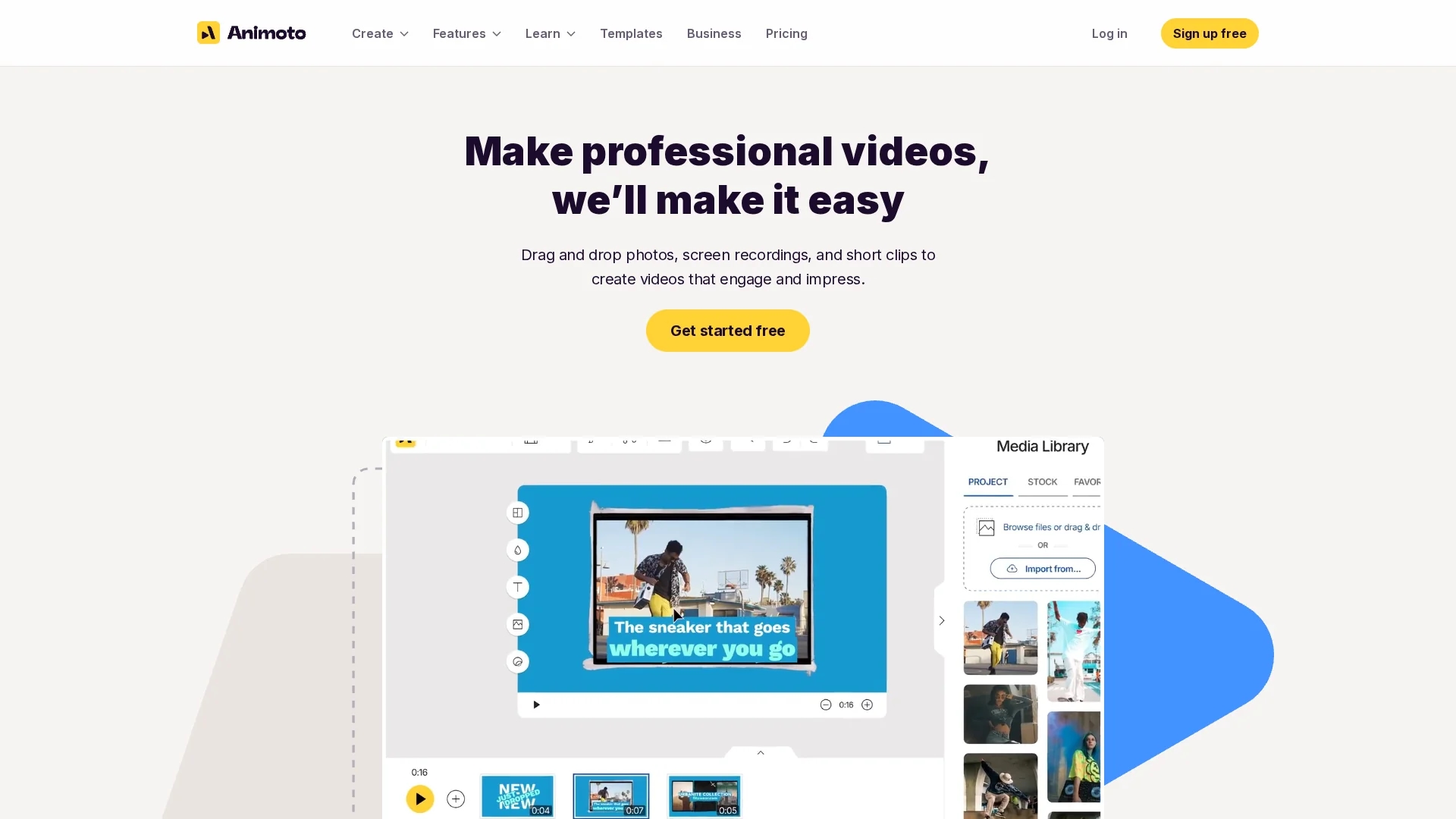
Animoto is an online video creation platform with drag-and-drop tools, customizable templates, and built-in effects for easy, high-quality video production and collaboration.
Disclaimer: Visionary Hub is not affiliated with, endorsed by, or the operator of this tool. All trademarks, logos, and content are the property of their respective owners. Full disclaimer available here
Key Features
Drag-and-Drop
Simplifies video editing with intuitive media placement.
Custom Templates
Offers a variety of templates for different video types.
Screen Recording
Capture screen and webcam recordings directly in the platform.
Branding Tools
Save colors, fonts, and templates for consistent branding.
Get Started
Share & Save
Share on Social Media
Why Choose Animoto
User-Friendly:
Drag-and-drop interface requires no advanced editing skills.Collaboration:
Time-stamped feedback enables seamless team reviews.Extensive Assets:
Access to licensed music and Getty Images stock library.
Pricing
Animoto offers a freemium pricing model with a Free plan at €0, Basic plan at €7, Professional plan at €14, and Professional Plus plan at €35 per month. Pricing details are subject to change; visit the official pricing page for updates.
About Animoto
Animoto is an online video creation platform with drag-and-drop tools, customizable templates, and built-in effects for easy, high-quality video production and collaboration.
What Animoto Does
Animoto enables users to create professional-quality videos easily by uploading media, applying customizable templates, and enhancing content with built-in effects and licensed music. It benefits marketers, educators, and creators by streamlining video production.
The platform features drag-and-drop editing, a vast library of stock images and music, screen and webcam recording, voice-over recording, and time-stamped feedback for team collaboration. Users can save branding elements like colors and fonts for consistent video design.
Typical use cases include promotional videos, instructional tutorials, social media content, internal communications, and training demos across industries such as marketing, education, and e-commerce.
Pros & Cons
Ease of Use
Beginners can create polished videos without prior experience.
Collaboration
Supports multi-user editing and commenting on drafts.
Limited Advanced Editing
Lacks complex editing features found in professional software.
Pricing Tiers
Some features are restricted to higher-priced plans.
Frequently Asked Questions
You can create promotional, educational, social media, and internal communication videos.
Yes, there is a free plan with some limitations and paid upgrades available.
Yes, Animoto supports multi-user editing and time-stamped feedback.
It includes licensed music, Getty Images stock photos, and allows voice-over recording.
Yes, you can capture screen and webcam recordings directly in the platform.
Similar Tools You Might Like
Discover more AI-powered tools that complement your workflow



List Your AI Tool & Reach Thousands of Users
Join 500+ AI innovators already thriving on our platform. Get visibility, feedback, and boost your conversions.
Expand Your Audience
Connect with over 50,000 AI enthusiasts actively looking for tools like yours.
Boost Your Authority
Get verified reviews and ratings to build credibility in the AI marketplace.
Drive Conversions
Our premium placements and targeted audience deliver quality leads and sign-ups.