
Webcam Effects
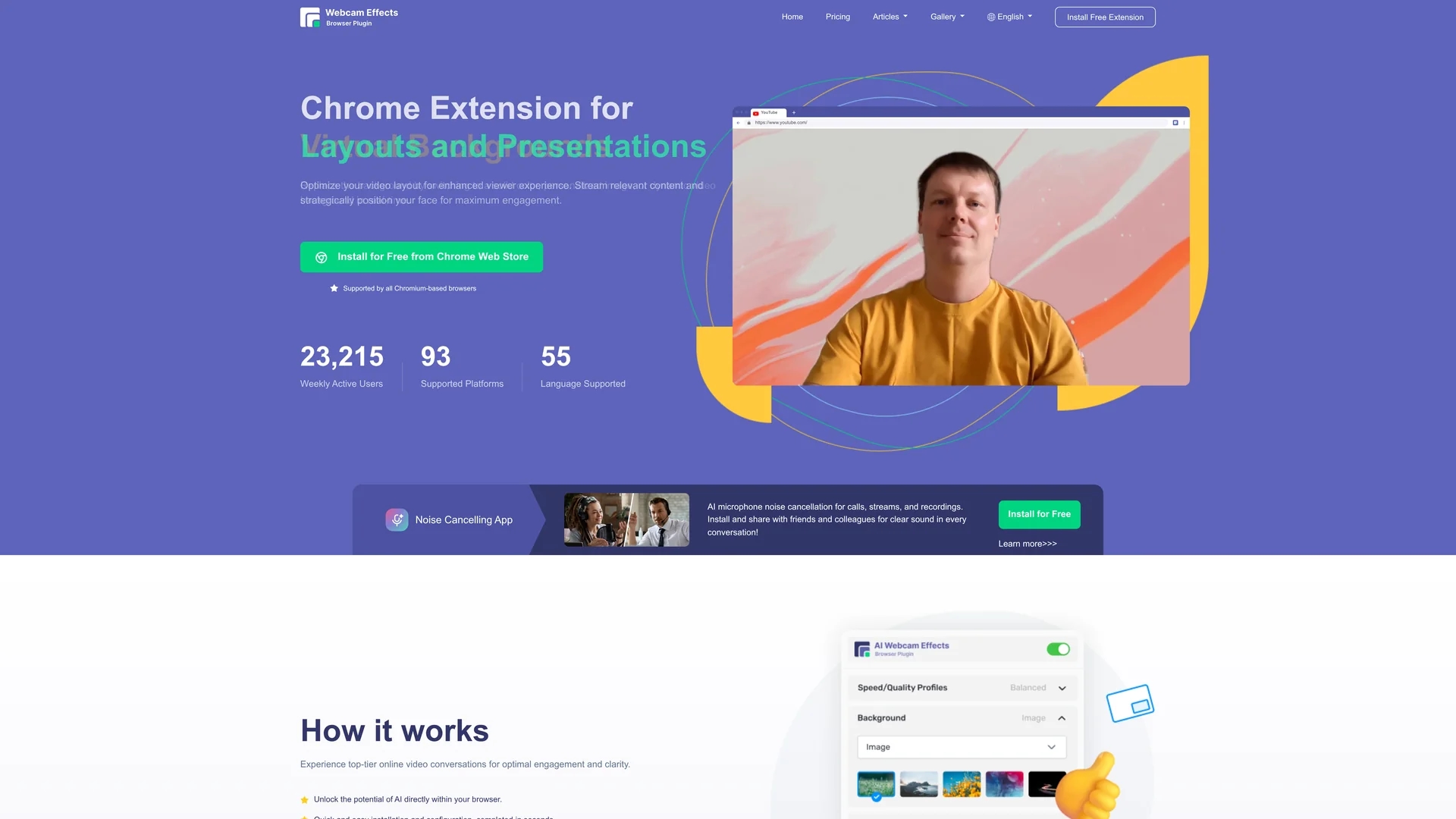
Webcam Effects is a Chrome plugin that enhances video calls with virtual backgrounds, background blur, beautification filters, auto-framing, and real-time emojis for professional and engaging streaming.
Disclaimer: Visionary Hub is not affiliated with, endorsed by, or the operator of this tool. All trademarks, logos, and content are the property of their respective owners. Full disclaimer available here
Key Features
Virtual Backgrounds
Replace backgrounds with images or dynamic videos in real-time.
Background Blur
Adjustable AI-powered blur to enhance video clarity and privacy.
Skin Beautification
Smooth skin and reduce imperfections for a polished appearance.
Custom Layouts
Optimize video frame layouts to highlight key content and face positioning.
Get Started
Share & Save
Share on Social Media
Why Choose Webcam Effects
AI Backgrounds:
Replace or blur backgrounds using advanced AI for privacy and professionalism.Auto-Framing:
Smart zoom keeps you centered and focused during video calls.Engagement Tools:
Integrates real-time emojis and Giphy for interactive video conversations.
Pricing
Webcam Effects offers a freemium pricing model. The Free plan includes virtual backgrounds, background blur, beauty filter, smart zoom, layouts, emojis, and recording. Paid plans start at $3.25/month (billed annually) and $4.95/month with additional features like watermark removal and cloud storage. See the official pricing page for details.
About Webcam Effects
Webcam Effects is a Chrome plugin that enhances video calls with virtual backgrounds, background blur, beautification filters, auto-framing, and real-time emojis for professional and engaging streaming.
What Webcam Effects Does
Webcam Effects enhances video calls by allowing users to replace, blur, or customize their webcam backgrounds in real-time, improving privacy and professionalism. It also beautifies user appearance and optimizes video layouts for presentations.
The plugin uses advanced AI to automatically blur backgrounds, smooth skin, correct colors, and apply intelligent auto-framing to keep users centered in the frame. It supports real-time emoji and Giphy integration to make calls more engaging.
This tool is ideal for remote workers, online educators, content creators, and business professionals who want to maintain a polished and interactive presence across platforms like Microsoft Teams, Google Meet, Skype, and YouTube.
Pros & Cons
Browser-Based
Operates within Chrome without complex setup or additional software.
Cross-Platform
Supports Windows, Mac, and Linux for broad accessibility.
Limited Platforms
Only available as a Chrome extension, limiting use outside Chromium browsers.
Feature Restrictions
Free plan has limited features; advanced options require paid subscription.
Frequently Asked Questions
The plugin supports Windows, Mac, and Linux operating systems.
Install it directly from the Chrome Web Store as a free extension.
Key features include background blur, virtual backgrounds, skin beautification, auto-framing, and emoji integration.
Yes, a free plan offers basic features like virtual backgrounds and background blur.
Yes, the plugin allows custom layouts to optimize video framing and presentations.
Similar Tools You Might Like
Discover more AI-powered tools that complement your workflow


List Your AI Tool & Reach Thousands of Users
Join 500+ AI innovators already thriving on our platform. Get visibility, feedback, and boost your conversions.
Expand Your Audience
Connect with over 50,000 AI enthusiasts actively looking for tools like yours.
Boost Your Authority
Get verified reviews and ratings to build credibility in the AI marketplace.
Drive Conversions
Our premium placements and targeted audience deliver quality leads and sign-ups.