
4DDiG
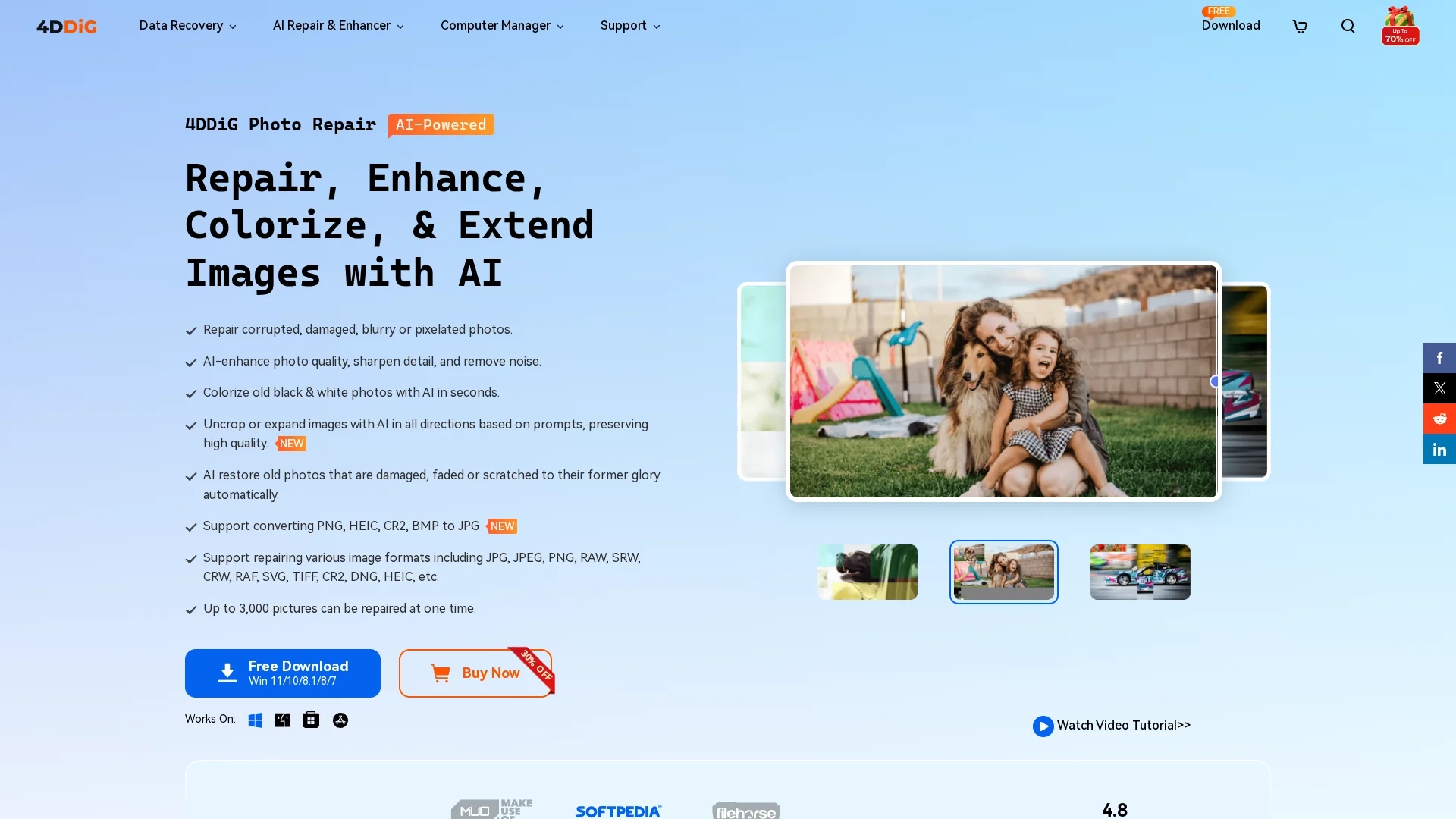
4DDiG Photo Repair & Restoration Tool uses AI to recover, enhance, and colorize damaged photos, supporting multiple image formats and batch processing up to 3,000 images.
Disclaimer: Visionary Hub is not affiliated with, endorsed by, or the operator of this tool. All trademarks, logos, and content are the property of their respective owners. Full disclaimer available here
Key Features
Multi-Format Support
Repairs various image formats including JPG, PNG, RAW, and more.
Automatic Colorization
Colorizes black-and-white photos with realistic AI-generated colors.
High-Speed Repair
Quickly restores photos without compromising quality.
Preview Function
Allows users to preview repaired images before saving.
Get Started
Share & Save
Share on Social Media
Why Choose 4DDiG
AI Repair:
Uses advanced AI models to restore and enhance damaged photos accurately.Batch Processing:
Repairs up to 3,000 photos simultaneously, increasing efficiency.Cross-Platform:
Compatible with both Windows and Mac operating systems.
Pricing
4DDiG offers free downloads for Windows and Mac with options to purchase licenses. Discounts of 30% off are available on purchase pages. For detailed pricing, visit the official store links.
About 4DDiG
4DDiG Photo Repair & Restoration Tool uses AI to recover, enhance, and colorize damaged photos, supporting multiple image formats and batch processing up to 3,000 images.
What 4DDiG Does
4DDiG Photo Repair restores damaged, blurry, pixelated, or corrupted photos, improving accessibility and visual quality. It benefits users by recovering lost image details and enhancing photo clarity.
The tool uses AI technology with specialized models to repair images, remove noise, sharpen details, and automatically colorize black-and-white photos. It supports numerous image formats and enables batch processing of up to 3,000 photos simultaneously, saving time and effort.
Ideal for photographers, archivists, and digital artists, it is used to restore family photos, historical archives, and professional image collections across Windows and Mac devices.
Pros & Cons
Versatile Format Support
Handles a wide range of photo file types and devices.
Efficient Batch Repair
Processes thousands of photos simultaneously, saving time.
No Direct Signup
No explicit user registration or signup link available on the homepage.
Pricing Details Limited
Specific pricing plans and tiers are not fully detailed on the site.
Frequently Asked Questions
Yes, it repairs corrupted, blurry, pixelated, and color-distorted photos effectively.
It supports JPG, PNG, RAW, TIFF, HEIC, and many other common photo formats.
Free downloads are available, allowing users to try the software before purchase.
Yes, it is compatible with Windows 7 to 11 and macOS 10.12 to 15.
It uses AI to analyze black-and-white photos and applies realistic colors automatically.
Similar Tools You Might Like
Discover more AI-powered tools that complement your workflow


List Your AI Tool & Reach Thousands of Users
Join 500+ AI innovators already thriving on our platform. Get visibility, feedback, and boost your conversions.
Expand Your Audience
Connect with over 50,000 AI enthusiasts actively looking for tools like yours.
Boost Your Authority
Get verified reviews and ratings to build credibility in the AI marketplace.
Drive Conversions
Our premium placements and targeted audience deliver quality leads and sign-ups.