
NoteGPT: YouTube Summary with ChatGPT & Notes
Chrome extension leveraging ChatGPT to summarize YouTube videos, create timestamped notes, and capture screenshots for efficient video content learning.
Disclaimer: Visionary Hub is not affiliated with, endorsed by, or the operator of this tool. All trademarks, logos, and content are the property of their respective owners. Full disclaimer available here
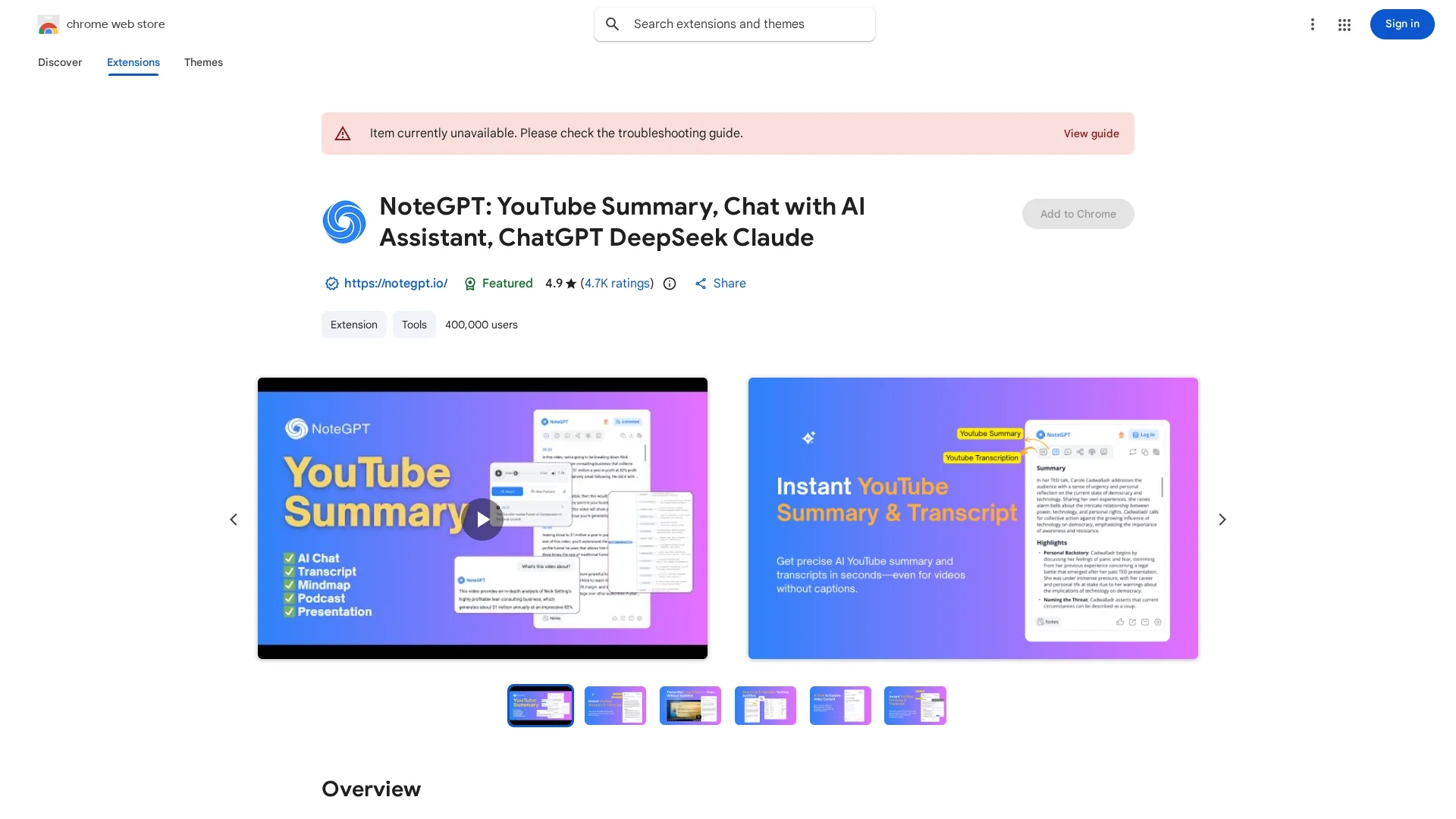
Key Features
AI Video Summaries
Generates concise summaries of YouTube videos using ChatGPT.
Timestamped Notes
Creates notes linked to specific video timestamps for easy reference.
Transcript Access
Provides full video transcripts, even for videos without captions.
OpenAI API Integration
Uses user’s OpenAI API key for instant on-page AI-generated content.
Get Started
Share & Save
Share on Social Media
Why Choose NoteGPT: YouTube Summary with ChatGPT & Notes
Comprehensive Features:
Combines summaries, transcripts, notes, and screenshots in one extension.Supports Long Videos:
Transcribes videos without subtitles up to two hours in length.Customizable Output:
Allows users to set summary length, tone, and format for tailored results.
Pricing
NoteGPT operates on a freemium model, offering 15 free quotas per month with permanent storage. Future paid plans may provide faster responses and unlimited access. For current pricing details, visit the official website.
About NoteGPT: YouTube Summary with ChatGPT & Notes
Chrome extension leveraging ChatGPT to summarize YouTube videos, create timestamped notes, and capture screenshots for efficient video content learning.
What NoteGPT: YouTube Summary with ChatGPT & Notes Does
NoteGPT summarizes YouTube videos and generates timestamped notes and screenshots, allowing users to quickly grasp video content without watching fully. It benefits users by saving time and enhancing learning efficiency.
The extension provides AI-generated transcripts, summaries, and an interactive AI chat for deeper exploration of video topics. It supports videos with or without subtitles, up to two hours long, and enables downloading subtitles in multiple formats. Users can customize summary length, tone, and format, and convert notes into mind maps, slides, or podcasts.
Ideal for education, research, and content creation, NoteGPT helps students, researchers, and professionals efficiently extract and repurpose video information from YouTube and other web content.
Pros & Cons
User-Friendly
Easy to install and use directly within the Chrome browser.
Multifunctional
Supports summaries, notes, screenshots, and transcript downloads.
Requires OpenAI Account
Users must have a ChatGPT/OpenAI account and API key to use summaries.
Quota Limits
Free plan limits usage to 15 quotas per month with potential paywall.
Frequently Asked Questions
ChatGPT is an AI chatbot by OpenAI that generates text and responds to user queries.
Yes, it offers 15 free quotas monthly; paid plans may be introduced for extended use.
Yes, a ChatGPT/OpenAI account and API key are required for generating summaries.
Yes, it supports videos without subtitles up to two hours long using AI transcription.
Transcripts can be downloaded in multiple formats including TXT and SRT.
Similar Tools You Might Like
Discover more AI-powered tools that complement your workflow


List Your AI Tool & Reach Thousands of Users
Join 500+ AI innovators already thriving on our platform. Get visibility, feedback, and boost your conversions.
Expand Your Audience
Connect with over 50,000 AI enthusiasts actively looking for tools like yours.
Boost Your Authority
Get verified reviews and ratings to build credibility in the AI marketplace.
Drive Conversions
Our premium placements and targeted audience deliver quality leads and sign-ups.