
X Unfollower
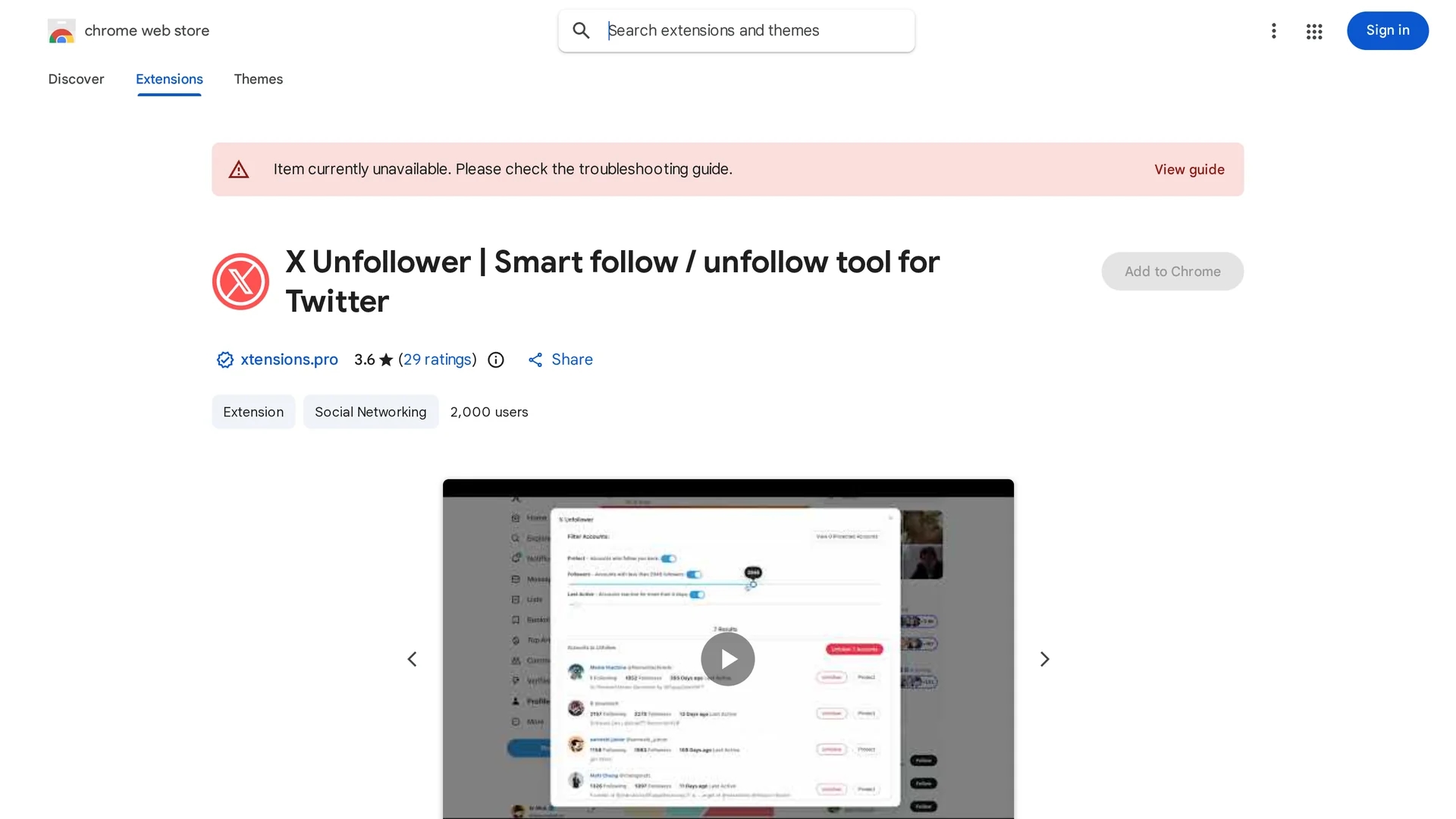
Chrome extension to efficiently unfollow inactive or low-follower accounts on 𝕏 (Twitter) using customizable smart filters.
Disclaimer: Visionary Hub is not affiliated with, endorsed by, or the operator of this tool. All trademarks, logos, and content are the property of their respective owners. Full disclaimer available here
Key Features
Inactive Account Filter
Unfollows accounts inactive for a user-defined number of days.
Follower Count Filter
Targets accounts below a minimum follower threshold.
Protect Follow-Backs
Prevents unfollowing of accounts that follow you back.
Bulk Unfollow
Enables mass unfollowing with a single click.
Get Started
Share & Save
Share on Social Media
Why Choose X Unfollower
Smart Filters:
Allows precise unfollowing based on inactivity and follower count.Follow-Back Protection:
Optionally protects accounts that follow you from being unfollowed.Browser Integration:
Operates as a Chrome extension for seamless 𝕏 management.
Pricing
Pricing details are not publicly available. For current prices, visit the official Chrome Web Store page.
About X Unfollower
Chrome extension to efficiently unfollow inactive or low-follower accounts on 𝕏 (Twitter) using customizable smart filters.
What X Unfollower Does
X Unfollower helps users clean up their 𝕏 (Twitter) following list by automatically identifying and unfollowing accounts based on specific criteria. This improves the quality and relevance of the user's social feed.
The extension offers filters for maximum inactive days, minimum follower count, and an option to protect accounts that follow the user back. Users can apply these filters to generate a refined list and unfollow accounts in bulk or selectively.
This tool is useful for social media managers, influencers, and individuals who want to maintain an engaged and balanced following-to-follower ratio on 𝕏.
Pros & Cons
Efficiency
Speeds up cleaning of large following lists with filters.
User Control
Customizable criteria allow tailored unfollowing strategies.
Limited Platform
Available only as a Chrome extension, restricting browser choice.
Pricing Unknown
No clear pricing information publicly available.
Frequently Asked Questions
Go to your 𝕏 profile, click 'Clean Following', set filters, then click 'Unfollow All'.
Filters include maximum inactive days, minimum follower count, and follow-back protection.
Pricing details are not publicly disclosed; check the official page for updates.
It is available as a Chrome extension and requires Google Chrome browser.
The developer states no user data is collected or sold.
Similar Tools You Might Like
Discover more AI-powered tools that complement your workflow

List Your AI Tool & Reach Thousands of Users
Join 500+ AI innovators already thriving on our platform. Get visibility, feedback, and boost your conversions.
Expand Your Audience
Connect with over 50,000 AI enthusiasts actively looking for tools like yours.
Boost Your Authority
Get verified reviews and ratings to build credibility in the AI marketplace.
Drive Conversions
Our premium placements and targeted audience deliver quality leads and sign-ups.