WPimagines
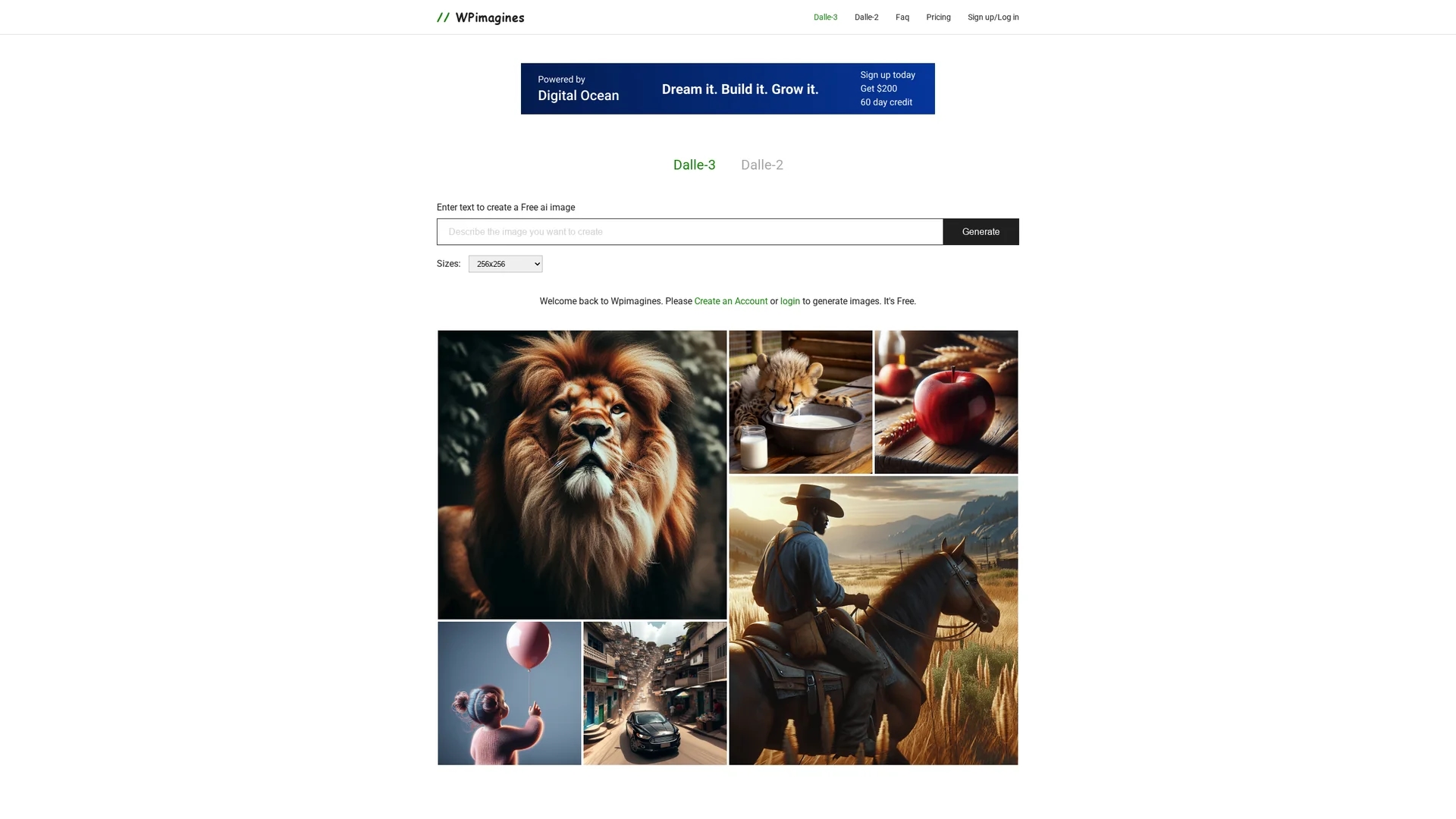
WPImagines AI Image Generator creates stunning AI-generated images in various sizes and styles, integrating indoor and outdoor scenes with special effects and expressive photography.
Disclaimer: Visionary Hub is not affiliated with, endorsed by, or the operator of this tool. All trademarks, logos, and content are the property of their respective owners. Full disclaimer available here
Key Features
Text-to-Image
Creates images directly from user text prompts.
Size Options
Supports image generation in 256x256 and 512x512 pixels.
Style Variety
Provides multiple artistic styles including architectural scenes.
Environmental Integration
Seamlessly blends indoor and outdoor elements in images.
Get Started
Share & Save
Share on Social Media
Why Choose WPimagines
Versatile Styles:
Offers diverse image styles for varied creative projects.Multiple Sizes:
Generates images in several resolutions to fit different needs.Special Effects:
Includes effects like cascading water and mossy rocks for realism.
Pricing
Pricing details are available on the official pricing page. The tool offers free image generation upon account creation.
About WPimagines
WPImagines AI Image Generator creates stunning AI-generated images in various sizes and styles, integrating indoor and outdoor scenes with special effects and expressive photography.
What WPimagines Does
WPImagines AI Image Generator transforms text descriptions into detailed images, allowing users to create custom visuals for various creative needs. It benefits users by simplifying image creation and expanding artistic possibilities.
The tool supports generating images in different sizes such as 256x256 and 512x512 pixels and offers a range of styles including mid-century modern courtyards, tiny houses on cliffs, and city nightscapes. It integrates special effects like cascading water and mossy rocks to enhance realism and mood.
Ideal for industries like digital art, design, and content creation, WPImagines enables artists and creators to produce unique backgrounds, wallpapers, and conceptual photography with ease.
Pros & Cons
Ease of Use
Simple steps to generate images from text prompts.
Creative Flexibility
Supports diverse styles and special effects for unique visuals.
Limited Pricing Info
Detailed pricing requires visiting the official pricing page.
Developer Info
No explicit developer or company details provided.
Frequently Asked Questions
It supports generating images in 256x256 and 512x512 pixel sizes.
Yes, users can create a free account to generate AI images.
You can register at https://www.wpimagines.com/register to start.
Yes, it offers various styles including courtyard scenes and city nightscapes.
Pricing information is available on the official pricing page linked on the homepage.
Similar Tools You Might Like
Discover more AI-powered tools that complement your workflow
List Your AI Tool & Reach Thousands of Users
Join 500+ AI innovators already thriving on our platform. Get visibility, feedback, and boost your conversions.
Expand Your Audience
Connect with over 50,000 AI enthusiasts actively looking for tools like yours.
Boost Your Authority
Get verified reviews and ratings to build credibility in the AI marketplace.
Drive Conversions
Our premium placements and targeted audience deliver quality leads and sign-ups.