
Workflow.Design
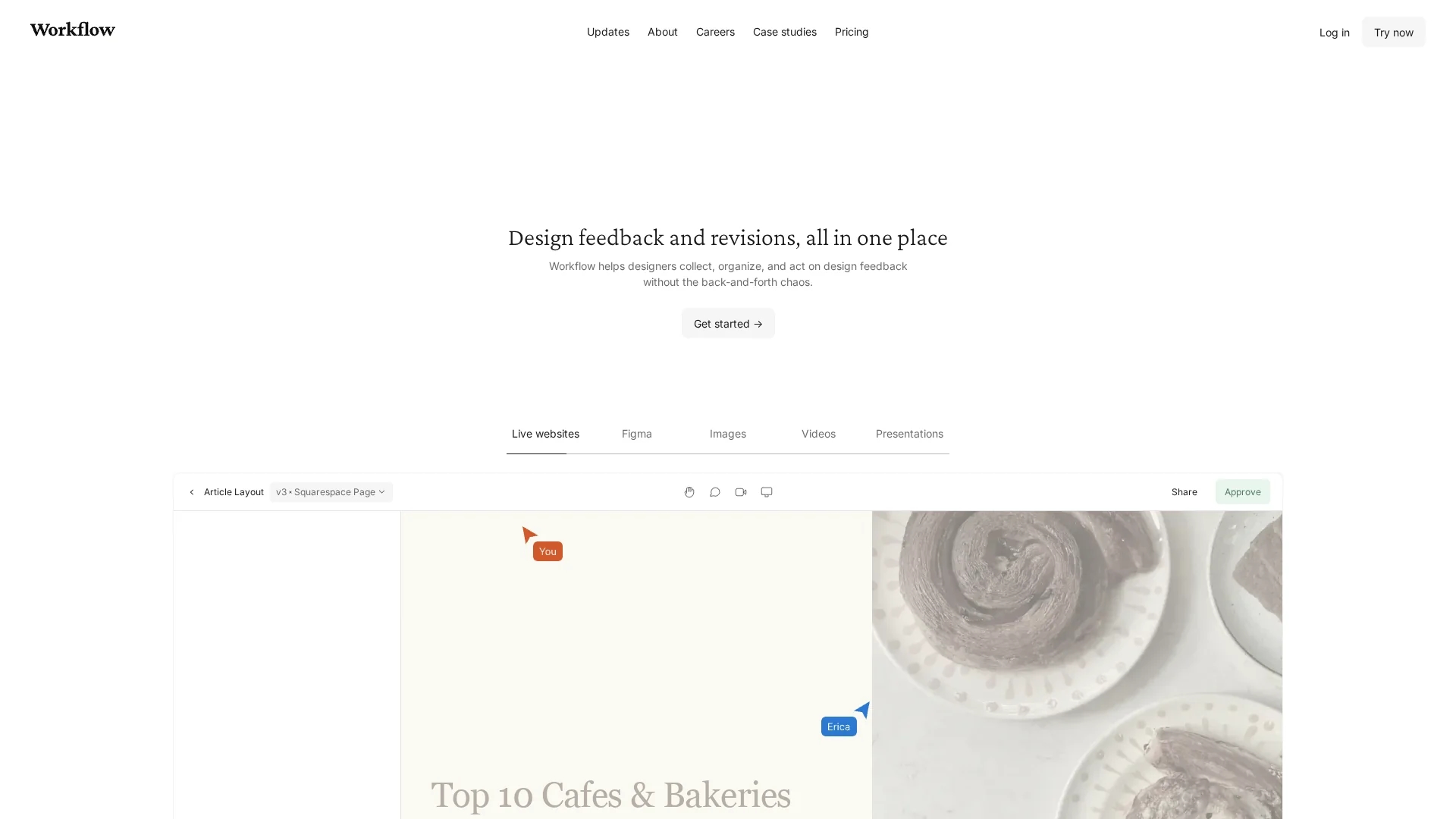
Workflow.Design is a project management tool that streamlines creative collaboration by organizing assets, tracking tasks, and managing feedback with centralized inboxes and version control.
Disclaimer: Visionary Hub is not affiliated with, endorsed by, or the operator of this tool. All trademarks, logos, and content are the property of their respective owners. Full disclaimer available here
Key Features
Task Tracking
Centralized inbox organizes all project tasks and feedback.
Asset Management
Supports design, web, video, and other media asset organization.
Commenting System
Enables clear communication through comments on shared files.
Project Timelines
Visual timelines help teams monitor project progress.
Get Started
Share & Save
Share on Social Media
Why Choose Workflow.Design
Centralized Inbox:
Tracks tasks and feedback in one place to keep teams aligned.Version Control:
Manages edits and revisions to avoid confusion and loss of work.Zero-Signup Feedback:
Allows reviewers to comment without needing an account.
Pricing
Workflow.Design offers a subscription pricing model: a free early-access plan, a Premium yearly plan at $16 per user/month, and a Premium monthly plan at $20 per user/month. Pricing is subject to change; visit the official pricing page for updates.
About Workflow.Design
Workflow.Design is a project management tool that streamlines creative collaboration by organizing assets, tracking tasks, and managing feedback with centralized inboxes and version control.
What Workflow.Design Does
Workflow.Design helps teams organize and manage creative assets across multiple media types including design, web, and video. It centralizes task tracking and feedback collection to keep projects on schedule and reduce communication gaps.
Key features include a centralized inbox for seamless task and feedback tracking, version control to monitor edits and revisions, and commenting directly on shared files to enhance clarity and collaboration. The platform supports zero-signup feedback, allowing reviewers to leave comments without creating accounts.
This tool is ideal for creative industries such as design agencies, marketing teams, and product development groups that require streamlined feedback and asset management to accelerate project delivery.
Pros & Cons
Focused Collaboration
Designed specifically for creative teams and asset workflows.
User-Friendly
Intuitive interface reduces learning curve and onboarding time.
Limited Scope
Primarily targets creative projects; less suited for general PM.
Pricing Tiers
Advanced features require paid Premium plans.
Frequently Asked Questions
It supports design, web, video, images, and presentations for asset management.
Yes, an early-access free plan is available with basic features.
Yes, reviewers can comment via shared links without creating accounts.
Yes, it tracks edits and revisions to maintain project clarity.
Pricing details are on the official pricing page at workflow.design/pricing.
Similar Tools You Might Like
Discover more AI-powered tools that complement your workflow
List Your AI Tool & Reach Thousands of Users
Join 500+ AI innovators already thriving on our platform. Get visibility, feedback, and boost your conversions.
Expand Your Audience
Connect with over 50,000 AI enthusiasts actively looking for tools like yours.
Boost Your Authority
Get verified reviews and ratings to build credibility in the AI marketplace.
Drive Conversions
Our premium placements and targeted audience deliver quality leads and sign-ups.