
Wondershare Filmora
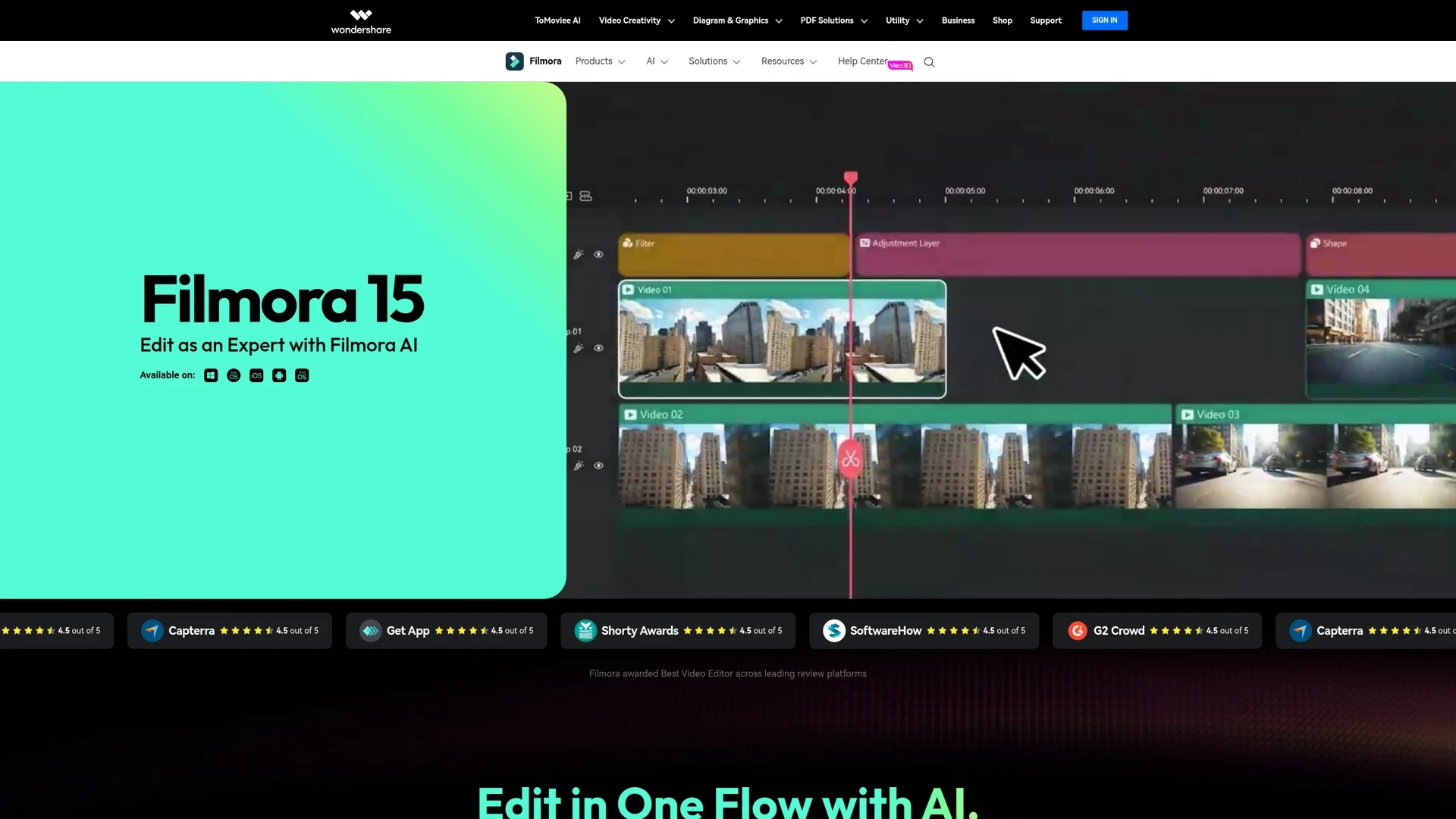
AI-powered video editor Wondershare Filmora delivers Sora 2 and Veo 3.1 text-to-video generation, intuitive timeline editing, Smart Short Clips, and beginner-friendly tools for creators, YouTubers, and small production teams.
Disclaimer: Visionary Hub is not affiliated with, endorsed by, or the operator of this tool. All trademarks, logos, and content are the property of their respective owners. Full disclaimer available here
Key Features
Text-to-Video
Generates cinematic videos from prompts using Sora 2, Veo 3.1, and Kling 2.5.
AI Mate Assistant
Guided AI assistant for editing commands, feature discovery, and workflow help.
Text-Based Editing
Edit by transcript with silence detection to speed dialogue-focused workflows.
8K/120FPS Support
Handles high-resolution footage with a magnetic timeline and Bezier keyframes.
Smart Short Clips
Automatically converts long videos into optimized short-form clips for social platforms.
Effects Library
Includes titles, transitions, filters, overlays, and royalty-free stock media.
Get Started
Share & Save
Share on Social Media
Why Choose Wondershare Filmora
Consumer AI Access:
Integrates Sora 2 and Veo 3.1 to offer text-to-video generation at consumer-friendly pricing.Perpetual License:
Offers a one-time purchase option for permanent access to the current version.All-in-One Ecosystem:
Combines AI generation, professional editing tools, stock assets, and cross-platform support.
Pricing
Filmora has a Free plan with watermarked exports. Annual plans: Basic $49.99–$61.99, Advanced $55.98–$59.99 (1,000 AI credits/month), Premium $99.99–$109.99 (2,000 AI credits/month). Perpetual licenses $49.99–$89.99 one-time; monthly and business/commercial options available.
About Wondershare Filmora
AI-powered video editor Wondershare Filmora delivers Sora 2 and Veo 3.1 text-to-video generation, intuitive timeline editing, Smart Short Clips, and beginner-friendly tools for creators, YouTubers, and small production teams.
What Wondershare Filmora Does
Filmora provides AI-powered video editing that speeds content production: text-to-video generation, image-to-video animation, and an AI Mate assistant to guide edits and automate repetitive tasks for faster delivery.
Editing features include text-based transcript editing with silence detection, AI object and watermark removal, Smart Short Clips for short-form content, motion tracking, pan/zoom animations, and 32-bit float audio export. Exports support local files, device presets, YouTube, Vimeo, and DVD.
Use cases include YouTube production, social short clips, marketing videos for small businesses, student projects, and hobbyist edits where affordability and AI-assisted workflows matter.
Pros & Cons
Beginner-Friendly
Intuitive interface that helps new users create professional videos quickly.
Affordable
Subscription tiers under $110/year and a one-time perpetual license option.
AI Integration
Sora 2, Veo 3.1, and Kling 2.5 bring advanced video generation capabilities.
Watermark
Free plan exports include a Filmora watermark.
Internet Needed
Some exports and AI features require internet connectivity and cloud processing.
AI Credits
Text-to-video and advanced AI tools consume monthly AI credits per plan.
Frequently Asked Questions
Filmora 15 integrates Sora 2, Veo 3.1, and Kling 2.5 models for text-to-video and image-to-video generation, producing cinematic-style content at up to 1080p output.
Wondershare Filmora offers a Free plan with watermarked exports; annual Basic $49.99–$61.99; Advanced $55.98–$59.99 with 1,000 AI credits/month; Premium $99.99–$109.99 with 2,000 credits; perpetual licenses $49.99–$89.99 one-time.
Filmora supports desktop (Windows and Mac), mobile (iOS and Android), and cloud-based editing with project sync across platforms for cross-device workflows.
Filmora enables direct YouTube and Vimeo exports with platform-optimized compression, plus local file, device presets, and DVD export options.
Filmora subscription plans include ongoing updates and monthly AI credits; perpetual licenses are one-time purchases for the current version without future version upgrades.
Similar Tools You Might Like
Discover more AI-powered tools that complement your workflow

List Your AI Tool & Reach Thousands of Users
Join 500+ AI innovators already thriving on our platform. Get visibility, feedback, and boost your conversions.
Expand Your Audience
Connect with over 50,000 AI enthusiasts actively looking for tools like yours.
Boost Your Authority
Get verified reviews and ratings to build credibility in the AI marketplace.
Drive Conversions
Our premium placements and targeted audience deliver quality leads and sign-ups.