
Autodesk Flow Studio
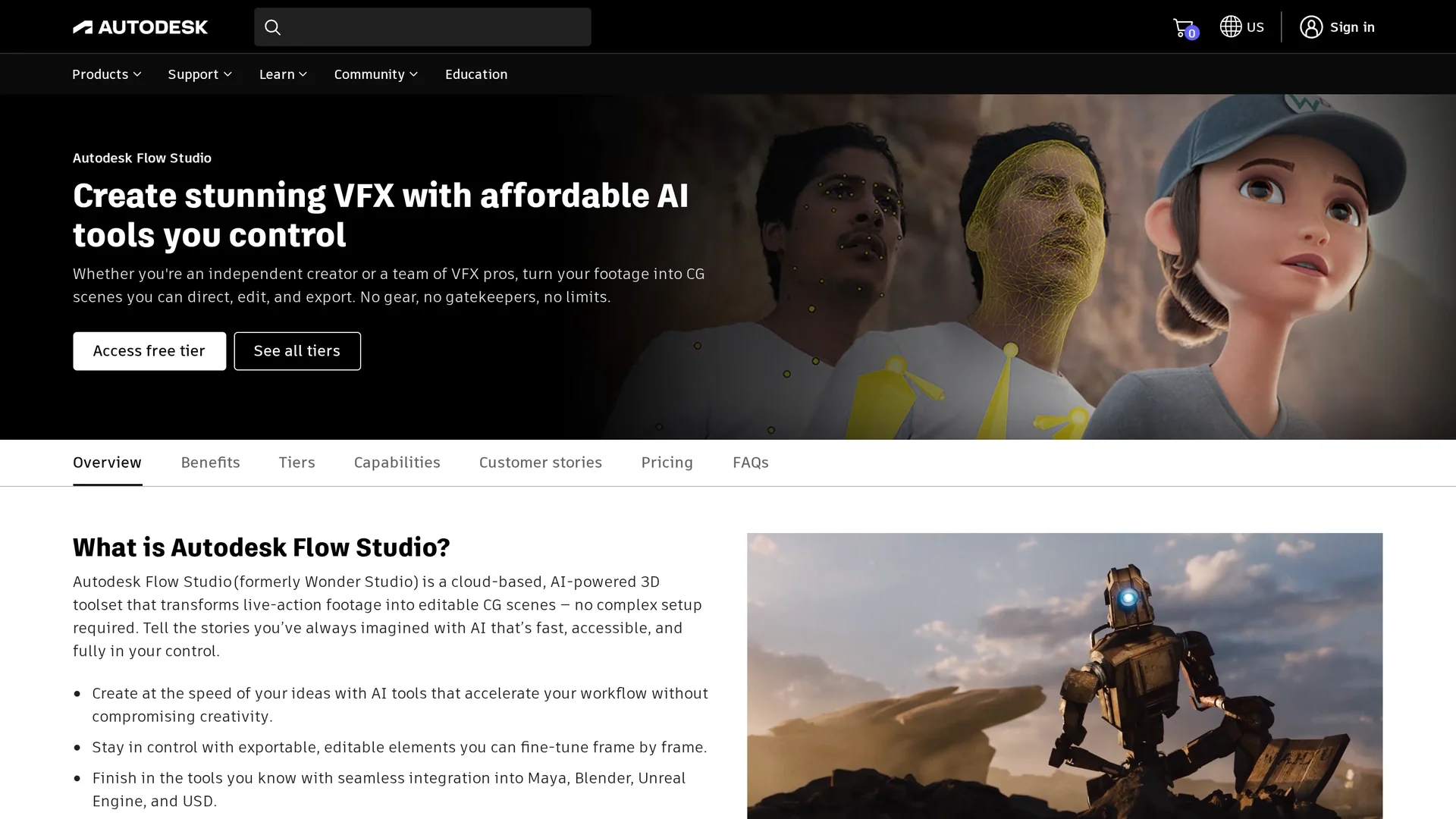
Autodesk Flow Studio is an AI-powered tool that automates animating, lighting, and compositing CG characters into live-action scenes, streamlining VFX production in a browser.
Disclaimer: Visionary Hub is not affiliated with, endorsed by, or the operator of this tool. All trademarks, logos, and content are the property of their respective owners. Full disclaimer available here
Key Features
Markerless Motion Capture
Captures facial, body, and hand movements from single-camera footage.
Video-to-3D Scene
Reconstructs live-action footage into 3D animated scenes automatically.
Individual Element Export
Exports motion capture, camera tracks, alpha masks, and more.
Cloud Rendering
Processes rendering jobs in the cloud to free local resources.
Get Started
Share & Save
Share on Social Media
Why Choose Autodesk Flow Studio
AI Automation:
Automates 80%-90% of objective VFX tasks to speed up production.Seamless Integration:
Exports editable elements compatible with Maya, Blender, and Unreal.Cloud-Based:
Enables rendering and processing without expensive local hardware.
Pricing
Flow Studio offers multiple subscription tiers: Free tier with limited credits and 720p export; Lite at $16.99/month (billed annually); Pro at $84.99/month (billed annually); and Enterprise plans with custom pricing. Visit the pricing page for details.
About Autodesk Flow Studio
Autodesk Flow Studio is an AI-powered tool that automates animating, lighting, and compositing CG characters into live-action scenes, streamlining VFX production in a browser.
What Autodesk Flow Studio Does
Autodesk Flow Studio automates the animation, lighting, and compositing of CG characters into live-action footage, significantly reducing manual VFX work. It benefits users by accelerating production and enabling creative focus on artistic tasks.
Key features include markerless AI motion capture from single-camera footage, Video-to-3D Scene technology for reconstructing scenes, and exporting individual elements such as motion capture data, camera tracks, alpha masks, and clean plates. The tool integrates seamlessly with popular 3D software, supporting formats like USD and FBX.
It is used across film, TV, and game production industries to create complex VFX shots without expensive hardware or extensive manual labor, enabling rapid prototyping and scalable workflows for teams of all sizes.
Pros & Cons
User Control
Allows artists to direct and refine AI-generated animations.
Workflow Integration
Supports export to multiple professional 3D software platforms.
Subscription Cost
Advanced features require paid plans which may be costly for some.
Internet Required
Cloud-based processing depends on stable internet connectivity.
Frequently Asked Questions
An AI tool that animates, lights, and composites CG characters into live-action scenes via a browser.
It automates 80%-90% of objective VFX tasks like motion capture and compositing.
Exports include motion capture data, camera tracks, alpha masks, clean plates, and final renders.
Yes, it was formerly called Wonder Studio.
Yes, a free tier offers limited credits and 720p export for exploring AI VFX.
Similar Tools You Might Like
Discover more AI-powered tools that complement your workflow
List Your AI Tool & Reach Thousands of Users
Join 500+ AI innovators already thriving on our platform. Get visibility, feedback, and boost your conversions.
Expand Your Audience
Connect with over 50,000 AI enthusiasts actively looking for tools like yours.
Boost Your Authority
Get verified reviews and ratings to build credibility in the AI marketplace.
Drive Conversions
Our premium placements and targeted audience deliver quality leads and sign-ups.