Whismer
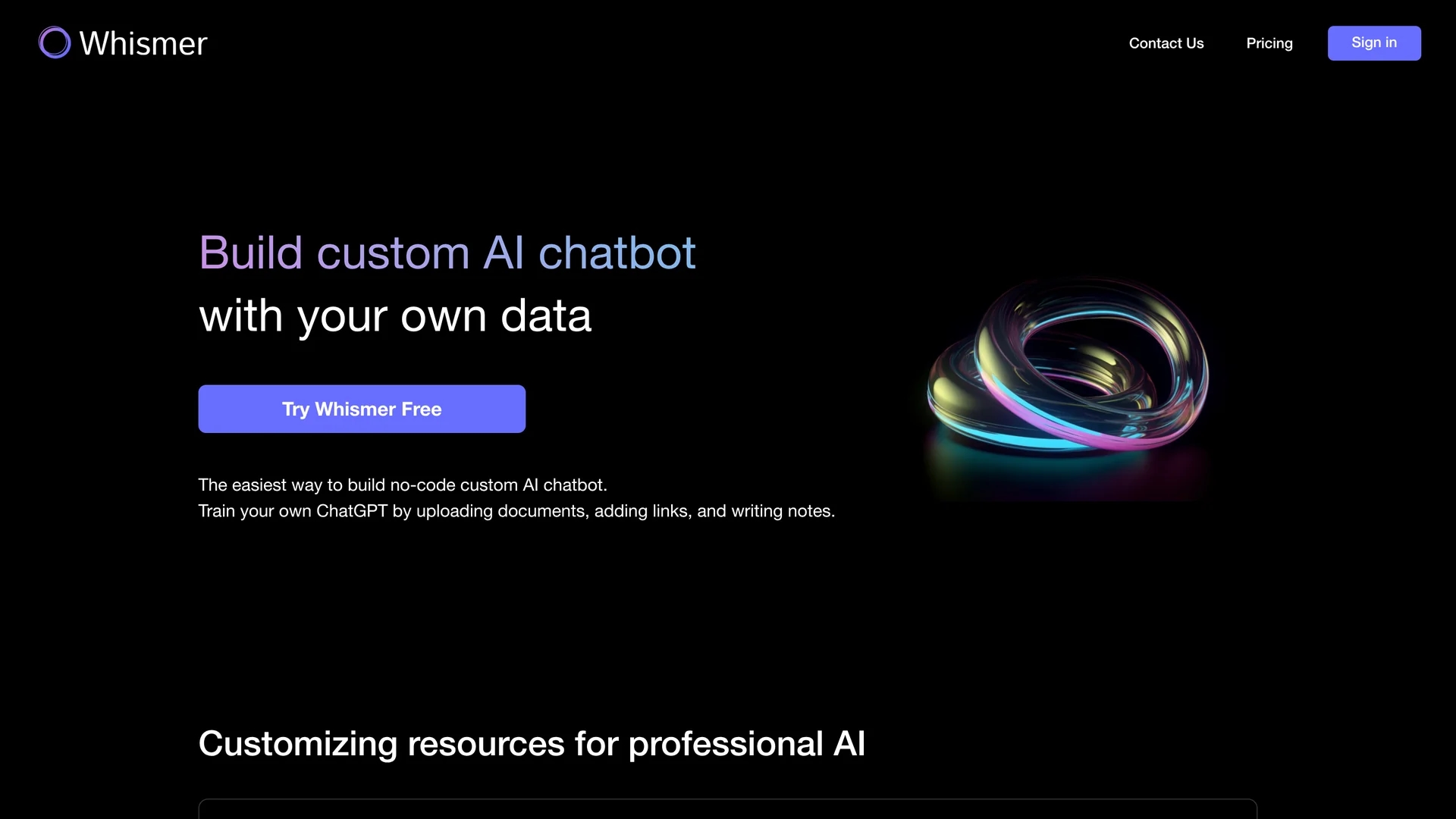
Whismer enables building custom AI chatbots by uploading documents, links, and notes to create a personalized AI knowledge base without coding.
Disclaimer: Visionary Hub is not affiliated with, endorsed by, or the operator of this tool. All trademarks, logos, and content are the property of their respective owners. Full disclaimer available here
Key Features
Custom Knowledge Base
Create AI knowledge bases from documents, links, and notes.
AI Training
Train ChatGPT models on user-provided resources.
Project Sharing
Distribute customized AI chatbots to others with one click.
File Format Support
Supports PDF, DOC, CSV, and TXT file uploads.
Get Started
Share & Save
Share on Social Media
Why Choose Whismer
No Coding Needed:
Build and train AI chatbots without programming skills.Multi-Format Support:
Upload PDFs, DOCs, CSVs, and TXT files to customize AI knowledge.Easy Sharing:
Share AI projects with teams, clients, or students effortlessly.
Pricing
Whismer offers a freemium pricing model with a Free plan and paid tiers: Standard ($19/month), Pro ($39/month), and Enterprise ($69/month). Plans vary by AI projects, query limits, file upload size, and storage. Visit the pricing page for details.
About Whismer
Whismer enables building custom AI chatbots by uploading documents, links, and notes to create a personalized AI knowledge base without coding.
What Whismer Does
Whismer allows users to build custom AI chatbots by uploading documents, website links, and notes to form a personalized knowledge base. This AI knowledge base trains ChatGPT to answer questions and provide relevant solutions based on the uploaded data.
The tool supports multiple file formats including PDF, DOC, CSV, and TXT, enabling comprehensive resource integration. Users can customize resources and share their AI projects easily with teams, clients, or students.
Whismer is suitable for creating team work AI, customer service bots, learning assistants for students, and knowledge-sharing AI for various groups, enhancing productivity and collaboration.
Pros & Cons
User-Friendly
No-code interface simplifies AI chatbot creation.
Flexible Resource Integration
Supports multiple file types and web links for training.
Limited Downgrades
Downgrading from pro to standard version is not supported.
Query Limits
Free and paid plans impose monthly query restrictions.
Frequently Asked Questions
Yes, upgrades are supported and unused membership time converts to pro time.
No, downgrades are not supported after upgrading.
Your account downgrades to the free version, retaining data but losing advanced features.
Contact customer service to discuss subscription optimization.
Whismer supports PDF, DOC, CSV, and TXT file formats for training.
Similar Tools You Might Like
Discover more AI-powered tools that complement your workflow

List Your AI Tool & Reach Thousands of Users
Join 500+ AI innovators already thriving on our platform. Get visibility, feedback, and boost your conversions.
Expand Your Audience
Connect with over 50,000 AI enthusiasts actively looking for tools like yours.
Boost Your Authority
Get verified reviews and ratings to build credibility in the AI marketplace.
Drive Conversions
Our premium placements and targeted audience deliver quality leads and sign-ups.