Website Cloner
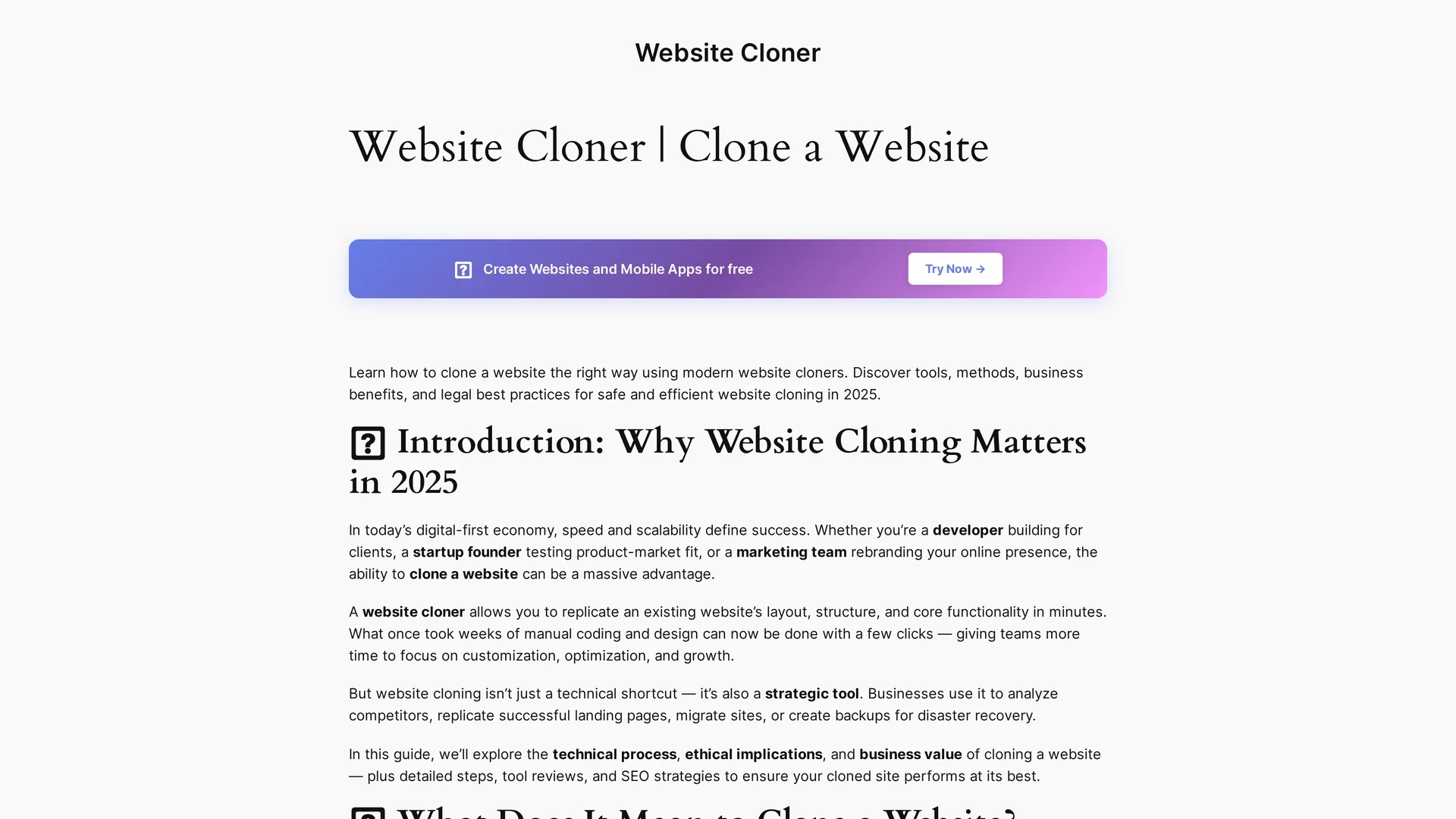
Website Cloner replicates website front-end design, structure, and functionality using HTTP crawling and asset mapping for offline use, content migration, redesign, and competitor analysis.
Disclaimer: Visionary Hub is not affiliated with, endorsed by, or the operator of this tool. All trademarks, logos, and content are the property of their respective owners. Full disclaimer available here
Key Features
HTTP Crawling
Retrieves HTML source code from each page URL automatically.
Asset Mapping
Identifies and downloads linked CSS, JS, fonts, and images.
Offline Navigation
Rewrites URLs to enable browsing cloned sites without internet.
SEO & Performance
Optimizes metadata and assets to preserve SEO rankings.
Get Started
Share & Save
Share on Social Media
Why Choose Website Cloner
Efficient Cloning:
Automates website replication, saving time and reducing manual work.SEO Optimization:
Ensures cloned sites maintain search engine rankings and performance.Versatile Use:
Supports migration, redesign, competitor analysis, and offline access.
Pricing
For current prices, visit the official page at https://websitecloner.co/
About Website Cloner
Website Cloner replicates website front-end design, structure, and functionality using HTTP crawling and asset mapping for offline use, content migration, redesign, and competitor analysis.
What Website Cloner Does
Website Cloner copies the front-end components of a website, including HTML, CSS, JavaScript, and images, enabling offline navigation and seamless content migration. It benefits users by reducing manual coding efforts and speeding up website redesigns or backups.
The tool uses HTTP crawling to retrieve page source code and asset mapping to identify linked resources. It stores files locally with updated internal links to maintain navigation. Additionally, it optimizes cloned sites for SEO and performance to preserve search rankings.
Common use cases include migrating legacy websites, redesigning existing sites, competitor benchmarking, and creating disaster recovery backups across industries such as e-commerce, digital marketing, and software development.
Pros & Cons
Time-saving
Speeds up website migration and redesign processes.
SEO-friendly
Maintains search engine visibility for cloned websites.
Limited Backend
Clones only front-end, not dynamic backend or databases.
Legal Risks
Requires careful compliance with copyright and licensing rules.
Frequently Asked Questions
Yes, if you own the site or have permission; copying copyrighted content without consent is illegal.
It performs HTTP crawling, asset mapping, offline navigation, and SEO optimization of cloned sites.
Only your own or with permission; dynamic content often requires additional export tools.
Cloning your own site with unique content preserves SEO; copying others’ content can harm rankings.
No direct signup links are available on the official homepage.
Similar Tools You Might Like
Discover more AI-powered tools that complement your workflow


List Your AI Tool & Reach Thousands of Users
Join 500+ AI innovators already thriving on our platform. Get visibility, feedback, and boost your conversions.
Expand Your Audience
Connect with over 50,000 AI enthusiasts actively looking for tools like yours.
Boost Your Authority
Get verified reviews and ratings to build credibility in the AI marketplace.
Drive Conversions
Our premium placements and targeted audience deliver quality leads and sign-ups.