
Webcam Motion Capture
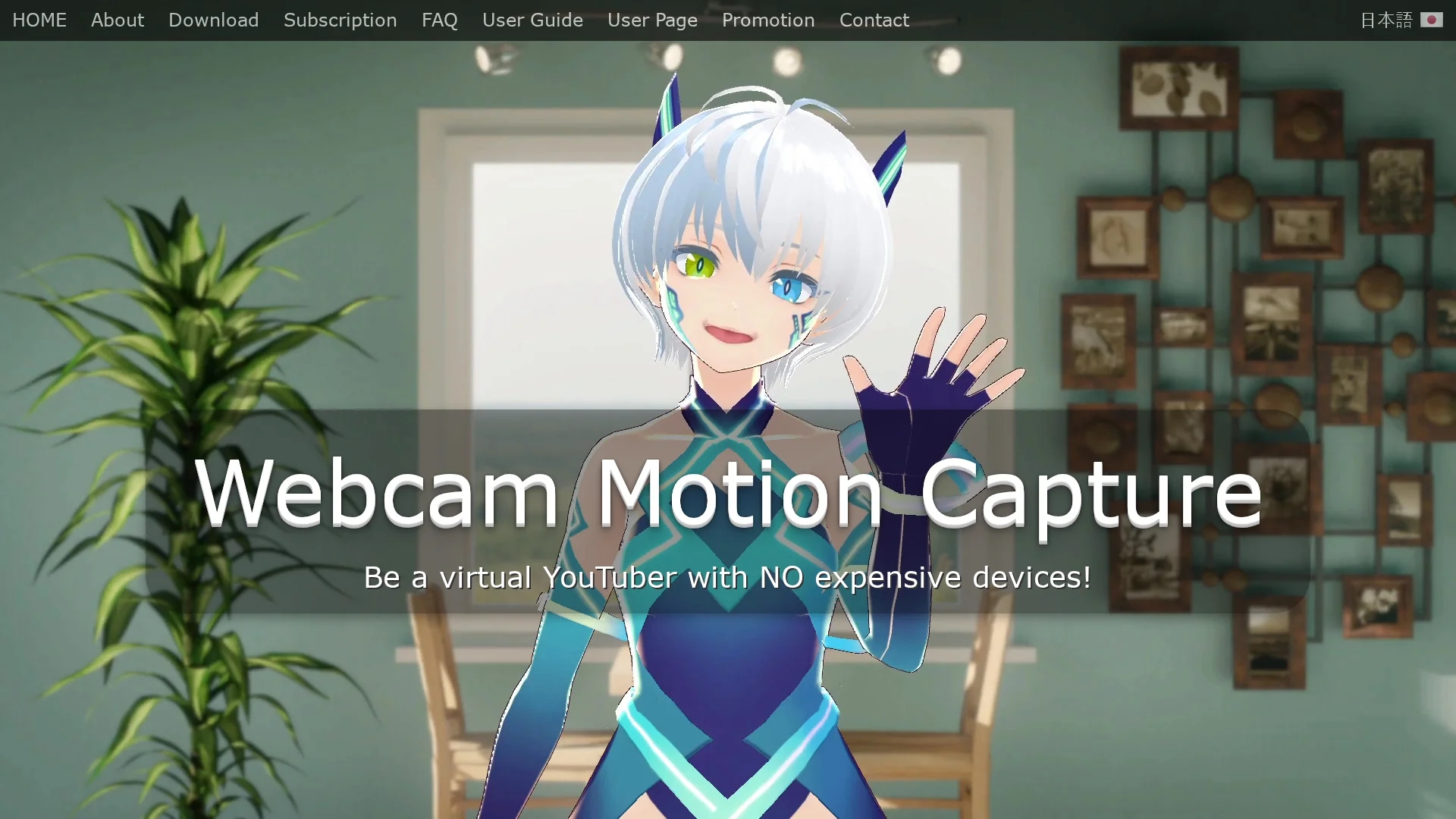
Webcam Motion Capture is an AI-powered tool that uses webcams to control 3D avatars with precise hand, finger, facial expression, eye gaze, and lip sync tracking for lifelike animations.
Disclaimer: Visionary Hub is not affiliated with, endorsed by, or the operator of this tool. All trademarks, logos, and content are the property of their respective owners. Full disclaimer available here
Key Features
3D Avatar Control
Full avatar control using webcam-based motion capture.
Hand & Finger Tracking
High-quality tracking of hands and fingers without special devices.
Facial Expression Tracking
Captures facial expressions, eye gaze, blink detection, and lip sync.
Data Export
Exports motion capture data as FBX files for 3D software integration.
Get Started
Share & Save
Share on Social Media
Why Choose Webcam Motion Capture
No Special Hardware:
Controls 3D avatars using only a standard webcam without extra devices.Comprehensive Tracking:
Includes hand, finger, head, facial expression, eye gaze, and lip sync tracking.Wide Compatibility:
Supports VMC protocol and exports FBX files for major software and game engines.
Pricing
All tracking features can be tried for free. Subscription is required to hide UI and use tracking data with external apps. Prepaid and lifetime license options are available. Payment methods include credit cards and PayPal.
About Webcam Motion Capture
Webcam Motion Capture is an AI-powered tool that uses webcams to control 3D avatars with precise hand, finger, facial expression, eye gaze, and lip sync tracking for lifelike animations.
What Webcam Motion Capture Does
Webcam Motion Capture enables users to animate 3D avatars in real time using just a webcam, providing natural and precise control over hand, finger, head, and facial movements. This enhances live streaming, virtual presentations, and game development with lifelike avatar animations.
The tool features robust AI-powered tracking for hands, fingers, facial expressions, eye gaze, and lip sync. It sends tracking data to external applications via the VMC protocol and saves motion capture data as FBX files for use in major computer graphics software. It also integrates with game engines such as Unity and Unreal Engine through free plugins.
Use cases include creating engaging live streams on platforms like Twitch and YouTube, producing realistic animations for training or educational content, and developing interactive virtual reality experiences or games with detailed motion capture.
Pros & Cons
Cost Effective
Eliminates need for expensive motion capture hardware.
Real-Time Integration
Sends tracking data live to external apps and game engines.
Subscription Required
Advanced features like UI hiding and external data use require subscription.
Performance Dependent
Tracking quality depends on webcam quality and lighting conditions.
Frequently Asked Questions
Yes, it supports live streaming on YouTube via OBS Studio with avatar control.
No, basic tracking features are free; subscription unlocks UI hiding and external data use.
Windows 10 or later and Mac OS Catalina or later are supported.
Yes, data can be saved as FBX files compatible with Blender, Maya, and others.
Yes, it supports Unity and Unreal Engine via free plugins using the VMC protocol.
Similar Tools You Might Like
Discover more AI-powered tools that complement your workflow

List Your AI Tool & Reach Thousands of Users
Join 500+ AI innovators already thriving on our platform. Get visibility, feedback, and boost your conversions.
Expand Your Audience
Connect with over 50,000 AI enthusiasts actively looking for tools like yours.
Boost Your Authority
Get verified reviews and ratings to build credibility in the AI marketplace.
Drive Conversions
Our premium placements and targeted audience deliver quality leads and sign-ups.