
VSCO
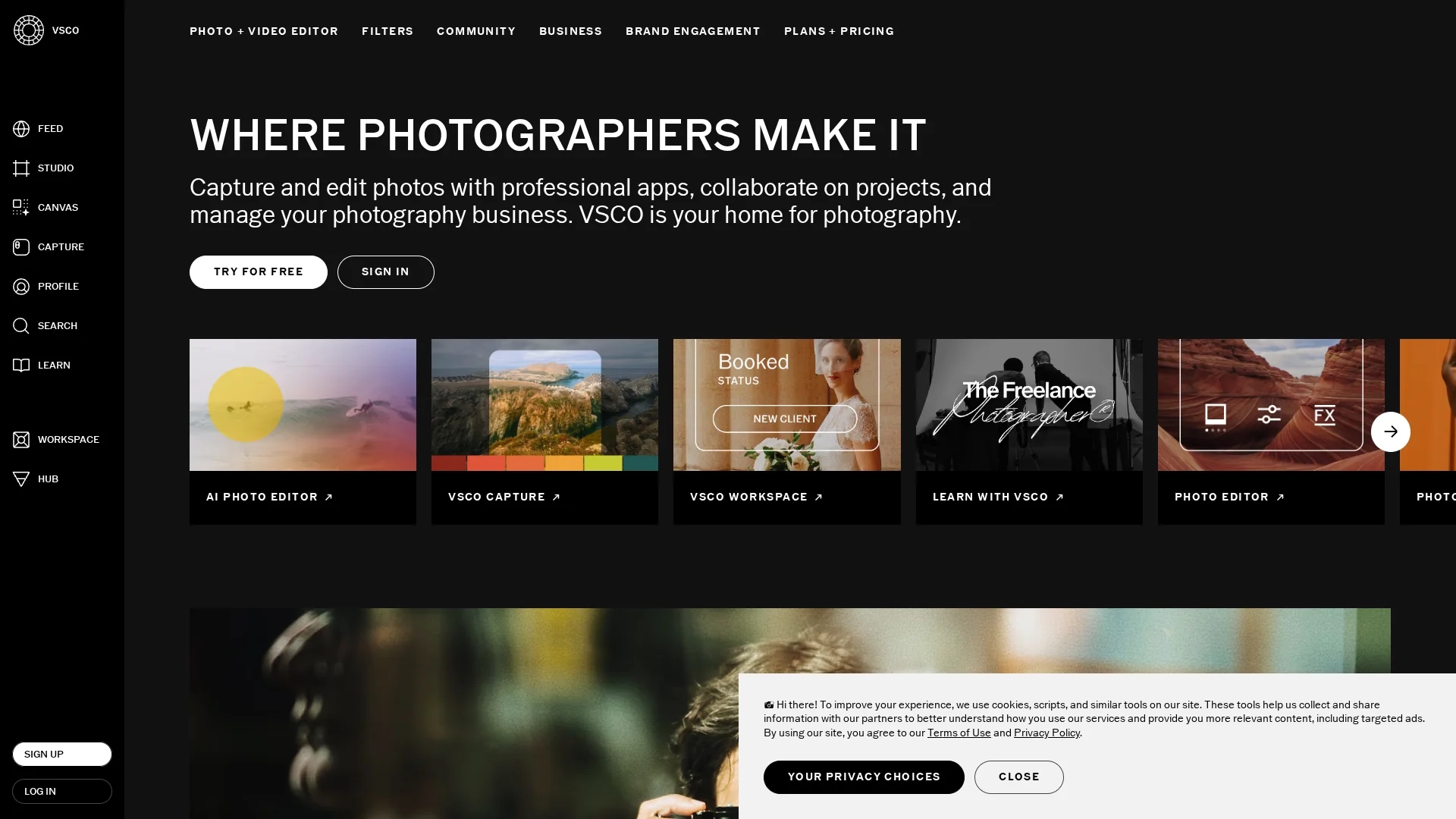
VSCO is a cross-platform photo and video editor offering 200+ customizable presets, analog-style Film FX, AI-powered Remove, live capture, clip-level video edits, and portfolio tools for creators.
Disclaimer: Visionary Hub is not affiliated with, endorsed by, or the operator of this tool. All trademarks, logos, and content are the property of their respective owners. Full disclaimer available here
Key Features
200+ Presets
Customizable filters and analog Film FX for unique visual styles.
AI Remove Tool
Erase unwanted objects for cleaner photo compositions.
Live Capture
In-app camera with live presets for consistent photo shoots.
Video Editing
Clip-level adjustments and film-inspired effects for videos.
Get Started
Share & Save
Share on Social Media
Why Choose VSCO
Cross-Platform:
Available on mobile and desktop for seamless editing across devices.AI Editing:
Includes AI-powered Remove and high-fidelity retouching tools.Workflow Tools:
Offers workspace and studio features for professional business management.
Pricing
VSCO offers Starter, Plus, and Pro membership plans with free trials. Pricing details are available at https://vsco.co/subscribe/start. Workspace tools target professional photographers with separate offerings.
About VSCO
VSCO is a cross-platform photo and video editor offering 200+ customizable presets, analog-style Film FX, AI-powered Remove, live capture, clip-level video edits, and portfolio tools for creators.
What VSCO Does
VSCO provides comprehensive photo and video editing capabilities, enabling users to apply over 200 customizable presets, analog Film FX, and precise exposure and color adjustments to create cohesive visual content. It benefits creators by streamlining editing and enhancing image quality.
The tool features AI-powered Remove for object erasure, high-fidelity retouching, live in-app camera presets, and clip-level video editing. Workspace and Studio tools support client management, shoot planning, and workflow automation for professional photographers.
VSCO is widely used by content creators, photographers, and marketers to produce social media feeds, ecommerce images, cinematic videos, and manage portfolios and client projects efficiently.
Pros & Cons
Comprehensive Tools
Combines photo, video editing, and business management features.
Community Integration
Supports portfolio building and connection with photographers.
Pricing Details
Specific pricing requires visiting the subscription page.
Learning Curve
Advanced features may require time to master for beginners.
Frequently Asked Questions
VSCO is available on iOS, Android, macOS, and Windows devices.
Yes, free trials are available for Starter, Plus, and Pro memberships.
VSCO offers AI-powered Remove and high-fidelity photo retouching tools.
Yes, Workspace and Studio tools support client management and workflow.
Yes, VSCO includes community features for sharing and portfolio building.
Similar Tools You Might Like
Discover more AI-powered tools that complement your workflow



List Your AI Tool & Reach Thousands of Users
Join 500+ AI innovators already thriving on our platform. Get visibility, feedback, and boost your conversions.
Expand Your Audience
Connect with over 50,000 AI enthusiasts actively looking for tools like yours.
Boost Your Authority
Get verified reviews and ratings to build credibility in the AI marketplace.
Drive Conversions
Our premium placements and targeted audience deliver quality leads and sign-ups.