
Voicetypr
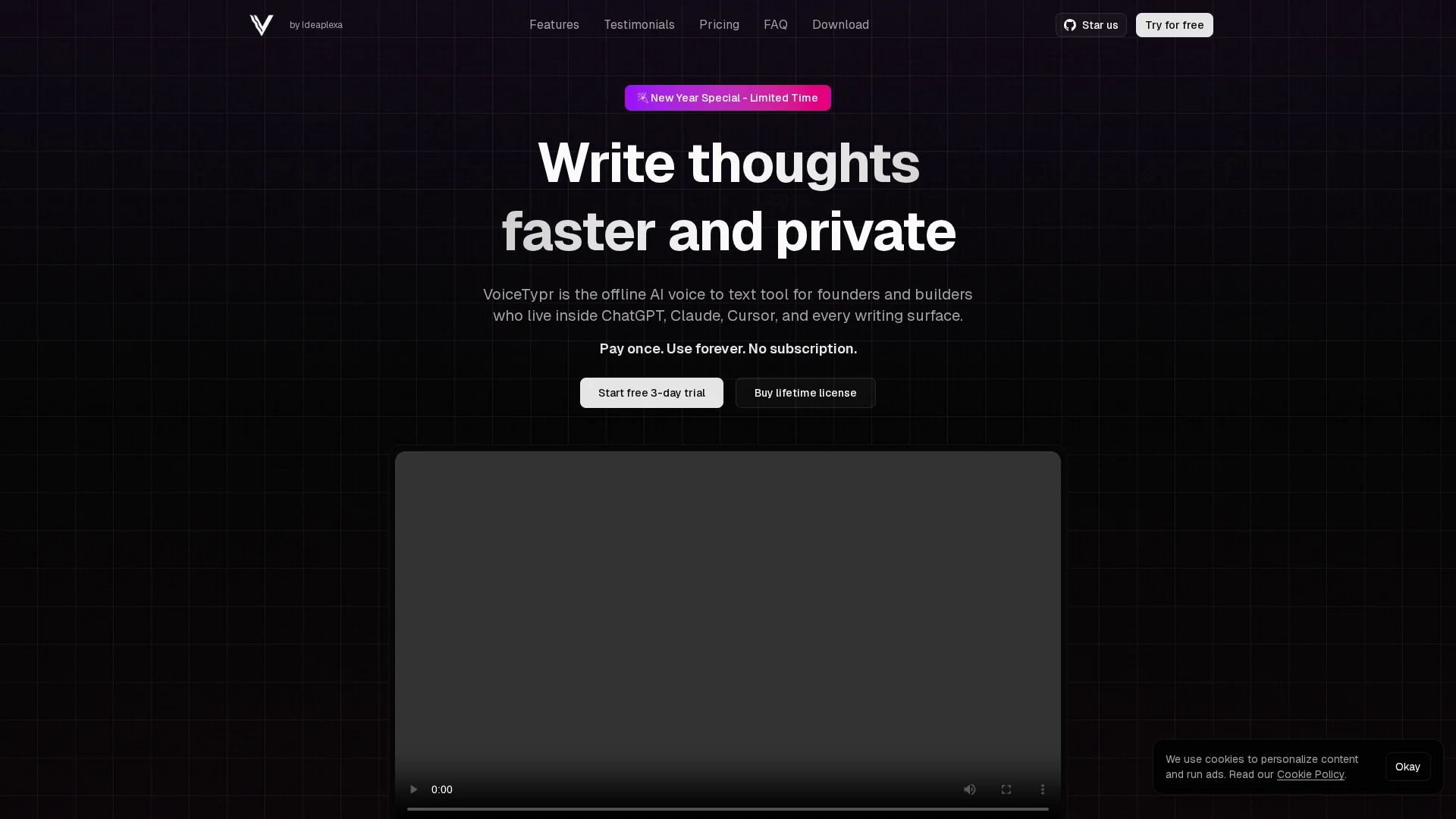
VoiceTypr is an offline AI voice-to-text app that transcribes speech locally for private dictation, supporting over 99 languages and smart formatting for emails, coding, and documents.
Disclaimer: Visionary Hub is not affiliated with, endorsed by, or the operator of this tool. All trademarks, logos, and content are the property of their respective owners. Full disclaimer available here
Key Features
Offline AI
Runs entirely on your device without internet connection.
Smart Formatting
Offers five modes to polish text from casual to formal.
Custom Hotkeys
Set global shortcuts to toggle or push-to-talk anywhere.
Audio Transcription
Supports transcription of MP3, WAV, M4A, MP4, and MOV files.
Get Started
Share & Save
Share on Social Media
Why Choose Voicetypr
Offline Privacy:
Processes voice locally to keep data private and secure.Multi-Language:
Supports over 99 languages for diverse user needs.Lifetime License:
One-time purchase with no recurring subscription fees.
Pricing
VoiceTypr offers a paid pricing model with lifetime licenses. Plans include Pro ($35), Plus ($56), and Max ($98), each providing lifetime access and all future updates. A free 3-day trial is available. A 7-day money-back guarantee is offered.
About Voicetypr
VoiceTypr is an offline AI voice-to-text app that transcribes speech locally for private dictation, supporting over 99 languages and smart formatting for emails, coding, and documents.
What Voicetypr Does
VoiceTypr converts spoken words into text offline, enabling users to dictate emails, code, and documents privately without internet dependency. This boosts productivity by eliminating typing distractions.
The tool supports over 99 languages and offers smart formatting modes to polish transcriptions for various contexts. It uses AI models downloaded locally, customizable hotkeys for easy dictation toggling, and can transcribe audio and video files.
VoiceTypr is ideal for content creators, software developers, and technical writers who need fast, private transcription across multiple platforms and languages.
Pros & Cons
Privacy
All voice data is processed locally, ensuring confidentiality.
Speed
Instant transcription with no cloud latency.
Platform Limit
Available only on Windows 10+ and macOS Ventura 13+.
No Code-Signing
Windows SmartScreen may show warnings due to unsigned app.
Frequently Asked Questions
Yes, a 3-day free trial with unlimited transcription is available without requiring a credit card.
Yes, all processing happens locally on your device; no audio leaves your computer.
Yes, it pastes formatted text into ChatGPT, Claude, Cursor, VS Code, email, and any other app.
Windows 10+ or macOS Ventura 13+ with minimum 4 GB RAM; Apple Silicon recommended for macOS.
The app is not code-signed yet; you can safely bypass SmartScreen warnings by selecting 'Run anyway.'
Similar Tools You Might Like
Discover more AI-powered tools that complement your workflow
List Your AI Tool & Reach Thousands of Users
Join 500+ AI innovators already thriving on our platform. Get visibility, feedback, and boost your conversions.
Expand Your Audience
Connect with over 50,000 AI enthusiasts actively looking for tools like yours.
Boost Your Authority
Get verified reviews and ratings to build credibility in the AI marketplace.
Drive Conversions
Our premium placements and targeted audience deliver quality leads and sign-ups.