
VoiceToText
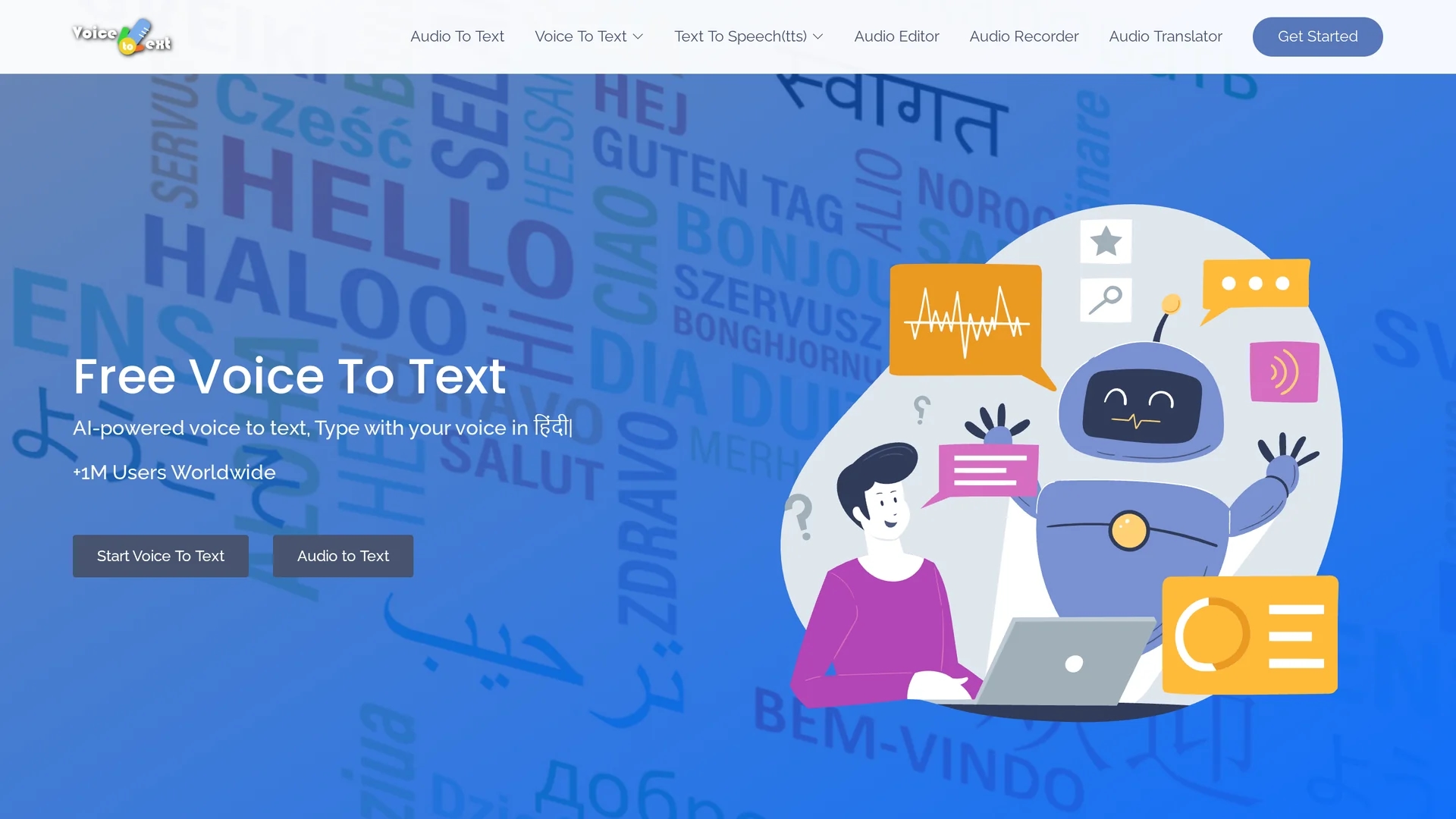
Voice Text is an AI-powered online speech recognition tool that converts voice to text in real time, supporting over 30 languages with editing, punctuation, audio recording, and export features.
Disclaimer: Visionary Hub is not affiliated with, endorsed by, or the operator of this tool. All trademarks, logos, and content are the property of their respective owners. Full disclaimer available here
Key Features
High Accuracy
Transcribes speech with up to 95% accuracy.
Audio Recording
Record audio directly within the platform.
Export Options
Export transcripts in TXT, DOCX, and other formats.
Multi-language Support
Supports more than 30 languages and non-native accents.
Get Started
Share & Save
Share on Social Media
Why Choose VoiceToText
Multi-language:
Supports over 30 languages and various accents for global users.Real-time:
Instant voice-to-text conversion with minimal delay.Editing Tools:
Allows formatting like bold, underline, and punctuation.
Pricing
Pricing details are not explicitly provided on the homepage. For current prices, visit the official page.
About VoiceToText
Voice Text is an AI-powered online speech recognition tool that converts voice to text in real time, supporting over 30 languages with editing, punctuation, audio recording, and export features.
What VoiceToText Does
Voice Text converts spoken words into written text instantly, enabling users to transcribe meetings, lectures, and content ideas efficiently. This real-time transcription improves productivity by eliminating manual note-taking.
The tool supports over 30 languages and accents, offering editing features such as bold and underline formatting, punctuation insertion, and emoticons. Users can also record audio and export transcripts in formats like TXT and DOCX, making it versatile for different workflows.
Voice Text is suitable for industries including education, content creation, healthcare, and software development, where accurate and fast speech-to-text conversion is essential.
Pros & Cons
Wide Language Support
Covers a broad range of languages and accents.
User-friendly Editing
Includes formatting tools for easy transcript customization.
Browser Limitation
Works only on Google Chrome browser.
Internet Required
Requires an active internet connection to function.
Frequently Asked Questions
Voice Text supports over 30 languages and various non-native accents.
Pricing details are not specified; visit the official site for current plans.
It works on Google Chrome with an internet connection on any OS.
Yes, you can format text with bold, underline, punctuation, and emoticons.
Yes, transcripts can be exported in formats like TXT and DOCX.
Similar Tools You Might Like
Discover more AI-powered tools that complement your workflow
List Your AI Tool & Reach Thousands of Users
Join 500+ AI innovators already thriving on our platform. Get visibility, feedback, and boost your conversions.
Expand Your Audience
Connect with over 50,000 AI enthusiasts actively looking for tools like yours.
Boost Your Authority
Get verified reviews and ratings to build credibility in the AI marketplace.
Drive Conversions
Our premium placements and targeted audience deliver quality leads and sign-ups.